It’s evident that Microsoft Dynamics GP is an agile financial business management application that enables many mid-sized businesses to, simply put, do better and more efficient accounting. And let’s be honest – who doesn’t like doing productive work? There’s no doubt that the ongoing features and add-ons from Microsoft continue to innovate and keep the software cranking for you.
One example in particular is the advent of the Doc Attach feature in 2013, which helped businesses work with GP’s Web Client and attach documents to designated transactions. This new functionality made it easier to associate documents without searching for all of them at once.
That said, Doc Attach is only the tip of the document management iceberg. There are frontiers beyond this to boost the effectiveness of your AP processes and become a productivity guru like never before.
Let’s go into the specifics as to why you’ll want to venture outside of Doc Attach’s capabilities:
Reason #1: More Automation
It’s very common that your workers may not have access to everything they need, and this can bottleneck project completion. When you do everything manually, things fall between the cracks. While Doc Attach helps you attach documents to AP files, there’s a better way to actually file and archive documents! Any AP Manager knows the pain points – they revolve around resources, missing documents, and a lack of compliance.
However, by having software bots automate AP processes, you cut down on time spent manually doing it. This not only streamlines efficiency and information exchange, but it also reduces human error associated with tasks. This includes Robotic Workflow Automation, advanced online invoice routing, and more.
Reason #2: Continual Upgrades Without the Wait
With Dynamics GP, you must let the clock tick and wait until the next round of upgrades/updates are made available. That one big problem you have with paying an invoice? You’ll have to take that extra step every single time until a new release is out.
Having a document management software vendor can cater to your business and provide ongoing, steady support when you need it.
Here at DocuPhase, we provide comprehensive support via phone and email to all our registered users. You’re not just a number to us; you’re part of our family.
Reason #3: Get Actionable Analytics
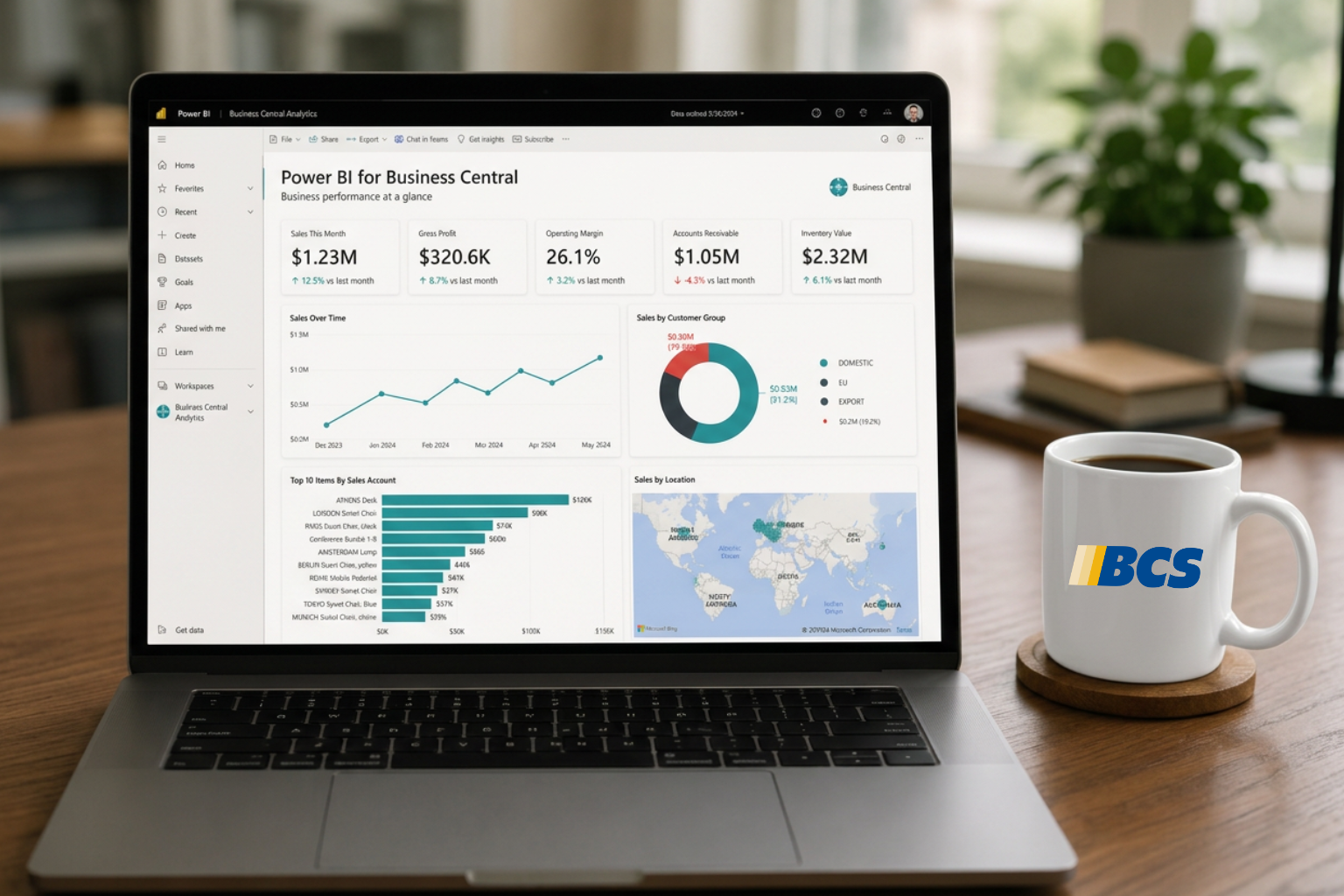
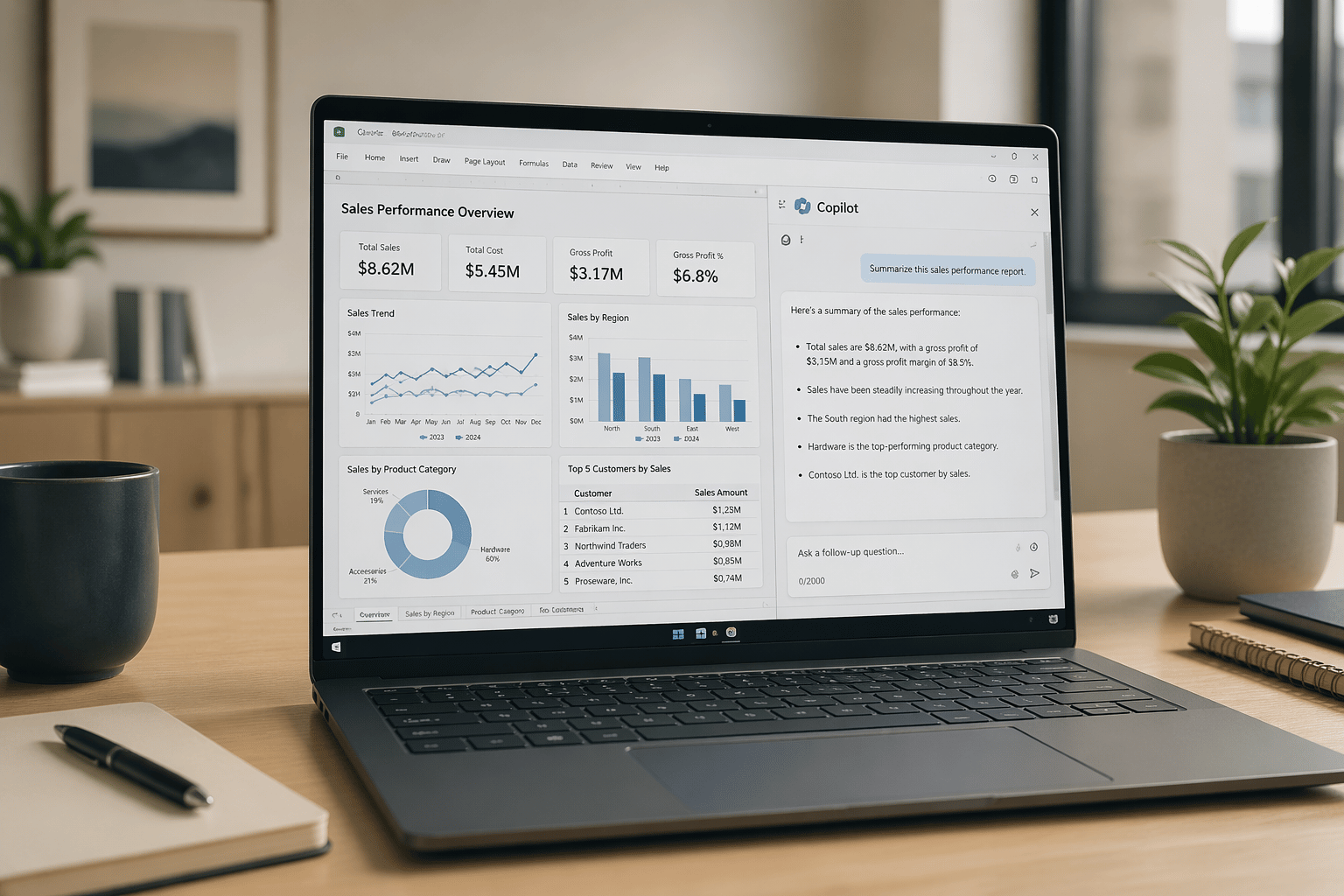
It’s one thing to juggle paperwork and invoices, but it’s an entirely different matter when you can zoom out and actually see how your process is working (or not working). Getting access to customized dashboards allows you and your team to monitor and evaluate business decisions, so you can make the best adjustments possible in near real-time.
This far exceeds the capability of Doc Attach because you’ll be able to immediately notice if there’s a delay or issue in your overall AP process. By having a document management system, you can capitalize on the aforementioned robust analytics and keep an eye on everything – not just invoices.
Reason #4: Permission-Based Access
Most files with Doc Attach are housed within GP as part of SQL, so you’ll never have to worry about the security of your files. That said, a document management system can set permissions for each user on what files they can and cannot access. This simplifies the steps involved to mitigate issues of someone not having access vs. having access to something a teammate isn’t supposed to see.
This is huge within an organization, so having the ability to set this up the proper way can save a huge chunk of time down the line.
Making Document Management Work for You
In the world of document management, there are skills far exceeding Doc Attach that you can use to upgrade and heighten your day-to-day accounting capabilities.
To learn more about Robotic Accounting Automation and how it can work for your business, feel free to click here.