
Ask the owner of a metal fabrication shop whether last month’s jobs made money, and you’ll often get one of two answers: “I think so” or “I’ll know when the accountant closes the books.” Neither is good enough when steel prices swing, skilled welders are hard to hire, and customers expect firm lead times.
The problem usually isn’t the ERP system. It’s the gap between the office and the shop floor. Quotes and production orders live in the system, but what actually happens at the laser, the press brake, and the weld cell lives on paper travelers, whiteboards, and memory. By the time that information is keyed in, if it ever is, it’s late, incomplete, or both.
What “shop floor data” actually means
Shop floor data is the record of what really happened to a job, operation by operation, compared with what was planned. For a fabricator, the useful set is small and concrete:
| DATA POINTS | EXAMPLE IN A FAB SHOP | WHY IT MATTERS |
|---|---|---|
| Labor Time | 2.5 hours of MIG welding on a frame assembly | Real cost per job, operator productivity |
| Setup Time | 40 minutes changing tooling on the press brake | Batch sizing, scheduling, quote accuracy |
| Machine Run Time | 1.2 hours of laser cutting on 3/8” plate | Machine utilization, capacity planning |
| Good and Scrapped Quantity | 48 good brackets, 4 scrapped for a bad bend | Yield, quality trends, reorder needs |
| Material Consumed | 14 sheets of 10-gauge steel, drops returned to stock | Inventory accuracy, material cost per job |
| Downtime and Reason | Laser down 3 hours, waiting on nitrogen | Bottlenecks, maintenance, lost capacity |
| Job Status | Cutting complete, at weld, waiting on paint | On-time delivery and customer updates |
Most shops already track some of this information. Most shops already know it informally. The value comes from capturing it consistently, at the moment it happens, in the same system that holds the quote, the order, and the invoice.
A familiar story: one job through a typical fab shop
Picture a 60-person fabricator that builds custom enclosures, brackets, and structural weldments for equipment manufacturers. A customer orders 200 welded steel enclosures. Here’s how the job often moves today:
- Quoting. The estimator prices the job from a spreadsheet, using labor rates and cycle times that were last checked a few years ago.
- Release. A production order prints out as a paper traveler and follows the parts around the shop.
- Cutting and forming. The laser operator cuts the blanks and the press brake operator bends them. Each jots start and stop times on the traveler, when they remember.
- Welding. Two welders split the job across shifts. One writes “6 hrs,” the other forgets. Eight parts are reworked for a bad fit-up, and nobody records why.
- Finishing and shipping. The job goes to powder coat, then ships two days late. The traveler lands in a tray in the office.
- Close. Days later, someone keys in what’s legible. Actual hours, scrap, and the extra material pulled for rework are estimates at best.
The result: the job looks profitable on paper because it was costed at standard. Nobody knows the rework ate most of the margin, so the estimator quotes the next job the same way. Multiply that across hundreds of jobs a year and the shop is flying blind on its own costs.
Why the data belongs in Business Central, not another silo
Many shops try to solve this with a standalone time-tracking app or a spreadsheet on a shop PC. That helps on the floor, but it creates a new island of data that someone still has to reconcile with the ERP.
Capturing shop floor data directly in Business Central closes that loop:
- Production data tied to the production order. Labor, machine time, scrap, and material post against the same production order that holds the BOM, routing, and sales order. There’s no export, import, or double entry.
- Costs flow automatically. Output, capacity, and consumption entries update work-in-process and finished-goods costs as work is reported, so finance sees actual job cost without waiting for month-end.
- Planning works from reality. Scheduling and capacity planning use the same work centers and machine centers that operators report against, so the plan reflects what the shop can really do.
- Everyone sees the same status. Sales, customer service, and production can check where a job stands without walking the floor or calling the supervisor.
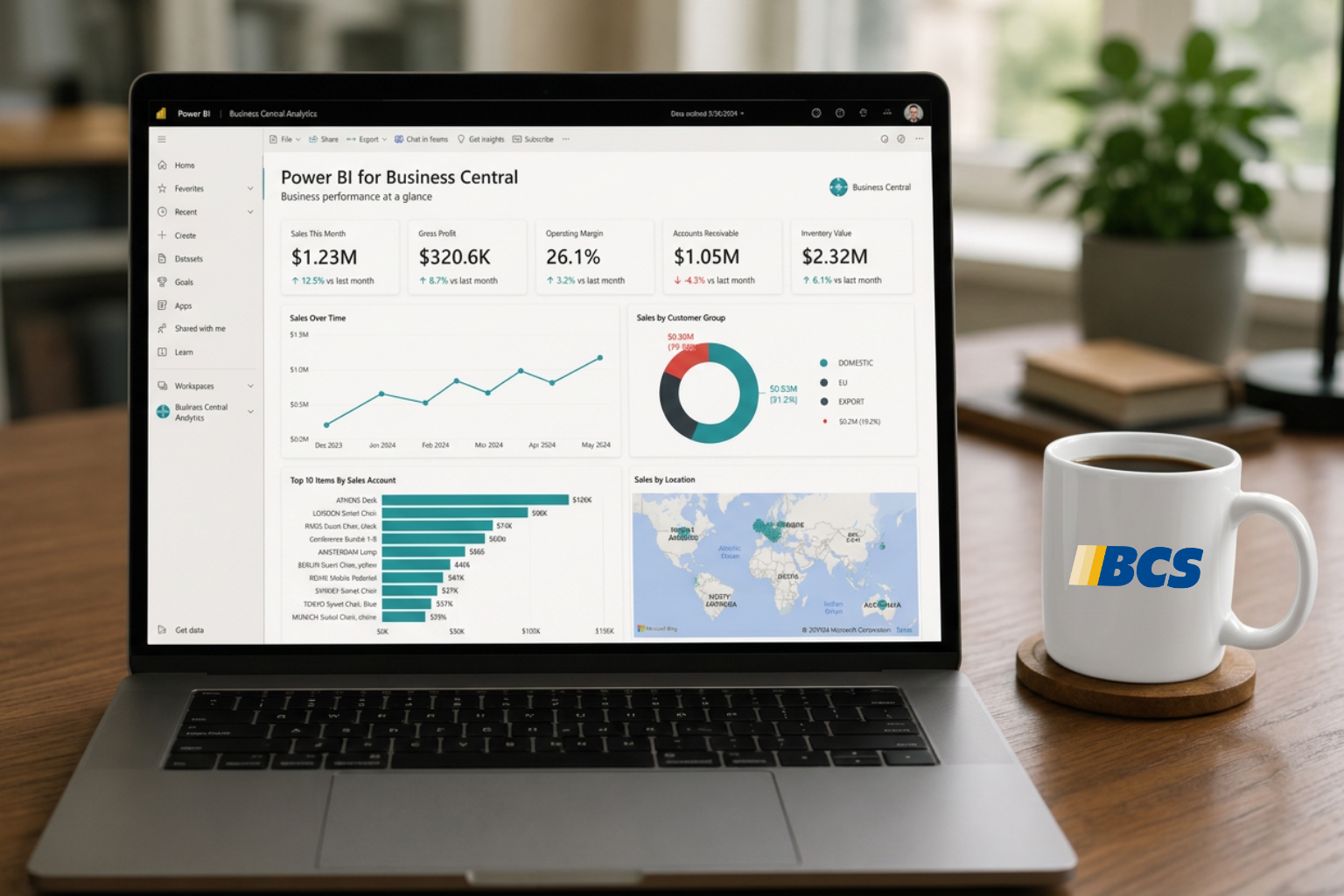
- Microsoft ecosystem on top. Once the data is in Business Central, it’s ready for Power BI dashboards, Excel analysis, and Copilot-assisted insights, with no separate integration project.
What changes for the fabricator
Go back to the 200-enclosure job. With operators reporting directly into Business Central, here’s what leadership gains.
Accurate job costing. Actual weld hours, rework, and extra material post to the production order as they happen. When the job finishes, the variance between standard and actual cost is right there, and the shop can see that rework, not welding speed, was the problem.
Smarter quoting. Estimators can compare quoted hours with actual hours by part family, material, and work center. Over a few months, cycle times and labor rates in the quote reflect how the shop really runs. That means fewer jobs won at a loss and fewer lost by padding.
Realistic schedules and lead times. When run and setup times come from real data, capacity planning stops overloading the press brake or the weld cell on paper. Planners can spot the true bottleneck and give customers dates they can keep.
Less scrap, better quality. Scrap quantities with reason codes, recorded at the operation where they happened, turn “we had some rework” into “fit-up issues on weldments from one part family are driving most of our scrap.” That’s something an engineer can fix.
Accurate inventory. Material consumption posted against each job keeps steel on hand accurate, so purchasing isn’t surprised by a shortage or sitting on excess plate.
Cleaner payroll and productivity data. Clock-ins and job time from the same source reduce disputes and give supervisors a fair view of where hours go, including indirect time like cleanup, training, and waiting on material.
Better customer conversations. When a customer calls asking where their order is, anyone can see it’s through cutting and forming and halfway through weld. No walk to the floor required.
How it works in practice
Business Central’s manufacturing capabilities already provide the structure. The shop floor piece is about making it easy for operators to feed that structure in real time.
The foundation in Business Central:
- Work centers and machine centers model the shop: a laser cutting cell, two press brakes, a robotic weld cell, manual weld stations, and finishing.
- Routings define the operations for each part, such as cut, deburr, form, weld, and finish, with planned setup and run times.
- Production orders tie a specific job to its BOM, routing, and the customer’s sales order.
- Output, consumption, and capacity journals record actual time, quantities, scrap, and material against each operation. Stop codes and scrap codes capture the reasons behind downtime and defects.
The capture layer on the floor
Operators shouldn’t have to navigate full ERP screens with gloves on. Most fabricators use a simple front end on rugged tablets or kiosks at each work center:
- The operator badges in or scans their employee ID.
- They scan the barcode on the traveler to pick the production order and operation.
- They tap Start, then Stop or Complete, and enter good and scrap quantities with a reason code.
- The entry posts to Business Central immediately, updating job cost, status, and capacity.
This front end can be a purpose-built shop floor data collection app from the Business Central partner ecosystem or a custom Power Apps solution, depending on the shop’s size and complexity. Either way, the data lands in Business Central, not a separate database.
Getting started without disrupting the floor
Start with one work center rather than rolling out across the entire shop.
- Clean up the master data. Confirm work centers, routings, and standard times reflect how parts are actually made. Even rough standards are fine to start; real data will refine them.
- Start with one area. Pilot at the bottleneck, often welding or the press brake, where better data pays back fastest.
- Keep it simple for operators. Start, stop, quantity, scrap reason. Add detail later once the habit is built.
- Involve the floor early. Explain that the goal is to fix processes and quotes, not to police individuals. Operator buy-in makes or breaks data quality.
- Review the numbers weekly. Compare quoted, standard, and actual hours by job. The first few weeks usually surface surprises worth acting on.
- Expand and refine. Roll out to remaining work centers, then add dashboards for leadership and feedback loops into estimating.
Get better shop floor data in Business Central
You don’t need to digitize the entire shop floor at once. Start with one area where missing or delayed production data creates problems for estimating, scheduling, or job costing.
BCS helps manufacturers connect shop floor activity with Dynamics 365 Business Central, including solutions from Insight Works. We can help you evaluate what you’re capturing today, where the gaps are, and how to make that information useful to the people running your business.
Contact BCS to discuss shop floor data collection for Business Central.