Most businesses don’t wake up one morning and decide to replace their ERP system. In our experience, the conversation usually starts because something changes.
A server refresh project is approaching. More employees need remote access. Leadership wants better reporting. The business has grown through acquisition. Teams are spending more time managing systems and workarounds than focusing on the work itself.
If you’re still assessing whether a move makes sense, our Dynamics GP to Business Central Migration Services page explains what typically changes, what carries forward, and how businesses approach the evaluation process.
While Microsoft’s announced end of support for Dynamics GP is certainly part of the conversation, it is rarely the only reason companies begin exploring their options. More often, the discussion starts because of practical business needs.
Here are some of the most common triggers we see.
Moving Away from On-Premises Infrastructure
For many Dynamics GP customers, the journey toward Business Central begins with a broader cloud strategy. Maintaining servers, planning hardware refreshes, managing backups, and supporting remote access all require time, resources, and ongoing investment. As infrastructure ages, companies naturally begin asking whether it still makes sense to manage these responsibilities internally.
Business Central’s cloud-based architecture removes much of that burden. Instead of planning around server lifecycles and infrastructure upgrades, companies can focus on the business processes and data that drive their operations.
For many teams, the cloud conversation comes first. The ERP conversation follows.
Wanting Better Integration Across the Business
Many businessess have built effective processes around Dynamics GP over the years. However, those processes often rely on multiple systems, manual data movement, custom integrations, spreadsheets, and workarounds developed over time.
Business Central is part of the broader Microsoft business platform, allowing companies to connect ERP data more naturally with:
- Microsoft Teams
- Microsoft Outlook
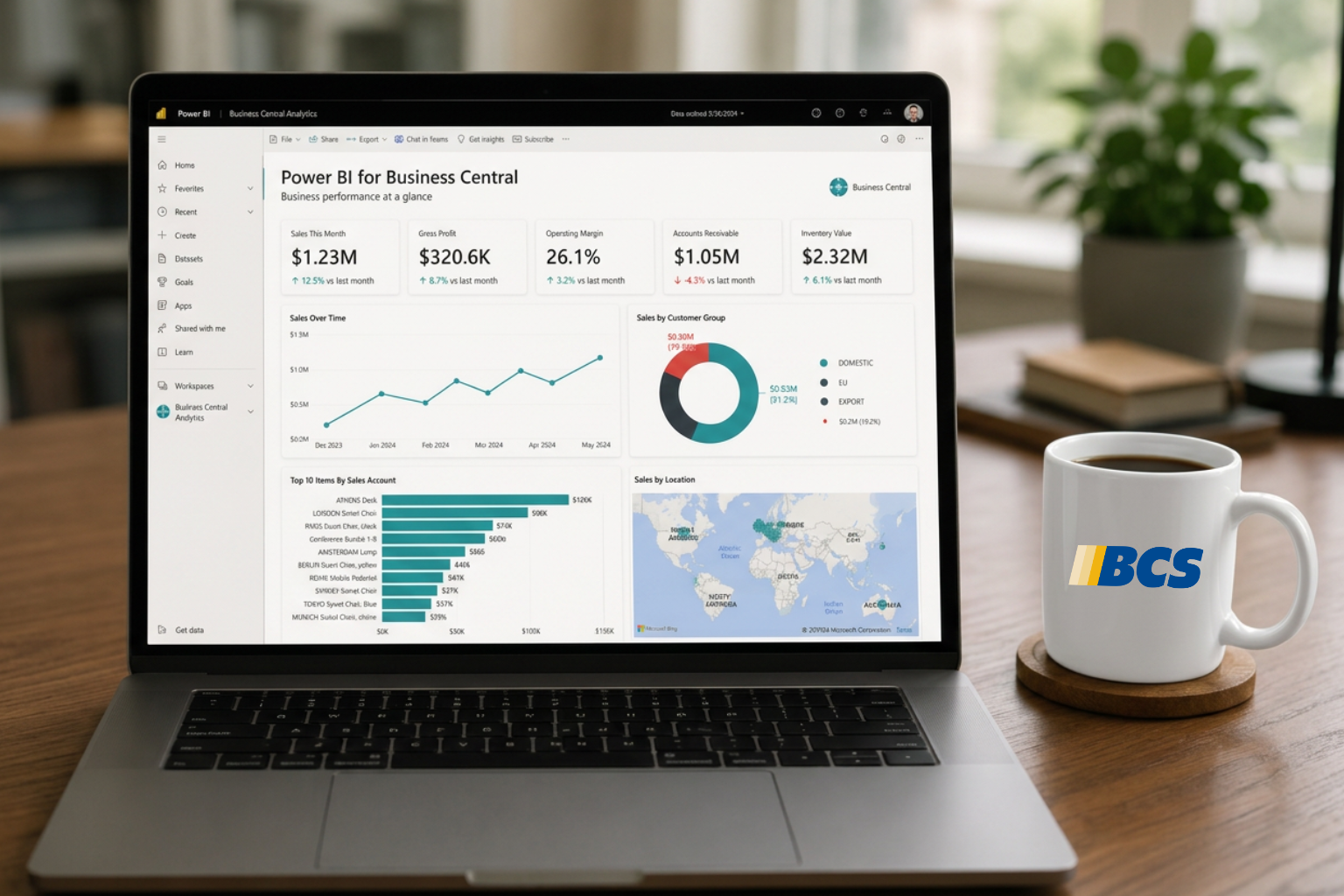
- Microsoft Power BI
- Microsoft Power Platform
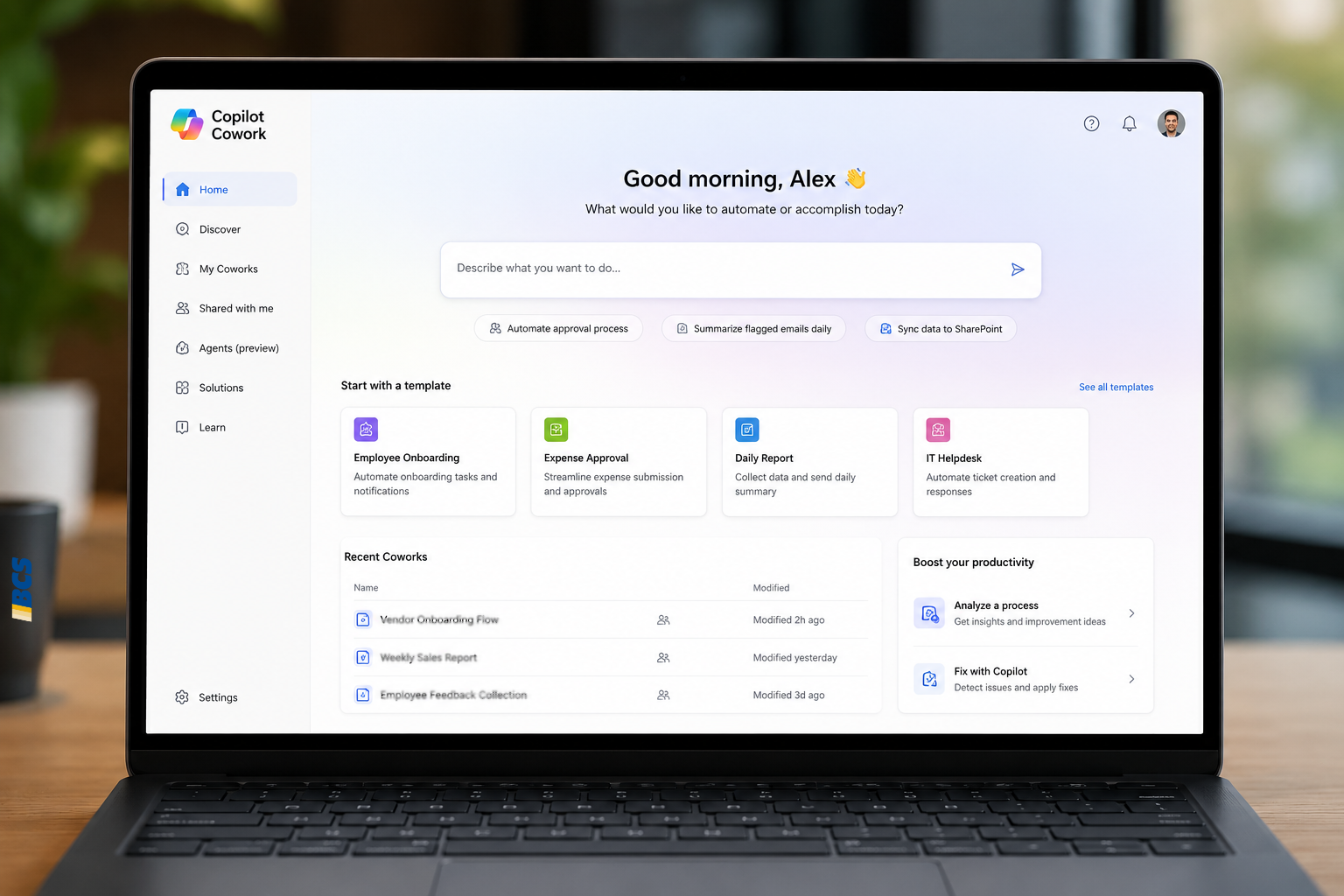
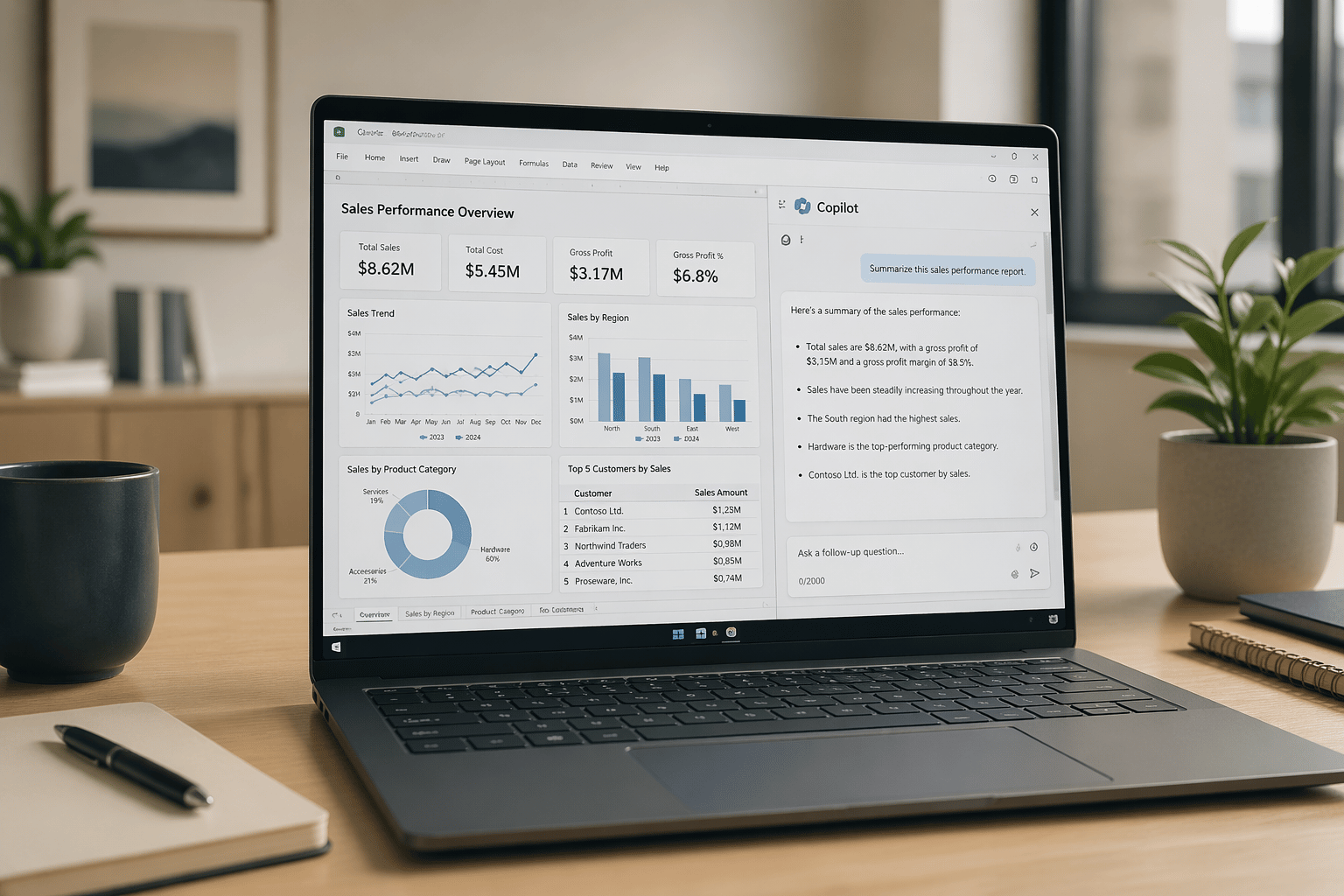
- Microsoft Copilot
For organizations already invested in Microsoft technologies, Business Central often represents more than a new ERP system. It becomes a foundation for improving collaboration, automation, reporting, and business visibility across departments.
The conversation shifts from “How do we replace GP?” to “How do we create a more connected business platform?”
Supporting Today’s Workforce Expectations
Business expectations have changed significantly since many businessess originally implemented Dynamics GP. Remote work, distributed teams, and anytime access to information are now standard expectations for many employees and leaders.
When access to financial data depends on VPN connections, office networks, or specific devices, even routine tasks can become more difficult than they need to be.
Accounting managers need access during month-end close. Executives want real-time visibility into business performance. Operations teams expect information to be available when decisions need to be made. For many companies, improving accessibility and flexibility becomes a stronger driver than any software support deadline.
Planning for Growth and Scalability
Growth often exposes limitations that were not visible when a system was first implemented.Additional business entities, acquisitions, new reporting requirements, and increasing integration demands can all add complexity over time.
Many organizations evaluating Business Central are not replacing a failing system. They are evaluating whether their current platform aligns with where the business is headed over the next five to ten years. The goal is reducing complexity while creating a platform that can support future growth.
Aligning with Microsoft’s Long-Term Strategy
Technology decisions are rarely made in isolation. Organizations often want to understand where vendors are investing, which products are receiving ongoing innovation, and how future capabilities will be delivered.
Business Central is Microsoft’s strategic ERP platform for small and mid-sized businesses. As Microsoft continues investing in cloud services, automation, analytics, and AI capabilities, many organizations view Business Central as the platform most aligned with Microsoft’s long-term roadmap.
For leadership teams making multi-year technology decisions, that matters.
The Best Time to Evaluate Isn’t Always the Last Minute
One of the most common misconceptions about ERP migration is that planning equals commitment. In reality, many organizations begin by simply understanding their options. They assess their current Dynamics GP environment, identify customizations and integrations, review reporting requirements, and determine what a future migration might involve.
This process creates flexibility and allows leadership teams to make informed decisions on their own timeline rather than reacting to external deadlines or unexpected business events.
Businesses that begin planning early often spend time understanding migration requirements before making a decision. Our Dynamics GP to Business Central Migration Overview & Considerations guide covers common questions around data migration, customizations, integrations, reporting, and historical data.
Start with Understanding Your Options
The companies that navigate ERP transitions most successfully aren’t necessarily the ones that move first. They’re the ones that start learning before a decision becomes urgent. Whether you’re actively planning a migration or simply gathering information, understanding your options today creates flexibility tomorrow.
For some companies, that evaluation leads to a Business Central migration. For others, it confirms that continuing on Dynamics GP with the right support is still the best path for now. The important thing is making the decision intentionally.
Explore our Dynamics GP to Business Central Migration Services page to learn what a transition typically involves, or review our Dynamics GP Support Services if you’re not ready to move and want to continue maximizing your current investment.
If you’d like to discuss your environment, goals, and options, contact the BCS team for a conversation about what makes the most sense for your organization.