Microsoft Dynamics GP support will end on December 31, 2029, prompting many organizations to evaluate what comes next.
For companies that have relied on GP for years, or even decades, the decision isn’t simply about replacing software. It’s about understanding what changes, what carries forward, and how to minimize disruption for users, reporting, integrations, and day-to-day operations.
For many small and mid-sized businesses, Microsoft Dynamics 365 Business Central has become the leading path forward. This article provides an overview of the Dynamics GP to Business Central migration process, including what data can be migrated, what may require additional planning, and key considerations to evaluate before starting a project.
Dynamics GP to Business Central Migration at a Glance
- GP support ends December 31, 2029
- Business Central is Microsoft’s cloud ERP platform for small and mid-sized businesses
- Most master data and open transactions can be migrated
- Customizations and ISV solutions require evaluation
- Historical reporting strategies should be determined before migration
If you’re still evaluating whether Business Central is the right fit for your organization, visit our Dynamics GP to Business Central Migration Services page for a broader overview of what changes, what carries forward, and how organizations typically approach the transition.
Why GP Organizations Consider Business Central
- Modern cloud-based infrastructure that allows access from anywhere.
- Regular and incremental automatic cloud-based functionality and security updates.
- Reduced technical support costs and upgrade costs.
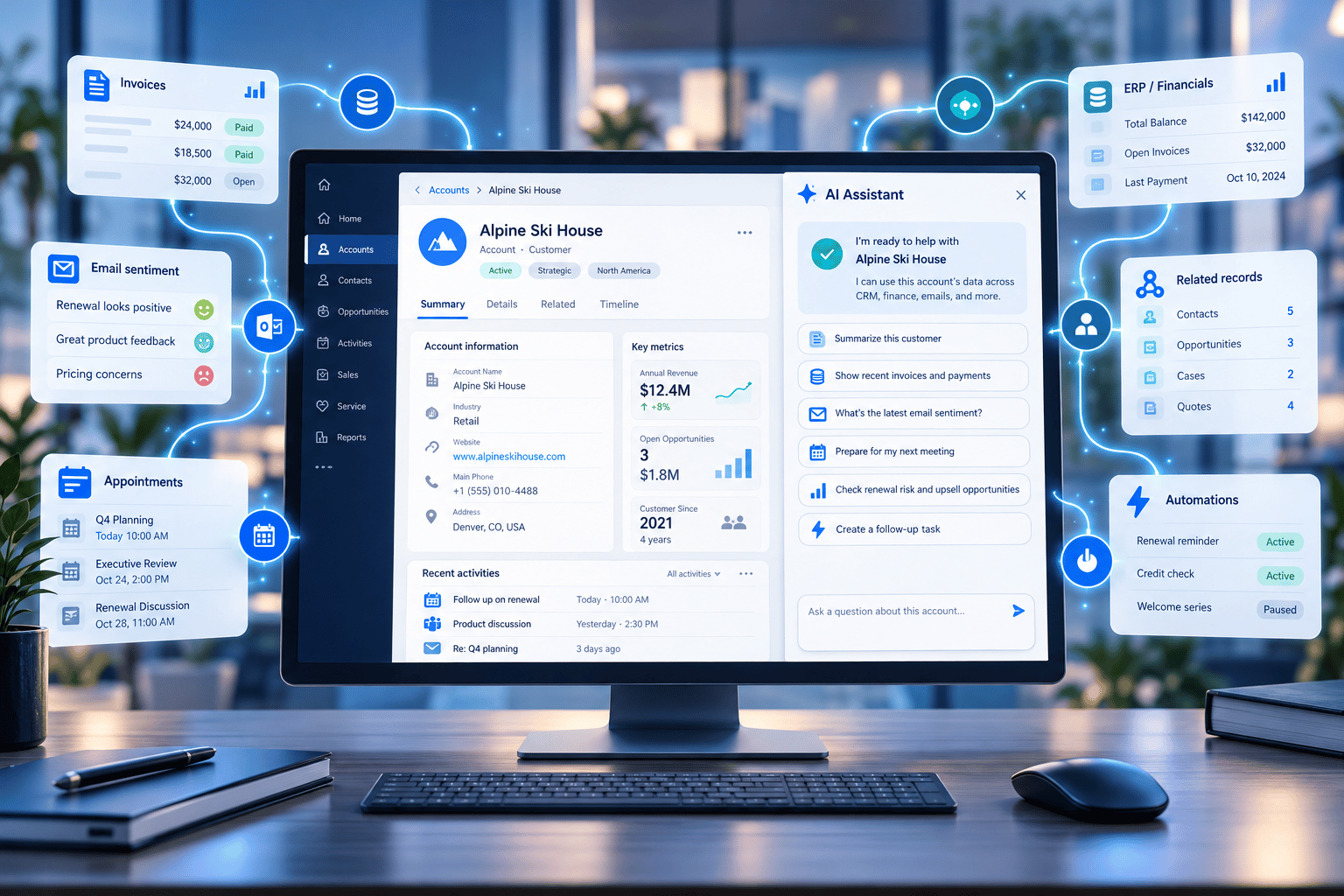
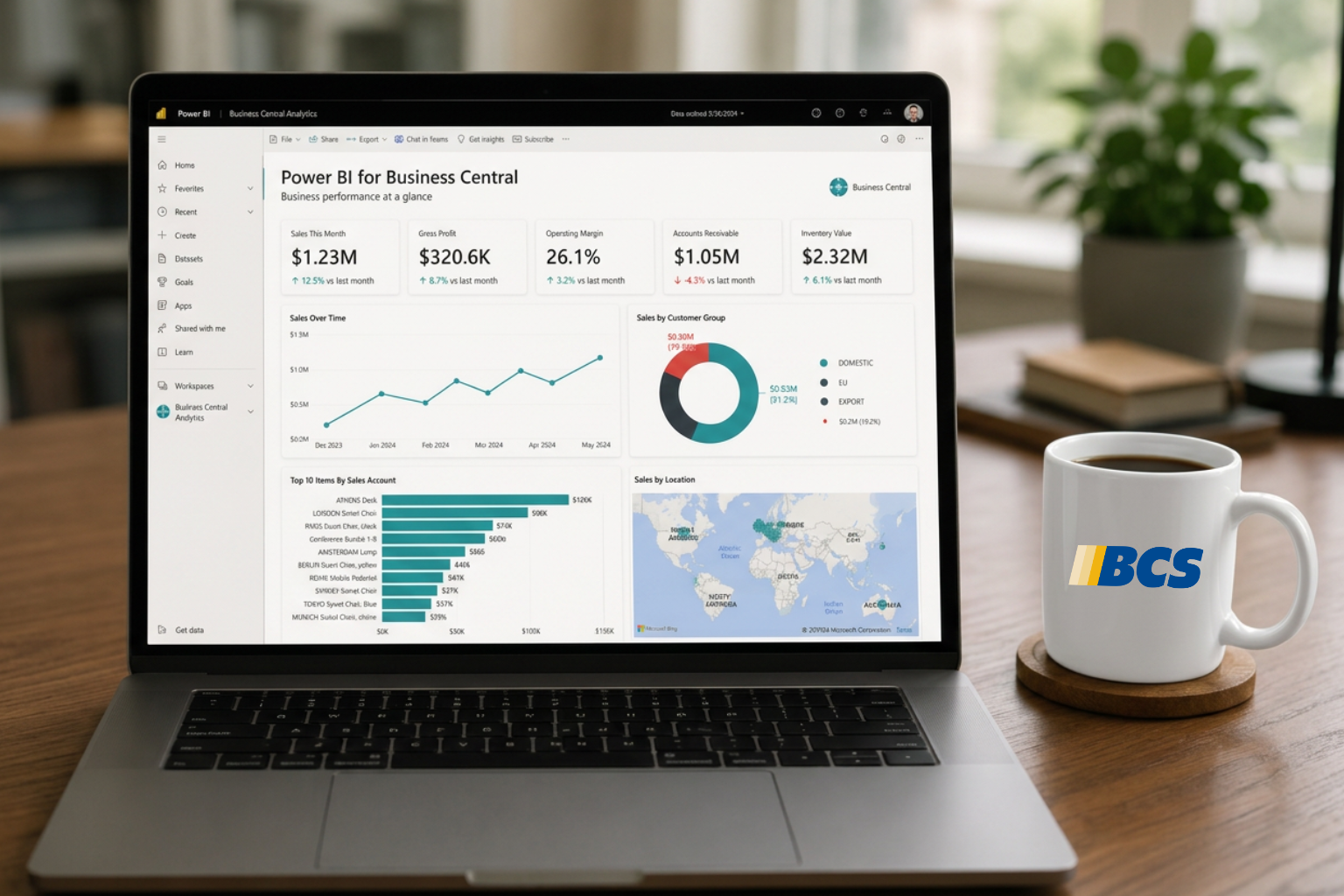
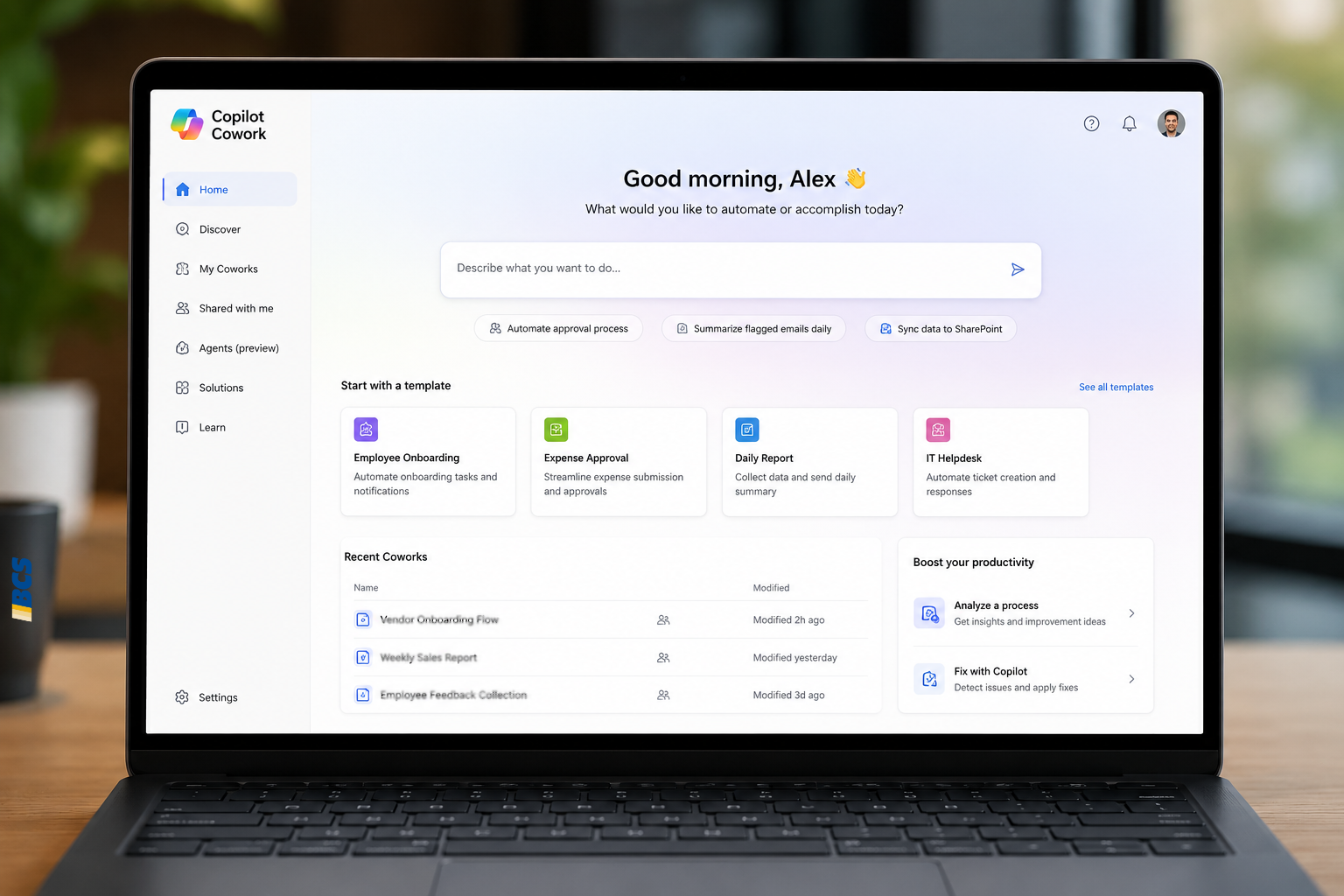
- Integration of Microsoft AI capabilities, along with compatibility across the Microsoft suite of products, including Teams, Outlook, Power BI, and others.
- Flexible licensing options allow easy assignment to M365 Entra IDs or any user email, with annual or monthly subscriptions available.
- Dimension accounting rather than account segments.
- Multiple options for importing from and exporting to Excel.
What Moves Automatically and What Requires Planning
Business Central Cloud Migration Tool Overview
The Business Central cloud migration tool is available for migration from Dynamics GP version 2015 or newer. This tool migrates G/L Account, Customer, Vendor, Items, and Bank Account master records, Segment/Dimension coding and outstanding transactions. Historical documents are migrated into archive tables for reference.
Some modules do not migrate via the migration tools and require manual migration. Examples include:
- G/L Budgets
- Fixed Assets
- Project Accounting
- Manufacturing
- Some inventory item attributes (e.g. serial & lot nos.)
ISV data, custom code, and custom data require manual migration.
Handling Historical Dynamics GP Data
As mentioned above, historical Dynamics GP transactions are migrated to archive tables for reference. Also, Dynamics GP and/or SQL can be maintained for archiving and can reported with Business Central data by using tools like Microsoft Power BI or EOne Popdock. Further, SQL can be migrated to Azure SQL and maintained for archive and reporting purposes.
Things to Consider for Migrating from GP to BC
- Technical requirements for BC Cloud Migration Tool
- ISVs and External Integrations
- Custom Code and Custom Fields
Common Questions GP Teams Ask Before Migrating
- What happens to historical data?
- What happens to Management Reporter?
- What happens to SmartLists?
- What happens to customizations?
- How much training is required?
A successful Dynamics GP migration isn’t simply a data conversion project. It requires understanding how your organization uses GP today, what processes should be carried forward, and where Business Central offers opportunities to simplify or modernize operations.
While every organization’s requirements differ, early evaluation often provides the most flexibility and the lowest overall risk.
Deciding Whether Business Central Is the Right Next Step
This article covers migration mechanics. If you’re still evaluating whether Business Central makes sense for your organization, and what actually changes for GP teams, this overview focuses on the decision before implementation details.