Scroll to the bottom of the blog for a recorded demo of the Payables Agent in D365 Business Central.
Accounts payable teams often spend hours each week downloading invoices, entering data, identifying vendors, and coding expenses. Even with modern ERP systems, invoice intake and entry are still surprisingly manual.
Vendors email invoices as PDF attachments. Someone in finance downloads the file, reads it, identifies the vendor, codes the expense, and creates the purchase invoice in the system. It’s repetitive work and exactly the type of workflow AI agents are starting to automate.
Microsoft recently introduced the Payables Agent in Microsoft Dynamics 365 Business Central, designed to streamline the intake and drafting of vendor invoices. Instead of manually entering invoices, finance teams review drafts prepared by AI.
For organizations exploring AI in Business Central accounts payable, the Payables Agent is one of the first examples of how autonomous agents can quietly improve everyday finance workflows.
Automation vs. Copilot vs. AI Agents
One reason AI conversations inside ERP get confusing is that several different technologies are often grouped together.
In Business Central today, organizations may encounter three different capabilities:
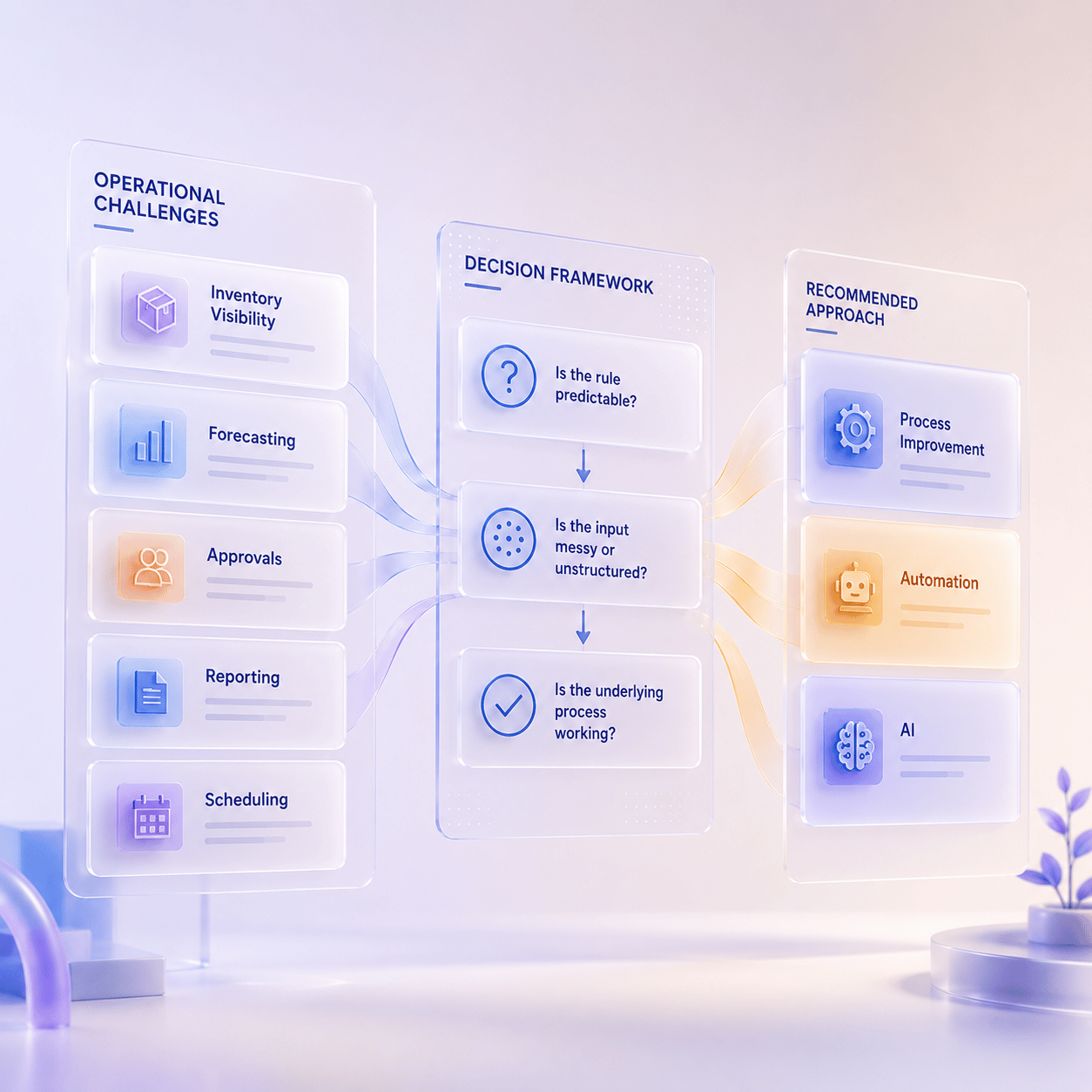
- Automation – predefined workflows that trigger actions based on rules
- Copilot – assistive AI that helps users find, summarize, compare, or analyze information
- AI agents – autonomous systems that monitor processes and take action with human oversight
If you want a deeper explanation of the differences between these technologies, that’s covered in What AI Agents in Dynamics 365 Actually Do (A Plain-English Guide).
For this article, the key idea is simple: ERP systems are evolving from reactive systems to monitored workflows. Instead of users constantly checking the system, agents watch processes in the background and surface actions when something needs attention.
The Business Central Payables Agent is designed to do exactly that for accounts payable.
Where AI Helps Finance Teams Most
AI in finance is often marketed as “transformational.” In reality, the biggest impact usually comes from small improvements to everyday operational tasks.
Accounts payable is a good example. Many AP teams still spend a significant amount of time on routine work such as:
- downloading invoices from email
- reviewing PDF attachments
- identifying vendors
- coding expenses to the correct accounts
- creating purchase invoices in the ERP
These tasks are necessary, but they don’t require strategic financial expertise. They simply require time and attention.
The Payables Agent focuses on removing this operational friction so finance teams can spend less time entering data and more time reviewing and approving invoices.
How the Payables Agent Works in Business Central
The Business Central Payables Agent automates the early stages of the accounts payable process, particularly for overhead expenses such as rent, utilities, subscriptions, and other operating costs.
Instead of manually processing these invoices, the agent handles much of the intake and drafting process.
- The agent monitors a mailbox
The Payables Agent continuously monitors a designated Microsoft 365 mailbox for incoming vendor invoices.
When an email arrives with a PDF attachment, the agent automatically imports the file into Business Central as an inbound document. This removes the need for AP teams to manually download and upload invoices.
- AI extracts invoice data
Once the invoice is imported, Azure Document Intelligence analyzes the PDF using OCR and AI. The system extracts key details such as:
- vendor information
- invoice numbers
- dates and totals
- line-level invoice details
This information is stored alongside the invoice document inside Business Central.
- The agent identifies the vendor
Next, the agent attempts to identify the correct vendor record in Business Central. It uses several signals to do this, including:
- vendor names on the invoice
- existing vendor records
- purchase history
If the agent cannot confidently identify the vendor, a user can step in and provide instructions or create the vendor record.
- The agent drafts the purchase invoice
Once the vendor is identified, the Payables Agent prepares a purchase invoice draft. To determine the appropriate details, the system looks at:
- extracted invoice data
- historical vendor transactions
- accounting mappings
- company policies
The agent proposes invoice lines and account assignments based on this information.
- Finance teams review and finalize the invoice
At this stage, the role of the AP professional shifts from entering invoices to reviewing drafts.
Users can review the suggested fields, see the reasoning behind the agent’s choices, and adjust anything that needs correction. Once confirmed, the draft becomes a finalized purchase invoice in Business Central.
The agent continues running in the background, monitoring the mailbox and preparing invoices as they arrive.
What the Payables Agent Changes for Accounts Payable
The Payables Agent doesn’t eliminate human oversight. Instead, it removes many of the repetitive steps that slow AP teams down. Instead of manually entering invoice data, finance teams review AI-prepared drafts and focus on resolving exceptions or validating details.
Over time, the agent also improves as it learns from vendor history and accounting patterns in the system.
For organizations exploring Business Central payables automation, this shift—from manual entry to review—can significantly reduce time spent on routine invoice processing.
What This Means for Business Central Customers
One of the most interesting aspects of the Payables Agent is that it doesn’t require a large AI implementation project.
For many organizations already running Business Central, the capability is simply another feature built into the platform. Enabling it primarily involves configuring the monitored mailbox and activating the feature.
Microsoft has also indicated that future updates may expand the agent’s capabilities, including:
- support for additional invoice channels
- purchase order matching
- broader automation scenarios
For now, the Payables Agent provides a practical example of how AI agents in Business Central can quietly improve everyday financial operations.
Interested in what agents could do for your workflows?
Contact us to talk through where agents might fit — no pressure, just a conversation about what makes sense for your team.
Payables Agent in Dynamics 365 Business Central Demo
If you want to explore how this fits into operationalizing AI, you may also find these helpful: