Power BI is Microsoft’s premier cloud-based business analytics service that provides you with a single view of your most critical business data through interactive visuals, detailed analytics and customizable reports. Bond Consulting Services (BCS) recently configured an internal sales report in Power BI for one of our top clients, a leading global provider of test and technology solutions.
The company desired a reporting functionality within their Power BI solution that would automatically portray incoming sales orders, the types of product, estimated revenue and sales ownership to seamlessly categorize and analyze sales opportunities. Our BCS Team quickly got to work customizing and deploying the internal sales report to reflect the exact needs of our client:

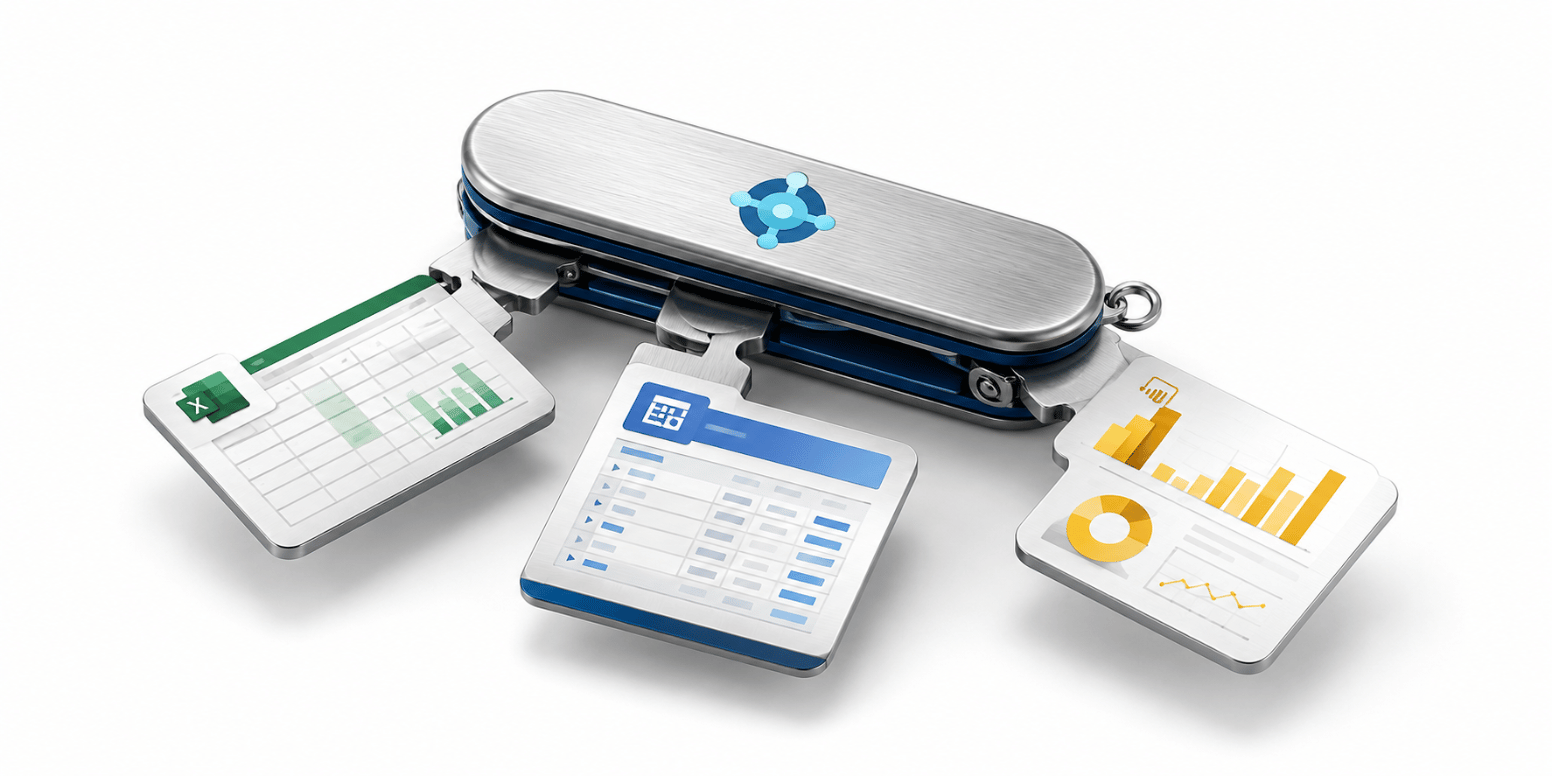
The new and improved internal sales report automatically updates every day to reflect the most recent and accurate sales metrics to gather actionable insights. The sales report has been extremely helpful for the technology solution provider as their team can quickly see the main customers coming down the pipeline, the owners of the sales or projects, and important sales data for closing deals, improving productivity and boosting business success. The data reflected in the internal sales report can also be turned into rich, interactive visuals with just a few simple clicks. Users can drag data fields into a visual and customize them into a variety of different forms for the best data analysis. The Power BI data visualization software can connect to many different data sources such as Dynamics 365 Business Central, CRM, Azure, Google Analytics, Salesforce and many more to centralize all of your most critical business data into a single, unified view.
Depending on the number of customizations needed, creating a report in Power BI is very easy to do and can take as little as one hour or less. However, if you would like more complicated customizations, please contact our BCS Team to get the job done right!


BCS is also working with the leading technology provider and a few other companies to establish a custom dashboard within their Power BI instance. The dashboard would primarily support the companies’ accounting teams as these teams used to have to manually calculate sales data, bookings and time utilization into Excel which took an immense amount of time and effort. BCS created a customizable dashboard that updates monthly bookings, new sales and used sales, time utilization and other important metrics each day by automatically refreshing the data and creating related reports. The dashboard in Power BI is still partially in development and testing mode, but the global technology company has been using it for the last few months and are extremely happy that the manual data entry has significantly decreased, and the reporting accuracy has significantly increased.

These powerful reports and dashboards are scalable for nearly any size and type of company and can be used to expedite business processes and improve business success today and long into the future.
For more information on how to leverage Power BI for your business or to learn more about creating customized reports and dashboards within Power BI, please contact our expert team of consultants at BCS by calling (562) 988-3451 or scheduling a free consultation!