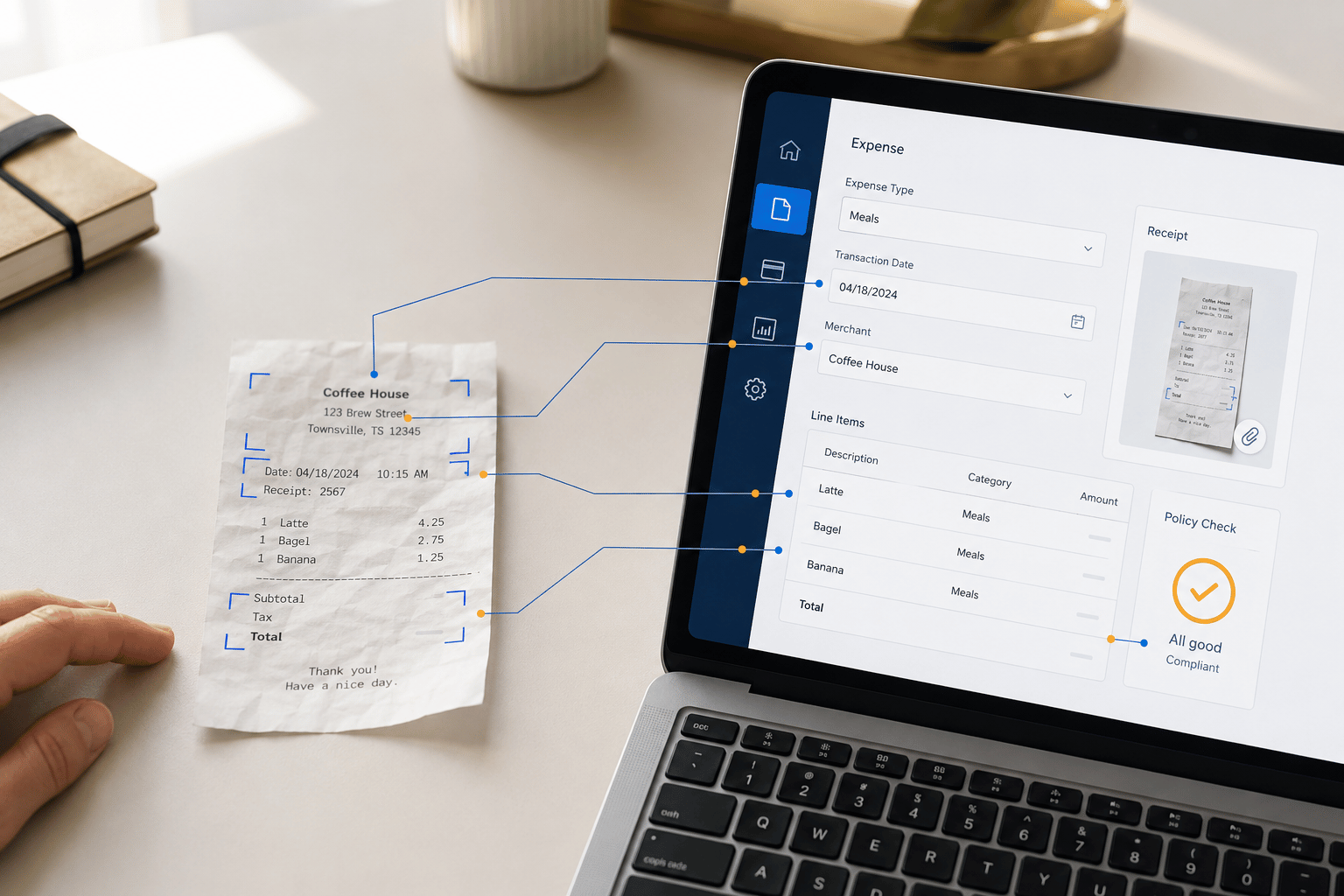
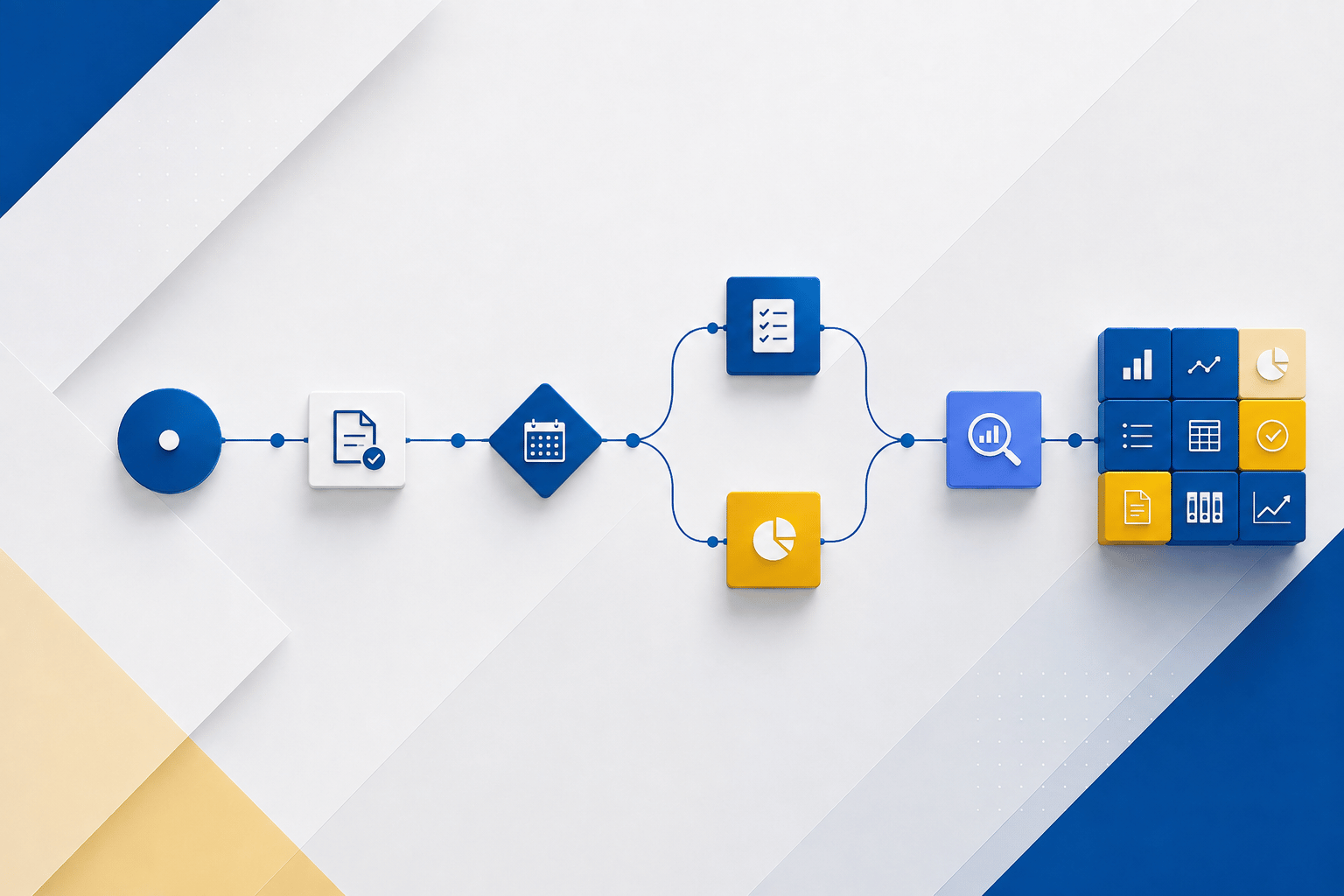
In today’s interconnected business landscape, seamless integration between different systems is crucial for optimizing operations and maximizing efficiency. Dynamics 365 Business Central and Dynamics 365 Field Service are two powerful solutions that, when integrated, can provide significant benefits for organizations across various industries.
Key Integration Benefits
- Enhanced Visibility: Integrating Business Central and Field Service offers a comprehensive view of your entire business, from back-office operations to field service activities. This visibility enables better decision-making, resource allocation, and overall operational efficiency.
- Streamlined Workflows: By automating data exchange and reducing manual tasks, integration can streamline workflows, leading to improved productivity and reduced errors.
- Improved Customer Experience: Integrating field service data with back-office systems allows you to provide customers with real-time updates on service requests, technician locations, and estimated arrival times. This enhances customer satisfaction and loyalty.
- Optimized Resource Management: Integration enables better resource allocation and scheduling, ensuring that technicians are dispatched to the right locations at the right time. This maximizes efficiency and minimizes costs.
- Improved Financial Management: Integrating field service data with your accounting system provides a more accurate and complete view of your finances, enabling better financial decision-making.
Integration Capabilities
Dynamics 365 Business Central and Field Service offer a wide range of integration capabilities, including:
- Data Synchronization: Seamlessly synchronize data between the two systems, ensuring consistency and accuracy.
- Workflow Automation: Automate workflows to streamline processes and reduce manual tasks.
- Real-Time Updates: Provide real-time updates on field service activities, customer information, and technician locations.
- Integration with Other Systems: Integrate with other systems, such as CRM or ERP solutions, to create a unified platform.
Real-World Use Cases
To illustrate the benefits of integrating Dynamics 365 Business Central and Field Service, let’s consider a few real-world use cases:
- Field Service Management: A field service organization can use integration to optimize technician scheduling, track service requests, and provide real-time updates to customers.
- Inventory Management: By integrating field service data with inventory management, companies can ensure that technicians have the necessary parts and equipment on hand.
- Financial Reporting: Integrating field service data with accounting systems allows for more accurate financial reporting and analysis.
- Customer Relationship Management (CRM): Integrating with a CRM system provides a complete view of customer interactions, enabling personalized service and improved customer satisfaction.
Conclusion
Integrating Dynamics 365 Business Central and Field Service is a strategic decision that can significantly enhance your organization’s operations. By leveraging the integration capabilities, you can gain a comprehensive view of your business, streamline workflows, improve customer satisfaction, and optimize resource management.
To learn more about how integration can benefit your organization, contact us at Sales@BondConsultingServices.com or you can click here to schedule a free consultation with one of our Dynamics experts. Alternatively, you can always visit our YouTube channel for helpful product videos and recorded webinars.