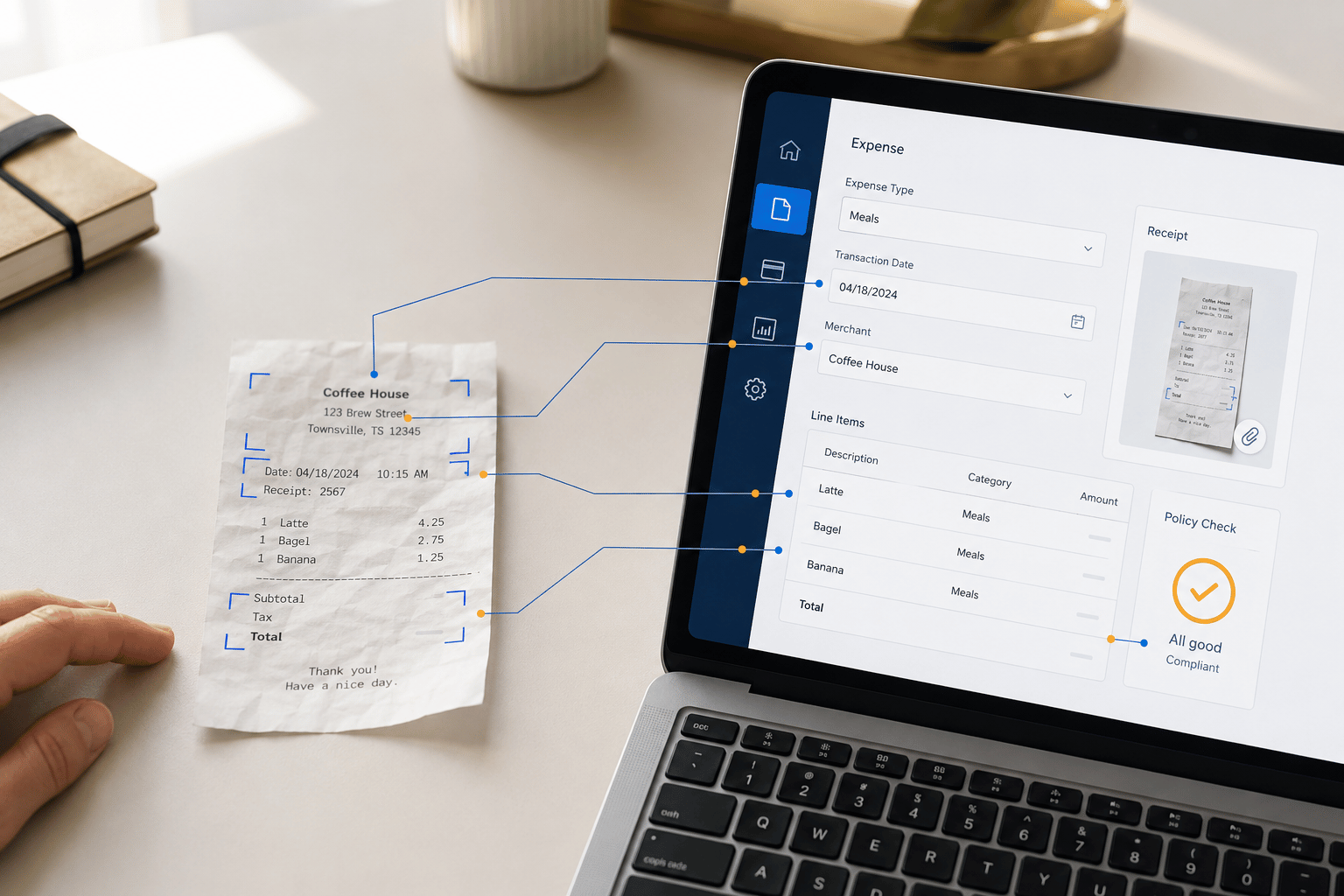
Microsoft’s Autonomous Agents are AI-powered tools that can significantly enhance business operations. By automating routine tasks and making data-driven decisions, these agents can free up employees to focus on higher-value work.
Autonomous Agents can automate a wide range of tasks, from simple data entry to complex process automation. They can analyze large datasets to identify trends and patterns, enabling businesses to make informed decisions. Additionally, these agents can understand and respond to natural language queries, fostering seamless collaboration between humans and AI.
Imagine a customer service representative who spends a significant amount of time responding to common customer inquiries. An Autonomous Agent could be trained on a knowledge base of frequently asked questions and common responses. When a customer query is received, the agent can quickly analyze the query, retrieve the relevant information from the knowledge base, and generate an accurate and informative response. This automation not only speeds up response times but also frees up the representative to handle more complex issues.
Key Capabilities of Autonomous Agents:
- Task Automation: Agents can automate repetitive tasks, such as data entry, report generation, and email responses.
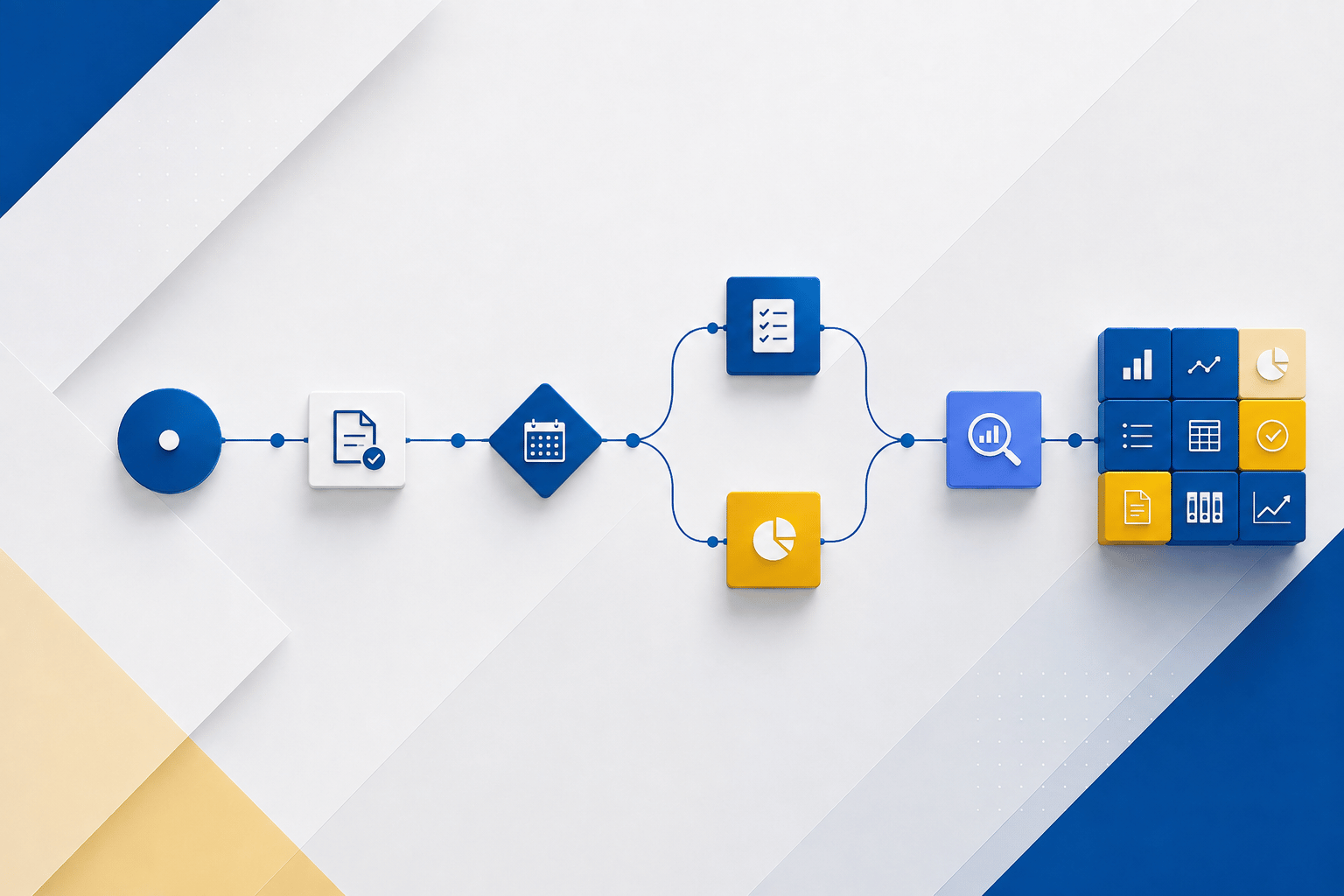
- Process Automation: They can automate entire business processes, from lead generation to order fulfillment.
- Intelligent Decision-Making: Agents can analyze data and make informed decisions, such as recommending products or services.
- Natural Language Understanding: Agents can understand and respond to natural language queries, enabling seamless human-AI interaction.
Benefits of Using Autonomous Agents:
- Increased Productivity: Automation of routine tasks frees up employees to focus on more strategic work.
- Enhanced Efficiency: Streamlined workflows and reduced errors lead to increased efficiency.
- Improved Decision-Making: Data-driven insights and recommendations can help businesses make better decisions.
- Enhanced Customer Experience: Faster response times and personalized interactions can lead to improved customer satisfaction.
By leveraging the power of Autonomous Agents, businesses can unlock new opportunities, increase productivity, and improve customer satisfaction.
For more information about these autonomous agents, please reach out to us at Sales@BondConsultingServices.com.