AI vs Automation for Manufacturers | June 16

January 11, 2018

Microsoft Relationship Sales solution

Microsoft Relationship Sales combines LinkedIn Sales Navigator and Dynamics 365 for Sales

Foster your customer relationships with Microsoft Relationship Sales—combining LinkedIn Sales Navigator and Dynamics 365 for Sales. Unify your social and sales data to identify the right leads and connect with them through personalized engagement.

Build relationships with the right people

Increase win rates by finding key decision makers from over 500 million LinkedIn members. Then identify the best way to reach and connect with them, including introductions from colleagues that they know and trust.

  • Focus on the right people with predictive lead scoring
  • Find every member of the buying committee
  • Discover the best path to reach each buyer for a stronger response

Offer insights and recommendations

Develop trust with your buyers. Engage them with recommendations centered on actual needs, while using relevant insights to evaluate opportunities and proactively focus on relationship areas that may need extra attention.

  • Identify relationship risks and opportunities for a clear picture of the customer relationship
  • Keep track of buyers and their needs with contextual alerts
  • Engage buyers with personalized content
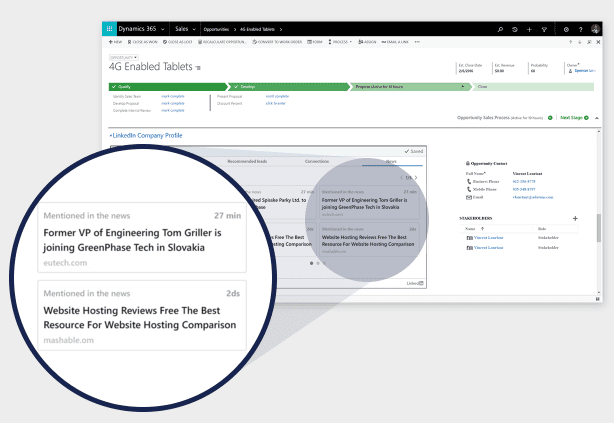
Engage at scale

Through a unified view of your relationships, get contextual information and data-driven insights to efficiently navigate the sales process and move the relationship forward—no matter what stage buyers are at.

  • Synchronize relevant relationship data across LinkedIn Sales Navigator, Dynamics 365, and Office 365
  • Successfully navigate the sales process with contextual guidance and help
  • Recommend the next best action to nurture relationships

Learn more about the capabilities of the comprehensive Microsoft Relationship Sales solution and contact us today!
Other articles

Microsoft’s New Expense Agent Simplifies Business Central Expense Reports

Clayton Jones

|

May 28, 2026
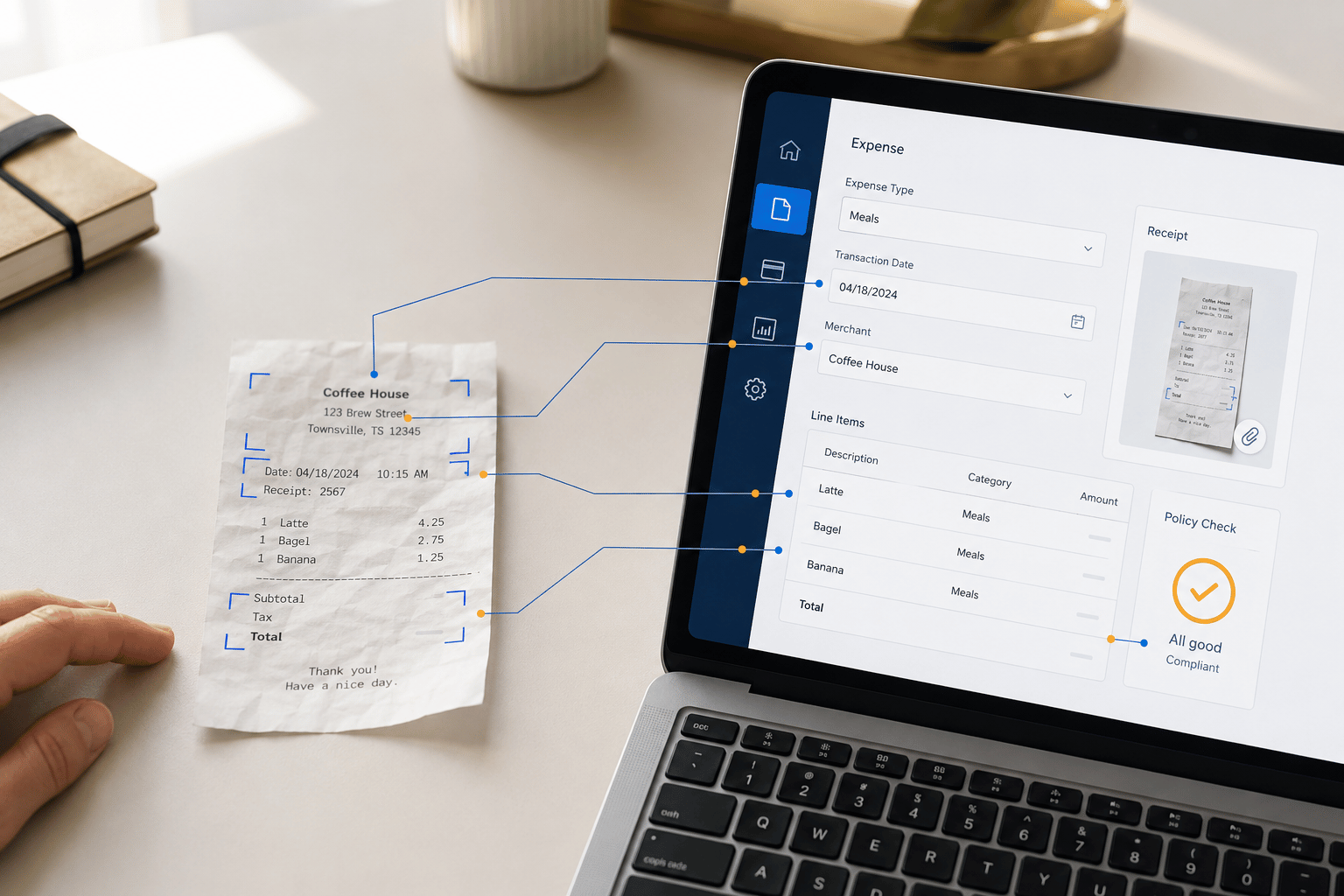
Most expense management improvements over the years have been incremental. Better OCR. Faster receipt capture. A mobile app instead of a desktop form. The underlying workflow stayed the same: employee…

When Does Dynamics 365 Business Central Need Power BI?

Clayton Jones

|

May 20, 2026
Thanks to Dynamics 365 Business Central, your processes have been streamlined, your finances smartly managed, and your sales cycle enhanced. Your business has been running so smoothly that you’ve finally…

From Power Automate to Microsoft Copilot: Where Workflow Automation Ends and AI Assistance Begins

Zoltan Orban

|

May 19, 2026
Webinar: AI or Automation? How to Know What Your Manufacturing Business Actually NeedsJune 16 @ 11:00 AM PT/2:00 PM ETRegister Now!Most operational problems are not as simple as “add AI.”…

Project Online Retirement: What Businesses Need to Do Before September 2026

Daniel Dix

|

May 7, 2026
For years, Project Online, Microsoft’s cloud-hosted project and portfolio management (PPM) solution, built on SharePoint Online has played a central role in enterprise environments, supporting everything from detailed scheduling to…

Microsoft Dynamics 365 Business Central Implementation Packages

Clayton Jones

|

April 29, 2026
If you’re like 99% of our clients, you’re trying to rein in the soaring costs of technology. It’s a delicate balancing act. On the one hand, you understand that you…

Doing More With the Team You Have: What BCS is Changing with AI

Jackie Gant

|

April 29, 2026
AI is everywhere right now, but what feels different is the pace. For the first time in a long time, small and mid-sized businesses are adopting new technology just as quickly…