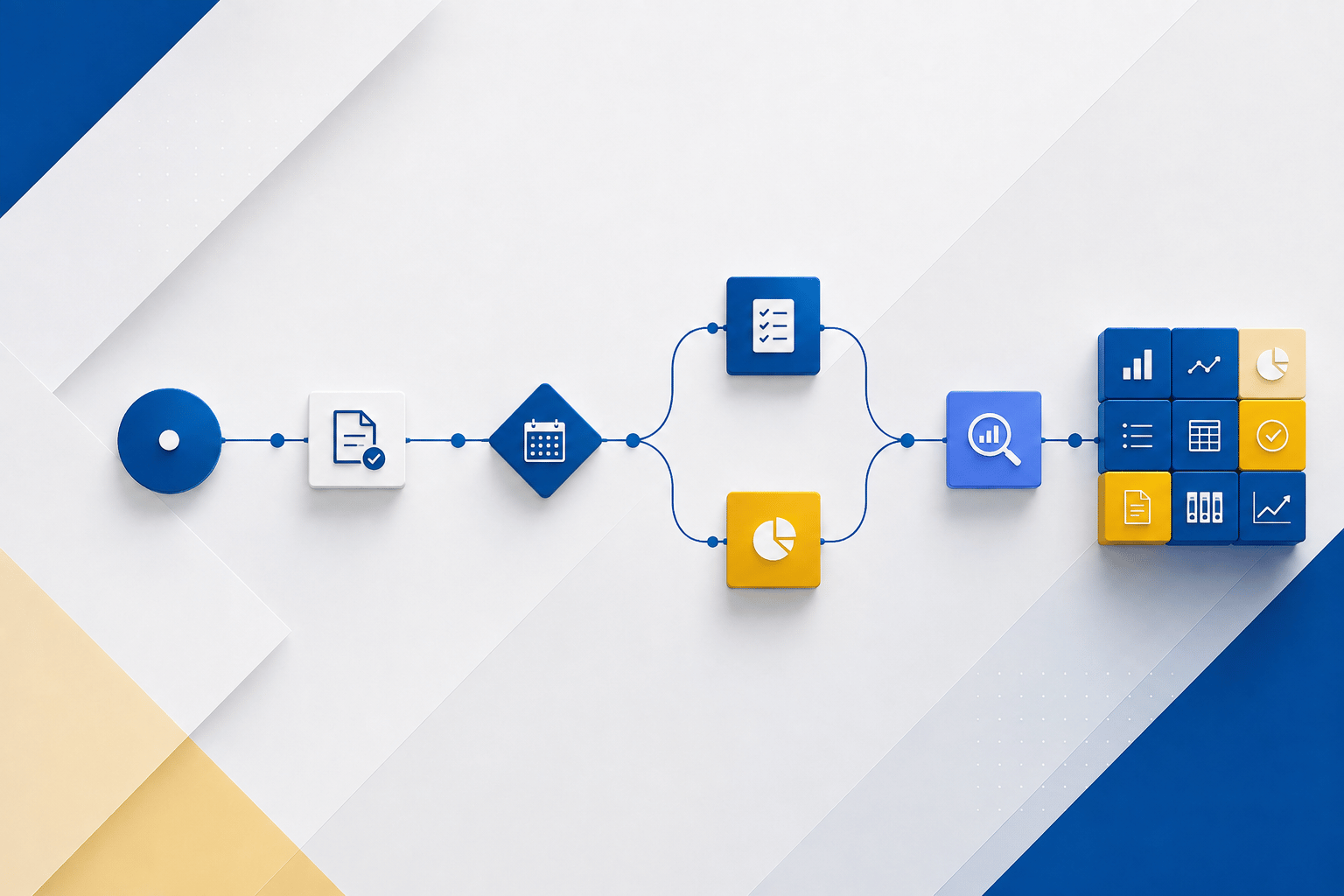
There are two different ways to create reports in Power BI, Power BI reports and Power BI paginated reports. Power BI reports are interactive with multiple helpful visuals, which are great for analytics and can be developed in Power BI Service or Power BI Desktop. For a more detailed view into these visualizations there are paginated reports. For those who need to dig deeper into the information contained on the helpful pie charts and other visualization tools of Power BI paginated reports provide that depth of detail so that actionable insights do not go unnoticed. Power BI Report Builder is a free paginated report authoring tool, and it is a standalone tool.
Paginated Reports are designed and formatted to be shared and printed out as documents. They are created with RDL technology in the Power BI Premium License and can contain detailed technical data including informational reports, transaction records, invoices for a certain period, and even letters. See an invoice sample below:

You can set up subscriptions to your most important reports, automatically sending key personnel the data they require on a timely basis. Users can subscribe to a certain report or just a page in Power BI Service and have that report sent to them on a daily or weekly basis. The reporting intervals are customizable as well.

Requirements:
- Download Power BI Report Builder from the Microsoft Download Center for free.
- Publish and share paginated reports in a workspace, as long as the workspace is in a Power BI Premium capacity, and you have write access to the workspace.
- In a Premium Gen1 capacity, a Power BI admin needs to enable paginated reports in the Premium capacities section of the Power BI admin portal.
- In a Premium Gen2 capacity, paginated reports are enabled automatically.
For more details on licenses, permissions, and latest updates, refer to Microsoft documentation.
Data sources: Cloud or on-premise (gateway required so that Power BI service can connect to your on-premise data sources)
Where to view: Power BI service, Power BI mobile app, custom apps
Export to: Excel, PowerPoint, PDF, Word, .csv, Web Archive, XML
Subscription allows to deliver the reports to users on schedule.
Please reach out to us at Support@BondConsultingServices.com or schedule a call with one of our experts to help you set up Paginated Reports.