Building a Context-Aware Copilot Studio Agent Inside Dynamics 365
One of the first things that you learn when working with an AI agent is that context is everything. An agent can only work with what you give it. An omitted detail can be the difference between getting exactly what you want and getting well-worded slop.
In an application like Dynamics 365 Customer Engagement (CE), much of that context is already there, so the challenge becomes making it available to the agent. A user viewing an Account record shouldn’t necessarily have to tell the agent which customer they’re asking about. Dynamics CE already knows. The Account record is right there on the screen.
That idea was the foundation for a proof of concept built with Microsoft Copilot Studio and a model-driven app: a context-aware Copilot agent embedded directly into Dynamics 365 that automatically receives information about the record that the user is viewing.
Why Context Matters for AI Agents in Dynamics 365
Consider asking a standalone AI agent to “Give me an aging report for this account”. Without any additional context, the agent has no idea which account “this account” is referring to. The user has to provide context, like the Account ID, or the account’s Name, and maybe even the platform(s) where the data lives, before the request can be processed.
Now put that same interaction inside a Dynamics CE side panel. The user is already viewing an Account record, and with the right setup, the agent could know exactly which customer is being referenced. Now, when the user asks for the aging report, the agent already knows what it needs to know, and it can get straight to work.
The goal isn’t just to make an AI agent more conversational. It’s to remove unnecessary steps between what the user wants to accomplish and the information they’re trying to access.
Embedding a Copilot Studio Agent in a Dynamics 365 Model-Driven App
The agent is embedded directly into the Dynamics CE model-driven app using a custom side panel. When the model-driven app loads, a JavaScript web resource function creates the panel and initializes a custom HTML web resource that contains the Copilot agent. This makes the agent available alongside the Dynamics CE UI rather than requiring the user to open a separate app or page.
The next step is getting the current account record’s context into the agent and keeping that context up to date. When an Account form loads, a JavaScript function captures the Account ID and passes it to the HTML web resource through a message event. The web resource listens for that event and uses the Account ID to update the agent’s Customer ID variable. This happens each time a different Account record is opened, so as the user navigates between customers, the agent’s context changes with them.
This creates two key points of interaction between the model-driven app and the agent: the model-driven app onLoad initializes the side panel and the embedded agent within it, while each Account form onLoad event updates the agent with the context of the Account currently being viewed. The user doesn’t have to tell the agent when they’ve moved from one customer to another because the application already knows, and the agent is following along.
Using Copilot Studio Tools to Retrieve Dynamics 365 and Business Central Data
Context alone isn’t particularly useful unless the agent has access to the information that it needs to respond appropriately.
That’s where Copilot Studio tools can be utilized. Tools provide the agent with specific capabilities, but those capabilities have to be intentionally built. In this proof of concept, the tools use Power Automate flows to retrieve information from Dynamics CE and Dynamics 365 Business Central. The relevant context, such as the current Account ID, is passed into the flow so it can retrieve the data needed to answer the user’s request. The tools also include a description that helps the agent understand what it does and, more importantly, when it should be used.
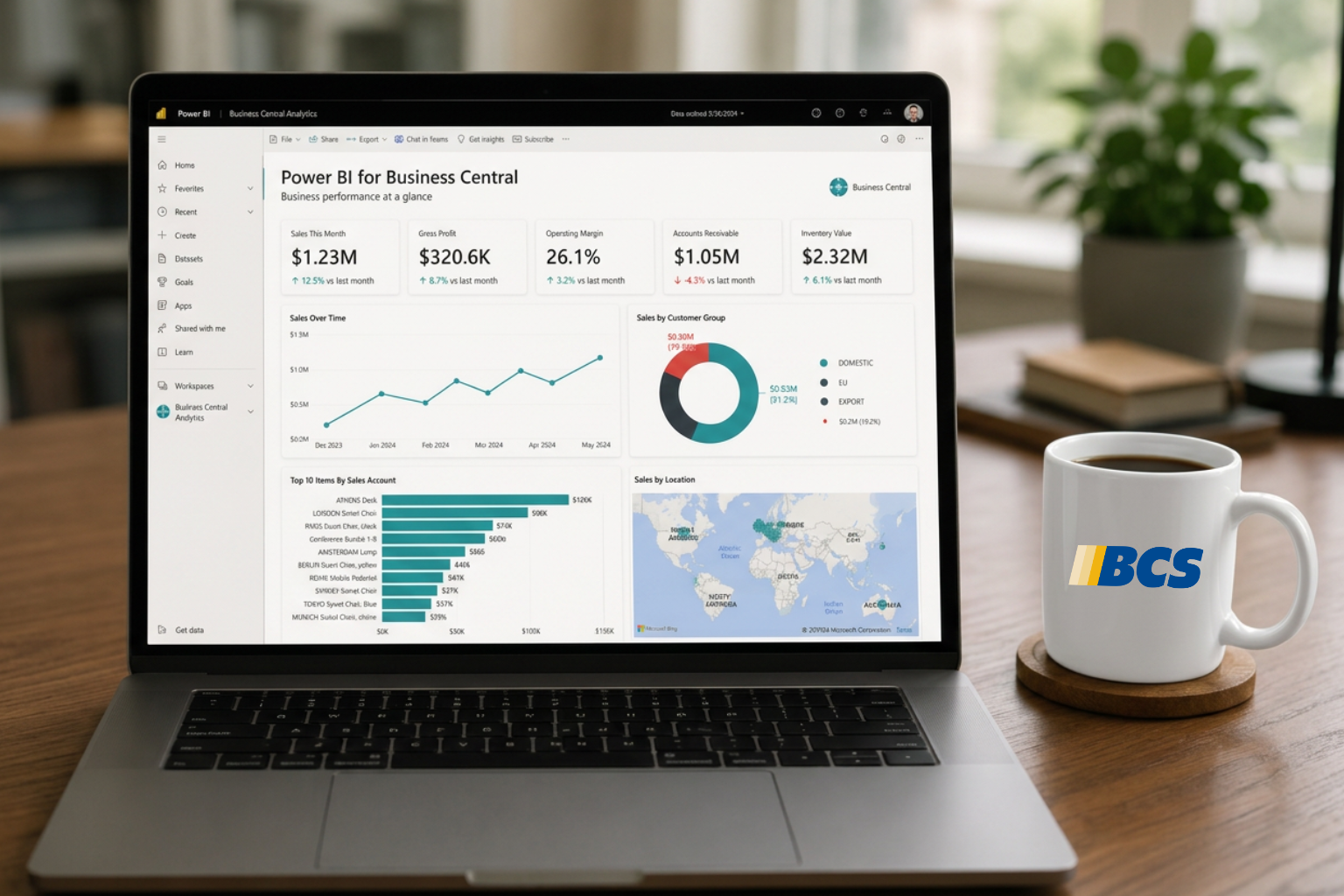
For example, one of the tools retrieves invoice and payment information from Business Central. When a user asks for an aging report for the current Account, the agent can recognize that the request falls within the capabilities of that tool, pass the Account context to the Power Automate flow, and use the returned data to produce the report. The user doesn’t need to know that the information lives in Business Central, which tables the information that they need, or how the data is retrieved.
The same approach can be used for information that lives in Dynamics CE. A customer sentiment tool can use the current Account context to retrieve tracked emails and appointments with the Dataverse connector, analyze the returned activity records, and return an overall sentiment along with a summary of the information that was gathered.
This is how context and tools work together. Context tells the agent who or what the user is asking about, while tools give it a way to retrieve and work with the information needed to respond correctly.
Copilot Studio Development: The Shift from Topics to Tools
For anyone who has worked with conversational bots for a while, the evolution of Copilot Studio is particularly impressive.
Traditional conversational bots required developers to anticipate how users might interact with them. Topics were built around specific conversational paths, and developers had to define the logic for handling the different ways a user might arrive at a particular result. The more flexible you wanted the bot to be, the more scenarios you had to account for. It also meant that users had to be trained to effectively use the tool because it was much less intuitive.
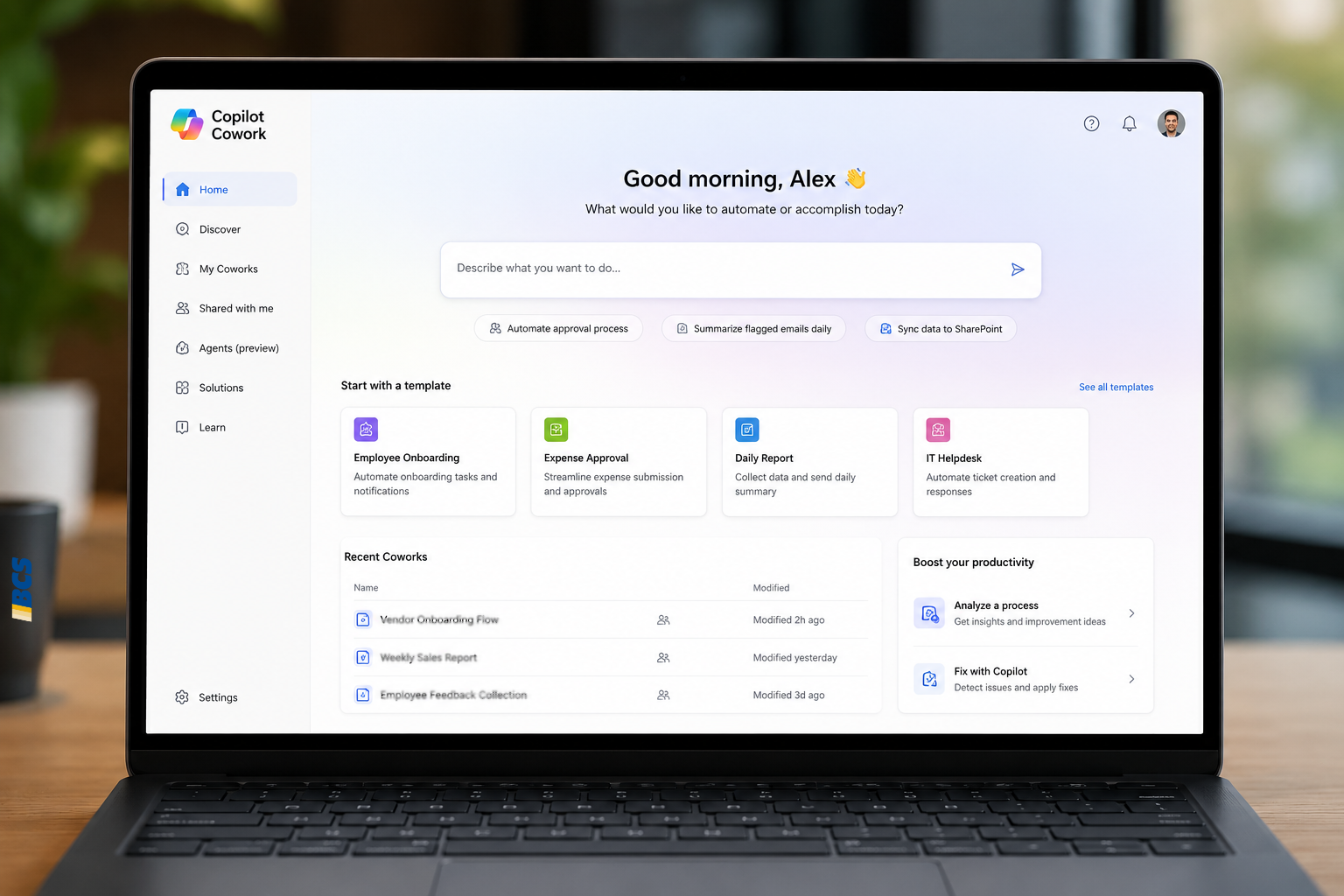
Tools introduce a different development model. Instead of defining every possible conversation path that a user might go down, you can give the agent a function and provide it with the information it needs to use that function. The agent can then determine when that tool is relevant to the user’s request.
For example, a single tool can retrieve invoice and payment information from the Business Central customer ledger table. A salesperson might ask about outstanding invoices, payment history, or other financial information. Those are different questions, but they can all be answered using the same underlying tool. There isn’t necessarily a need to build a separate topic for every way a user might ask for that information.
That’s one of the biggest differences between the traditional topic-based approach and working with tools. Topics define conversations. Tools equip the agent with capabilities.
As agents become better at determining when and how to use those tools, a relatively small set of well-designed tools can support a much broader range of requests than a developer could realistically account for through individually designed conversational paths.
Why Data Quality Matters for AI Agents in Dynamics 365
An important note worth keeping in mind is that an AI agent is only as reliable as the data it has access to. If an important email isn’t tracked in CE, the agent can’t take it into account when evaluating client sentiment. If an Account is not synced with Business Central, the agent can’t pull financial information for it. It can only consider the information that is available to it.
This becomes especially important when an agent is pulling information from multiple systems. The more data sources it relies on, the more important it becomes to have accurate, complete, and properly synchronized data across those systems. AI doesn’t eliminate the need for good data; if anything, it makes the quality of that data more visible. The better the data, the better the responses.
The Next Step: Context-Aware AI Across Dynamics 365 Records
This specific project focused on Account records but the same approach could be expanded beyond Accounts to other records in Dynamics CE or Business Central. Opportunities, Cases, Leads, and other tables could provide their own context to the agent, giving it a better understanding of what the user is currently working on. Instead of passing only an Account ID, the model-driven app could provide the current entity type and record ID, allowing the agent to adapt its behavior based on the record in front of the user.
That context could also allow the agent to become more proactive. Rather than waiting for the user to ask a question, it could look at the current record and related information and surface things that may be relevant to what the user is doing. Someone working on an Opportunity, for example, might benefit from knowing that the customer has unresolved Cases, hasn’t responded to recent communication, or has outstanding financial issues. None of those things necessarily answer a question that the user asked, but they could be important when deciding how to move forward with the Opportunity.
This is where the idea starts to become more than an AI agent that answers questions. The agent could use the record that the user is working on as a starting point, look at the information connected to it, and offer suggestions or observations based on what it finds. Instead of requiring the user to know which questions to ask or which systems to check, the agent could help bring relevant information to their attention at the point where it matters.
Bringing Context-Aware AI into Dynamics 365
A Copilot agent doesn’t have to start every conversation from scratch. When it’s embedded in a business application like Dynamics CE, the application can provide information that the agent would otherwise have to ask for, like which record the user is working with. From there, tools can give the agent a way to retrieve information from the systems where the relevant data lives, whether that’s Dynamics CE, Business Central, or another connected system. When those pieces are combined with accurate and complete data, the user can spend less time navigating between systems, explaining what they’re looking at, and figuring out where information lives, and more time actually using that information.
The goal isn’t just to put a Copilot agent inside Dynamics CE or make it better at answering questions. It’s to make the agent part of the application and aware of the work happening around it. As that context expands across more records and related data, the agent can move beyond just responding to questions and providing information and insight that is relevant to what the user is doing. The more the application can tell the agent about where the user is and what they’re working on, the less the user has to explain before they can get the answers that they need.
Exploring AI agents in Dynamics 365?
BCS helps organizations design and implement AI solutions that connect Microsoft business applications, data, and workflows.