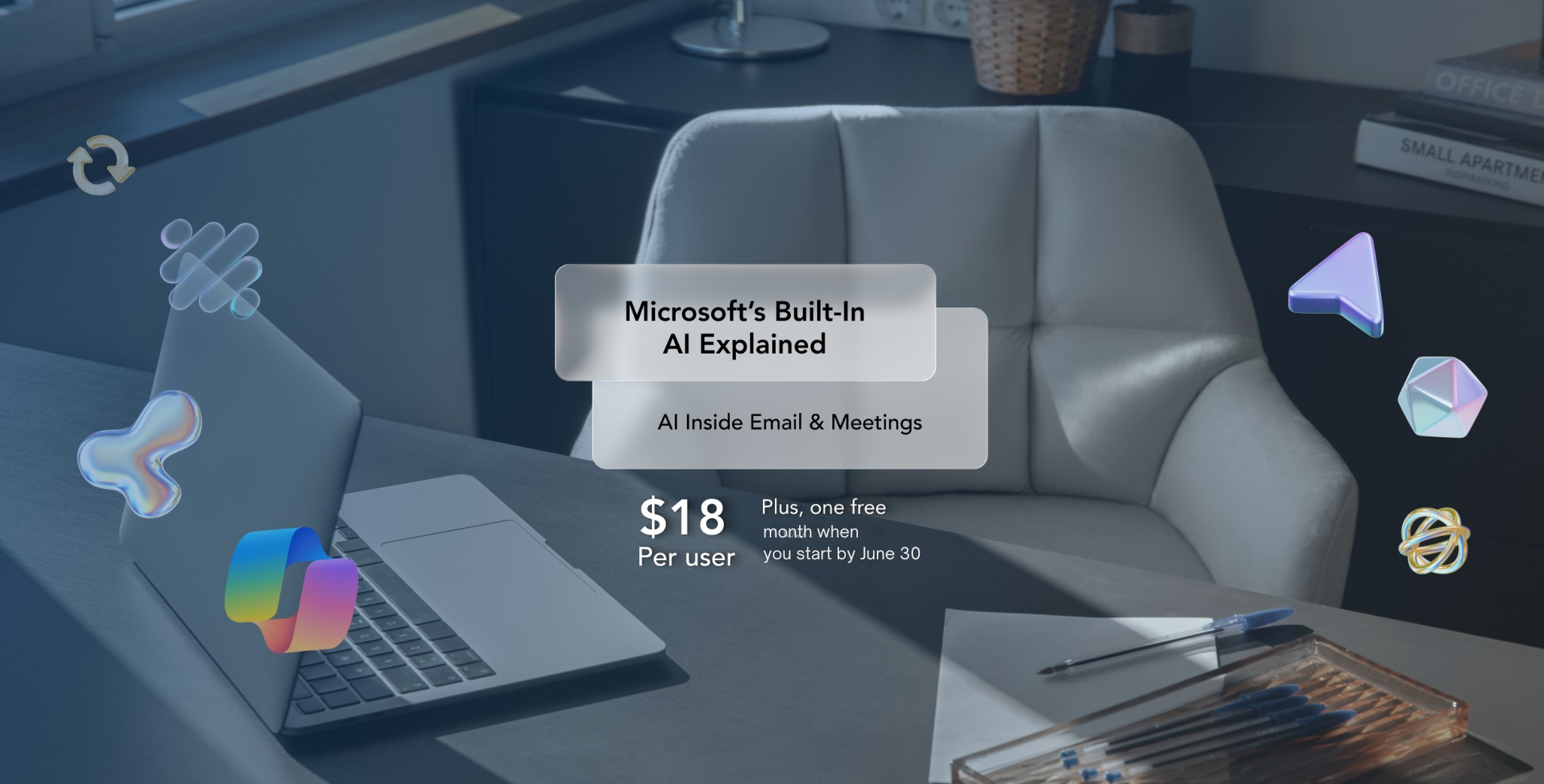
If your business needs more Microsoft licenses, your first thought might be to head straight to Microsoft’s website. In many cases, though, working with a Microsoft partner is the easier path.
Whether you’re adding new employees, expanding your Microsoft Dynamics 365 environment, rolling out Microsoft 365 Copilot, or simply trying to understand your licensing options, a Microsoft partner can help you choose, purchase, and manage the licenses that fit your business. At Bond Consulting Services (BCS), that’s a conversation we have with customers every day.
Why Buy Microsoft Licenses Through a Microsoft Partner?
Buying Microsoft licenses isn’t usually the hard part. Choosing the right ones is. Microsoft offers licensing for Microsoft 365, Dynamics 365 Business Central, D365 Sales and Customer Insights (CRM), Power Platform, Copilot, and dozens of other products. Within those products are different plans, user types, capabilities, and pricing models.
Rather than asking you to sort through all of those options yourself, a Microsoft partner helps you understand which licenses match the way your employees actually work. Sometimes the answer is exactly what you expected. Other times, there’s a better fit that saves money or gives users capabilities they were missing.
What Does a Microsoft Cloud Solution Provider (CSP) Do?
A Microsoft Cloud Solution Provider (CSP) is a Microsoft partner that can sell and manage Microsoft cloud licensing. That means you can work with one trusted partner to:
- Purchase new Microsoft licenses
- Add licenses for new employees
- Remove licenses you no longer need
- Expand into products like Business Central, Power Platform, or Microsoft 365 Copilot
- Get guidance when Microsoft’s licensing options change
Instead of simply processing an order, a CSP helps make sure your licensing continues to fit your business as it grows.
How the Microsoft Licensing Process Works
For most companies, getting new licenses is straightforward. First, we’ll talk about what you’re trying to accomplish.
Maybe you’ve hired five new employees. Maybe you’re implementing Business Central. Maybe your leadership team wants to start using Copilot. Or maybe you’re just not sure which licenses you should be purchasing. From there, we’ll recommend the licensing options that make the most sense, provide a quote, and help you get everything in place. No guesswork. No spending hours comparing Microsoft’s licensing pages.
We Already Have Microsoft Licenses. Can BCS Still Help?
Absolutely. Many of our customers come to us after they’ve already been purchasing Microsoft licenses for years. Sometimes they simply need additional licenses. Other times, they’re looking for a second opinion before making a larger investment. We can review your current licensing, answer questions, and help identify opportunities to simplify or optimize what you already have.
When It’s Time to Add More Microsoft Licenses
Businesses typically reach out to us when they’re:
- Hiring new employees
- Adding Dynamics 365 or Business Central users
- Rolling out Microsoft 365 Copilot
- Expanding Power Platform or Power BI
- Launching a new business unit
- Replacing licenses that no longer meet their needs
Whatever prompted the conversation, our goal is the same: make sure you have the right licenses without making the process more complicated than it needs to be.
Need Help Choosing the Right Microsoft licenses?
Whether you’re adding a single user or planning a much larger rollout, BCS can help you navigate Microsoft’s licensing options and make sure you’re purchasing what your business actually needs.
If you’re not sure where to start, that’s perfectly okay. We’ll walk through your goals, answer your questions, and recommend the licensing that’s right for your organization.
Request a Microsoft License Quote
Related Resources
Business Central Licensing Overview – Compare Essentials, Premium, Team Member, and other license types to determine which options fit your users.
Understanding Microsoft’s New Commerce Experience (NCE) – Learn how monthly, annual, and multi-year subscriptions affect licensing flexibility and budgeting.
Business Central Permission Sets Explained – Once you’ve chosen the right licenses, make sure users have the right level of access.