Microsoft Copilot $21 now $18/user/month + 1 month free

April 14, 2015

Five Ways to Turn Business Data into Business Intelligence Part 3: Get BI on the Fly.

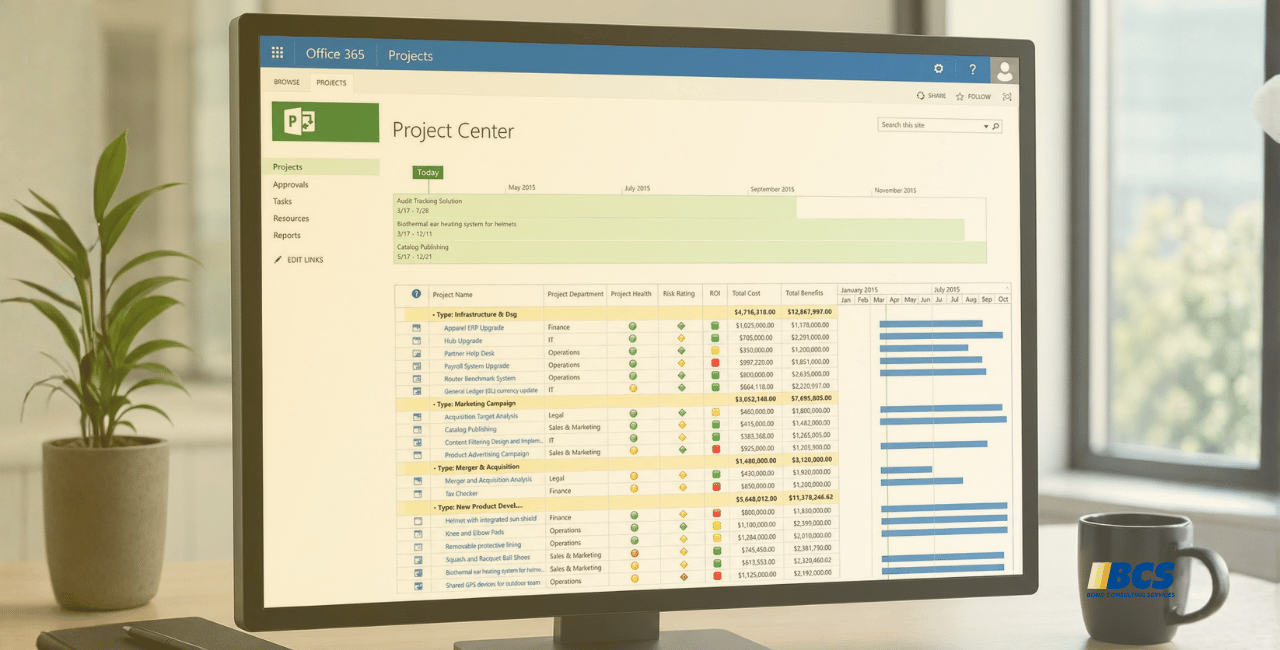
This is the third post in our five-part series, Five Ways to Turn Business Data into Business Insight. We’ve previously looked at how dashboards can provide easy information access to your team members based on specific roles and how self-service business intelligence (BI) and reporting can lighten the load on IT resources. Today, we’ll discuss mobile BI and its impact on users and IT.

Get BI on the Fly.

Making everything mobile is the mantra of nearly every business and certainly every IT department. And why not? When you give users the same flexibility and functionality in their business systems that they get in their personal lives, they’re happier, they’re more productive and your business reaps the benefits. And when it comes to business insight and reporting, you can put the information team members need in the palms of their hands, anytime they need it, wherever they are.

How does it work? A business solution from Microsoft uses Office and Microsoft SharePoint as a platform for collaboration and distribution and extends access to key information and reports users working from their phones or tablets. And with Microsoft SharePoint or OneDrive, users can securely save reports to the cloud, access them from their personal devices, and easily share them with other members of the team.

This safe and easy way to share data and insight will reward you with increased productivity and a level of service that will be the envy of your peers—and your competition. In our next entry, we’ll talk about what Big Data really means for small and mid-sized businesses and how to make it work for your company.

In the meantime, learn more about Microsoft Dynamics and take a product test drive or learn more about buying and deploying a business solution from Microsoft.

Test Drive Dynamics GP

Share On: 

Other articles

Why CRM Data Quality Matters More Than Data Volume

Marisa Mini

|

March 24, 2026
A database of 100,000 messy, outdated records is far less valuable than 5,000 that are clean and accurate. Companies often obsess over data volume. But when more data is prioritized over…

From Reactive to Predictive: AI in Business Central Distribution

Zoltan Orban

|

March 19, 2026
Most distribution teams don’t lack reporting. If anything, they often have too much of it. Dashboards, planning worksheets, inventory reports, and KPIs are readily available inside Dynamics 365 Business Central. Yet…

AI Agents in Business Central: How the Payables Agent Works

Jennifer Ryan

|

March 17, 2026
If you're curious how AI agents in Microsoft Dynamics 365 Business Central actually work, we're hosting a live walkthrough of the Payables Agent on March 26. See live how the agent…

Migrating 1.3 Million CRM Records in Dynamics 365: Why We Used a Custom Console App

Marisa Mini

|

March 5, 2026
A government client needed to restructure 1.3 million contact records in Microsoft Dynamics 365 CRM. At that scale, traditional UI tools and flows can throttle, fail silently, or leave a…

AI Agents in Manufacturing ERP: D365 Business Central Guide

Seetharaman Andiappan Rajaram

|

March 4, 2026
AI agents are now live inside Microsoft Dynamics 365 Business Central. For manufacturers evaluating AI in ERP systems, the practical question isn’t what an agent is it’s how AI agents…

How to Use D365 Business Central Analysis Mode

Carlos Lozano

|

March 3, 2026
Transforming Data into Decisions for Modern Businesses Organizations using Microsoft Dynamics 365 Business Central generate significant volumes of financial and operational data. However, collecting data is only the first step. The…