Customer Care and SLA’s
Here’s an example of a best practice. I worked at a company that processed tens of thousands of complex invoices for over a thousand customers and vendors every month. When an invoice is flawed it must be corrected immediately to avoid late pay or disruption of service. When a flawed invoice is tagged in the legacy system which is integrated with the CRM, it triggers the creation of a case in the CRM. The case is immediately routed to the CRM queue of the customer service rep responsible for that invoice. An SLA timer automatically starts a 12 hour count down. The customer and the vendor receive an email informing them of the invoice issue and the SLA terms. The customer care rep works through their queue to the case and starts work required to fix the issue. CRM tasks are created and routed to other customer care reps if their help is needed to solve the problem. When all work and tasks are completed the case is officially resolved by the customer care rep and the customer and vendor are notified. If the case was not resolved within SLA terms, warning emails would have been sent to responsible team members.
Using ClickDimensions
 Using ClickDimensions, an automated marketing platform natively integrated with the CRM, the marketing specialist creates content for email templates, landing pages, web sites, forms and surveys. Several email nurture programs managed through Clickdimensions in the CRM are sending a variety of email templates to leads every ten days. Email templates and nurtures for specific leads are chosen automatically based on the lead’s demonstrated interest. When a lead opens an email, clicks on a link in an email, fills out a form or survey or visits the website, their actions are recorded in the CRM. A lead score based on the lead’s demonstrated level of interest is assigned to the lead and grows as the lead’s level of interest increases.
Salespeople find leads in the CRM using a tool called Insights powered by InsideView.
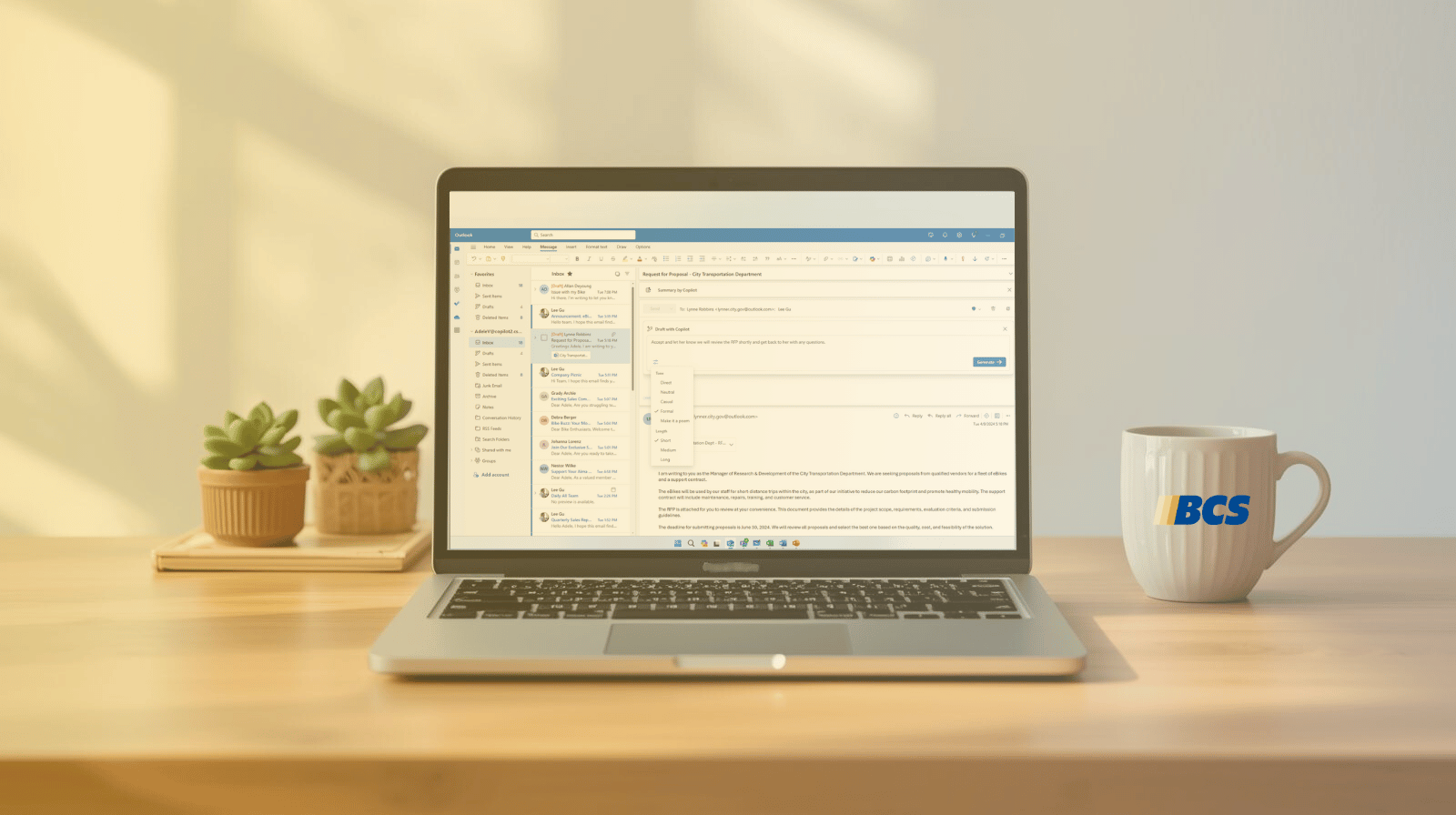
 Salespeople choose leads to call, visit or add to an ongoing email nurture. The nurture starts sending a series of email templates which change based on demonstrated interest over time. As a lead/prospect’s “lead score” goes up the lead is automatically moved closer to the top of a salespersons’ call list. Salespeople call the lead from the CRM using natively integrated Skype and easily make notations to the record in the CRM. Sales materials and Quotes are emailed straight from the CRM and a history of all email and attachments are stored in the CRM. All users can work from the CRM or from Outlook which is natively integrated with the CRM. Customer inquiries or issues that arrive in email are easily converted to cases or leads in the CRM.
Dashboards
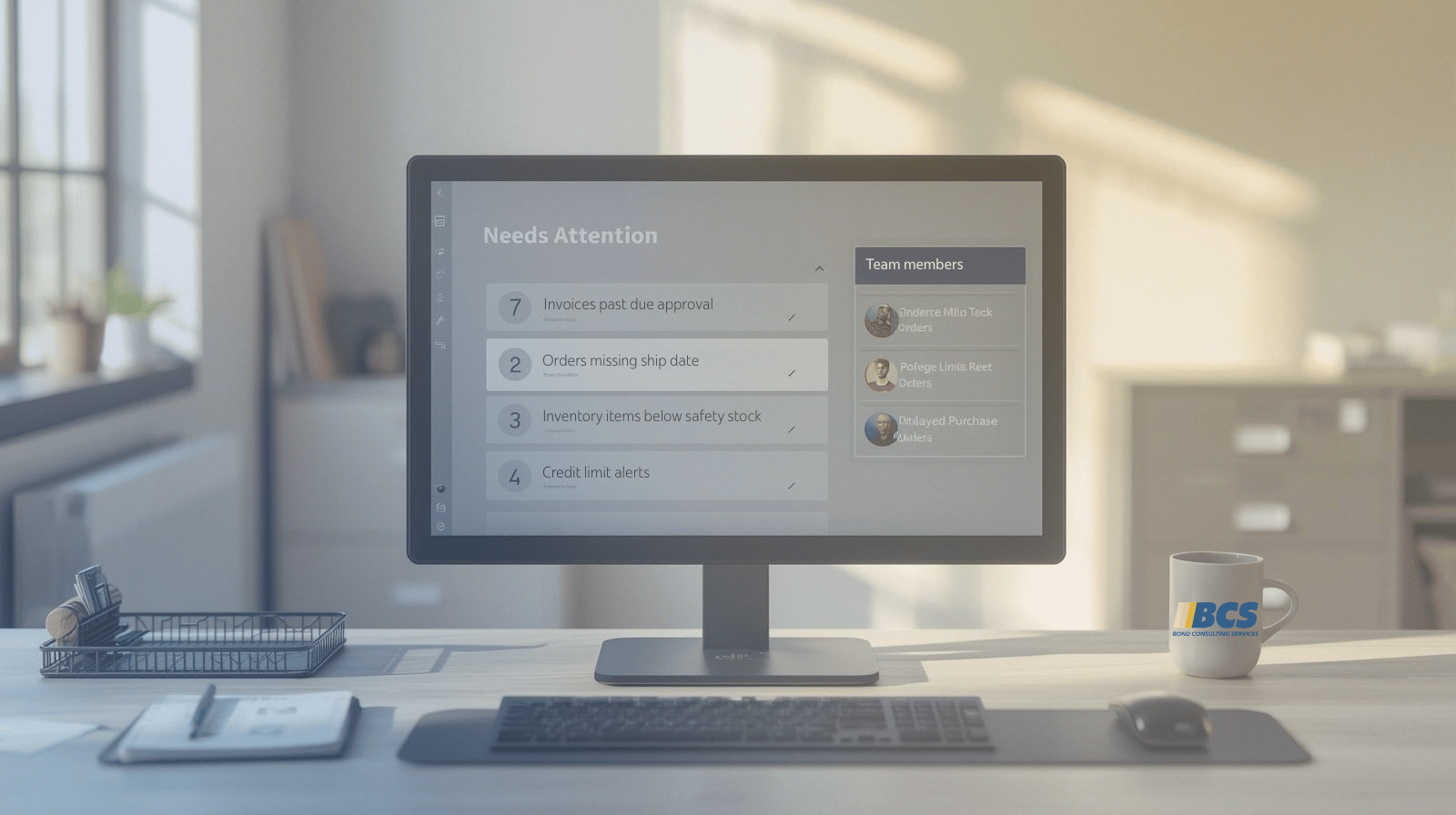
When users sign on to the CRM they first see a dashboard customized for their specific needs. Customer service reps see their active cases and can drill down on a specific case to pick up where they left off. Sales people see their call list showing leads with the highest score on top and can easily drill down to phone numbers and click to dial. Managers see the rollup data from their direct reports providing summarizations and trending reports as well as the ability to drill down on single records.
The CRM is designed to require the fewest number of clicks to find and update the most important data on desktops, tablets and mobile phones.
User Adoption
User adoption and participation nears 100% for the following user stated reasons:
•Customer care reps like to have a list or queue in the CRM where they can see exactly what cases are assigned to them and the time allotted to resolve the issue. They know exactly what is expected of them and they have easy access to the data needed to solve problems.
• Sales people see the CRM as a lead generation tool providing leads who have already done their research, are already interested in buying and want to hear from a sales person.
•Managers have easy access to the data they need to manage their business more efficiently and they do not have to push employees to use the CRM.