For many businesses, intricate processes demand detailed status tracking, ensuring transparency and control. Dynamics 365 Business Central provides a robust platform for managing workflows, but its default Sales Order tracking field – Open, Released, Pending Prepayment – can sometimes prove insufficient for capturing the nuances of complex operations.
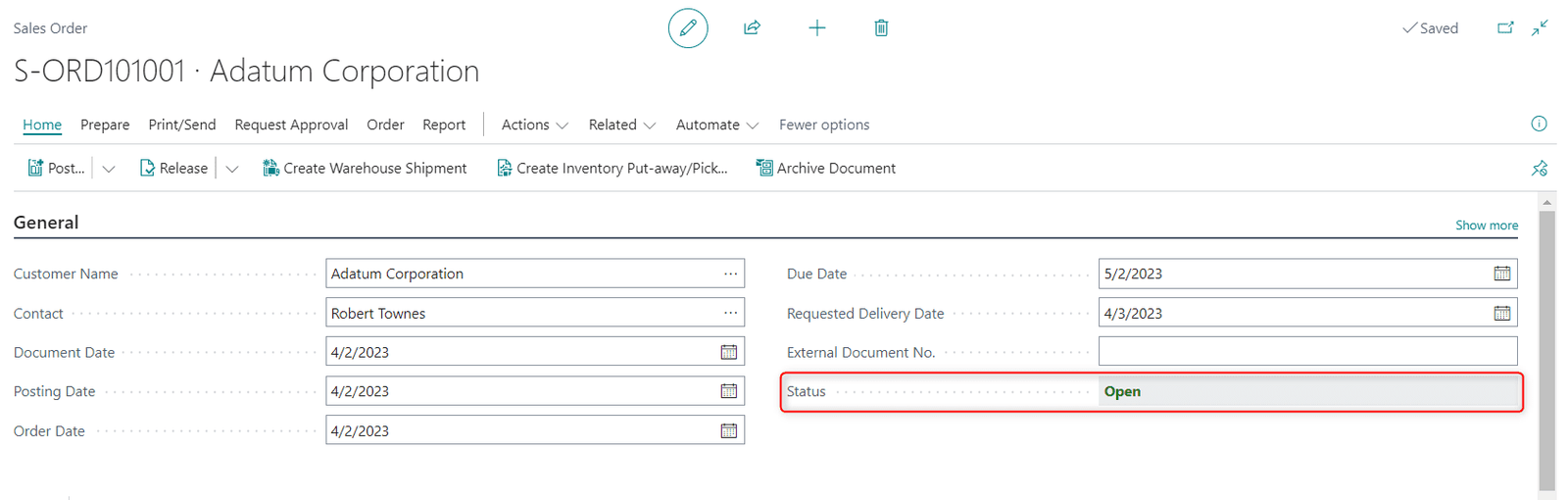
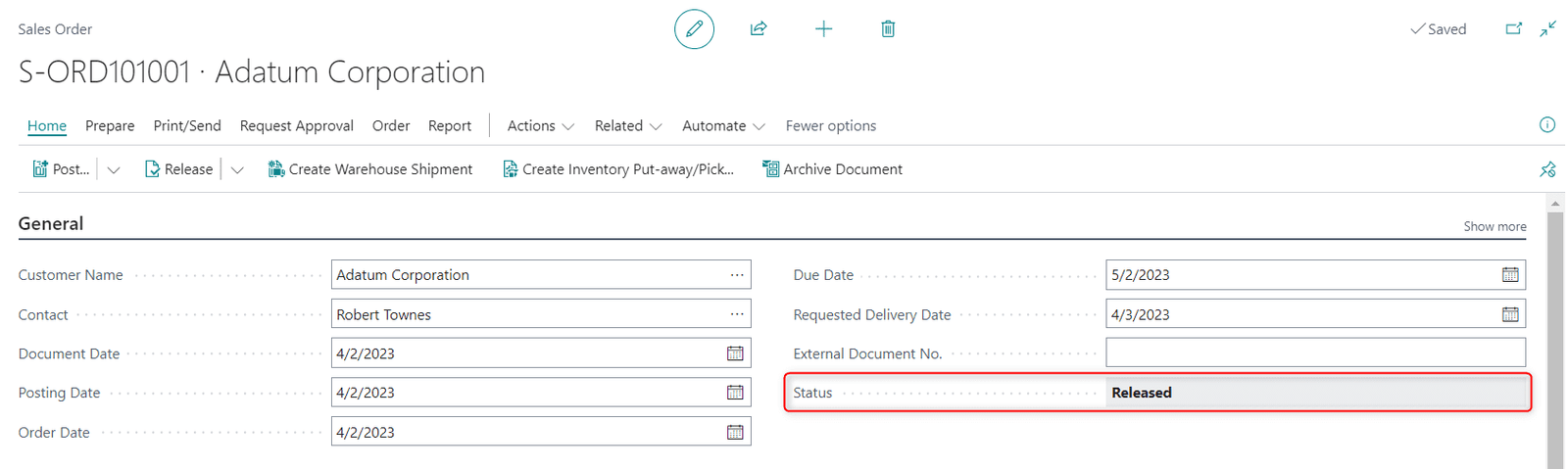
Bond Consulting Services empowers numerous clients with customized solutions that extend Business Central’s capabilities to perfectly match their unique business needs.
In one instance, we encountered a client whose intricate production process required far more than three generic status labels. To address this, we implemented a custom field within Business Central. This new field offered a wider range of granular stages, reflecting the precise steps involved in their workflow. Moreover, we introduced a status log, meticulously recording every transition and the user responsible for it.
The benefits of this customization were evident:
- Enhanced visibility: The broader range of status options provided immediate insight into the precise stage of each process, eliminating ambiguity and confusion.
- Improved accountability: The status log fostered a culture of accountability, clearly documenting who made changes and when, streamlining communication and facilitating problem resolution.
- Optimized decision-making: With real-time data on process progress, managers were empowered to make informed decisions, optimize resource allocation, and anticipate potential bottlenecks.
Our client’s experience exemplifies the power of tailored solutions within Dynamics 365 Business Central. By extending its capabilities, we enable businesses to gain control over intricate processes, achieve operational excellence, and unlock their full potential. For more information about how to maximize your Dynamics 365 investment, please reach out to us at Support@BondConsultingServices.com or you can click here to schedule a free consultation with one of our expert Business Central consultants.
You can also check out our YouTube channel for helpful walkthroughs and webinar recordings!