AI vs Automation for Manufacturers | June 16

August 3, 2020

Top 5 Features of Microsoft Teams

What is Microsoft Teams?

Microsoft Teams (Teams) is a fully integrated and powerful collaboration tool that is now included as part of Office 365 subscription. Teams is used for video conferencing, workplace chat, file storage, application integration, and telephony. Bond Consulting Services (BCS) recently transitioned from the Skype for Business VoIP phone system to the new phone system within Teams. Teams has enabled BCS team members to continue providing excellent support for our customers during the COVID-19 pandemic.

Top 5 Features of Teams

  1. Teams has its own Mobile App. Teams has its own mobile app as well as a separate desktop app, for quick and easy accessibility.
  2. Teams includes a built-in Bot Directory. Bots are AI applications that can complete tasks through chat-based communication. Teams users can communicate with bots and add them to a team to quickly and efficiently complete tasks.
  3. Teams incorporates Channels. Channels are extremely important to increase business efficiency as they improve transparency and communication and decrease silos within a team.
  4. Teams allows for Guest Access. An Office 365 subscription is not required to gain access to Microsoft Teams. If you have a consumer or business email account, you can join chats, view files and participate in meetings.
  5. Teams uses Analytics and BI to improve user experience. Teams uses Analytics and BI to create usage reports that explain how employees are interacting with the platform. These Teams reports include information on adoption rates, most used features and user feedback.

You can use Teams for free today! Simply start a free trial, create an account, and viola! Excellent quality video conferences are now at your fingertips.

Please click these links to find out more about the power of Teams and Microsoft Phone System, or visit our BCS website to schedule a free consultation.

Other articles

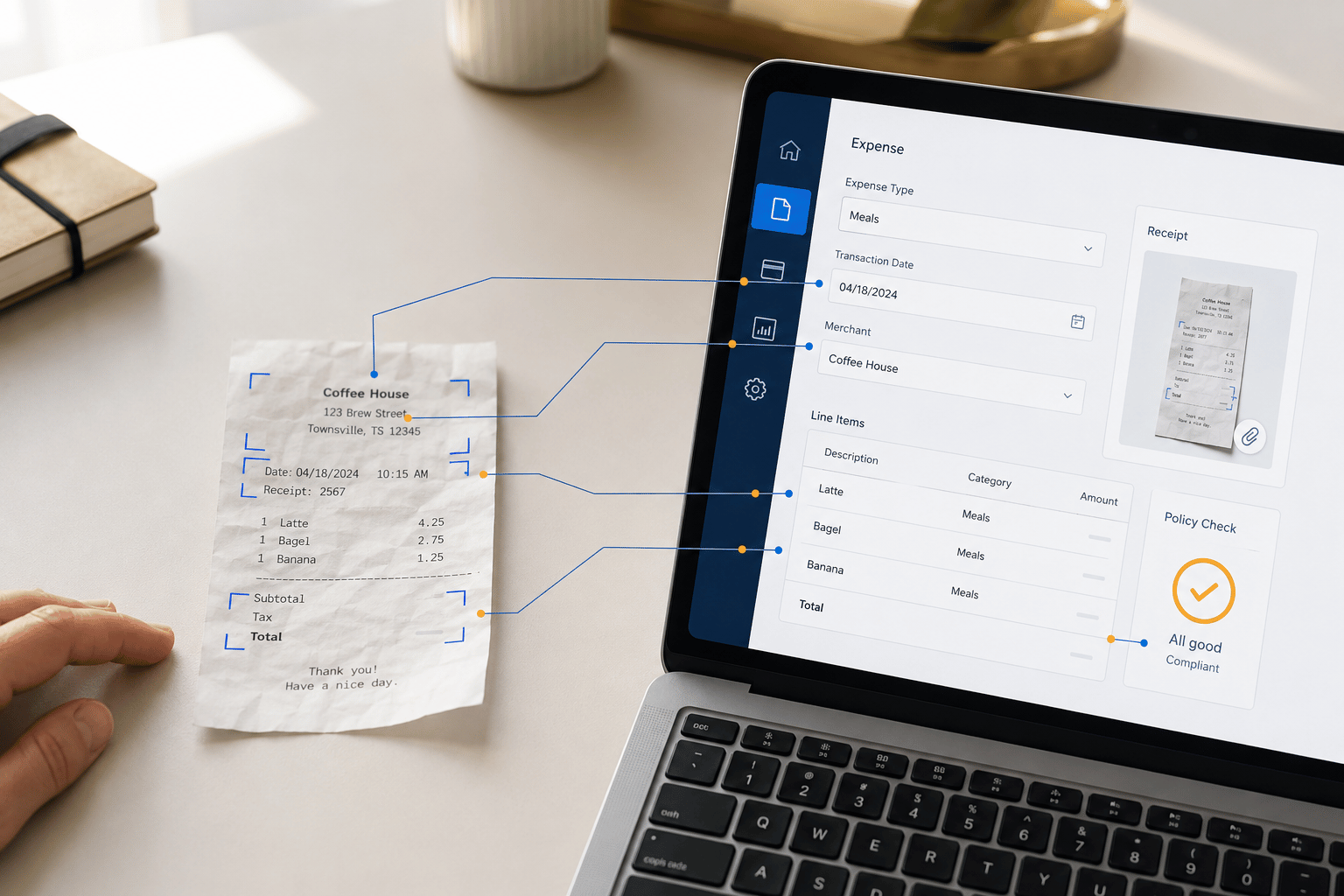
Microsoft’s New Expense Agent Simplifies Business Central Expense Reports

Clayton Jones

|

May 28, 2026
Most expense management improvements over the years have been incremental. Better OCR. Faster receipt capture. A mobile app instead of a desktop form. The underlying workflow stayed the same: employee…

When Does Dynamics 365 Business Central Need Power BI?

Clayton Jones

|

May 20, 2026
Thanks to Dynamics 365 Business Central, your processes have been streamlined, your finances smartly managed, and your sales cycle enhanced. Your business has been running so smoothly that you’ve finally…

From Power Automate to Microsoft Copilot: Where Workflow Automation Ends and AI Assistance Begins

Zoltan Orban

|

May 19, 2026
Webinar: AI or Automation? How to Know What Your Manufacturing Business Actually NeedsJune 16 @ 11:00 AM PT/2:00 PM ETRegister Now!Most operational problems are not as simple as “add AI.”…

Project Online Retirement: What Businesses Need to Do Before September 2026

Daniel Dix

|

May 7, 2026
For years, Project Online, Microsoft’s cloud-hosted project and portfolio management (PPM) solution, built on SharePoint Online has played a central role in enterprise environments, supporting everything from detailed scheduling to…

Microsoft Dynamics 365 Business Central Implementation Packages

Clayton Jones

|

April 29, 2026
If you’re like 99% of our clients, you’re trying to rein in the soaring costs of technology. It’s a delicate balancing act. On the one hand, you understand that you…

Doing More With the Team You Have: What BCS is Changing with AI

Jackie Gant

|

April 29, 2026
AI is everywhere right now, but what feels different is the pace. For the first time in a long time, small and mid-sized businesses are adopting new technology just as quickly…