Microsoft Copilot $21$18. Plus, get 1 month free!

April 14, 2015

Five Ways to Turn Business Data into Business Intelligence Part 3: Get BI on the Fly.

This is the third post in our five-part series, Five Ways to Turn Business Data into Business Insight. We’ve previously looked at how dashboards can provide easy information access to your team members based on specific roles and how self-service business intelligence (BI) and reporting can lighten the load on IT resources. Today, we’ll discuss mobile BI and its impact on users and IT.

Get BI on the Fly.

Making everything mobile is the mantra of nearly every business and certainly every IT department. And why not? When you give users the same flexibility and functionality in their business systems that they get in their personal lives, they’re happier, they’re more productive and your business reaps the benefits. And when it comes to business insight and reporting, you can put the information team members need in the palms of their hands, anytime they need it, wherever they are.

How does it work? A business solution from Microsoft uses Office and Microsoft SharePoint as a platform for collaboration and distribution and extends access to key information and reports users working from their phones or tablets. And with Microsoft SharePoint or OneDrive, users can securely save reports to the cloud, access them from their personal devices, and easily share them with other members of the team.

This safe and easy way to share data and insight will reward you with increased productivity and a level of service that will be the envy of your peers—and your competition. In our next entry, we’ll talk about what Big Data really means for small and mid-sized businesses and how to make it work for your company.

In the meantime, learn more about Microsoft Dynamics and take a product test drive or learn more about buying and deploying a business solution from Microsoft.


Test Drive Dynamics GP

Share On: 

Other articles

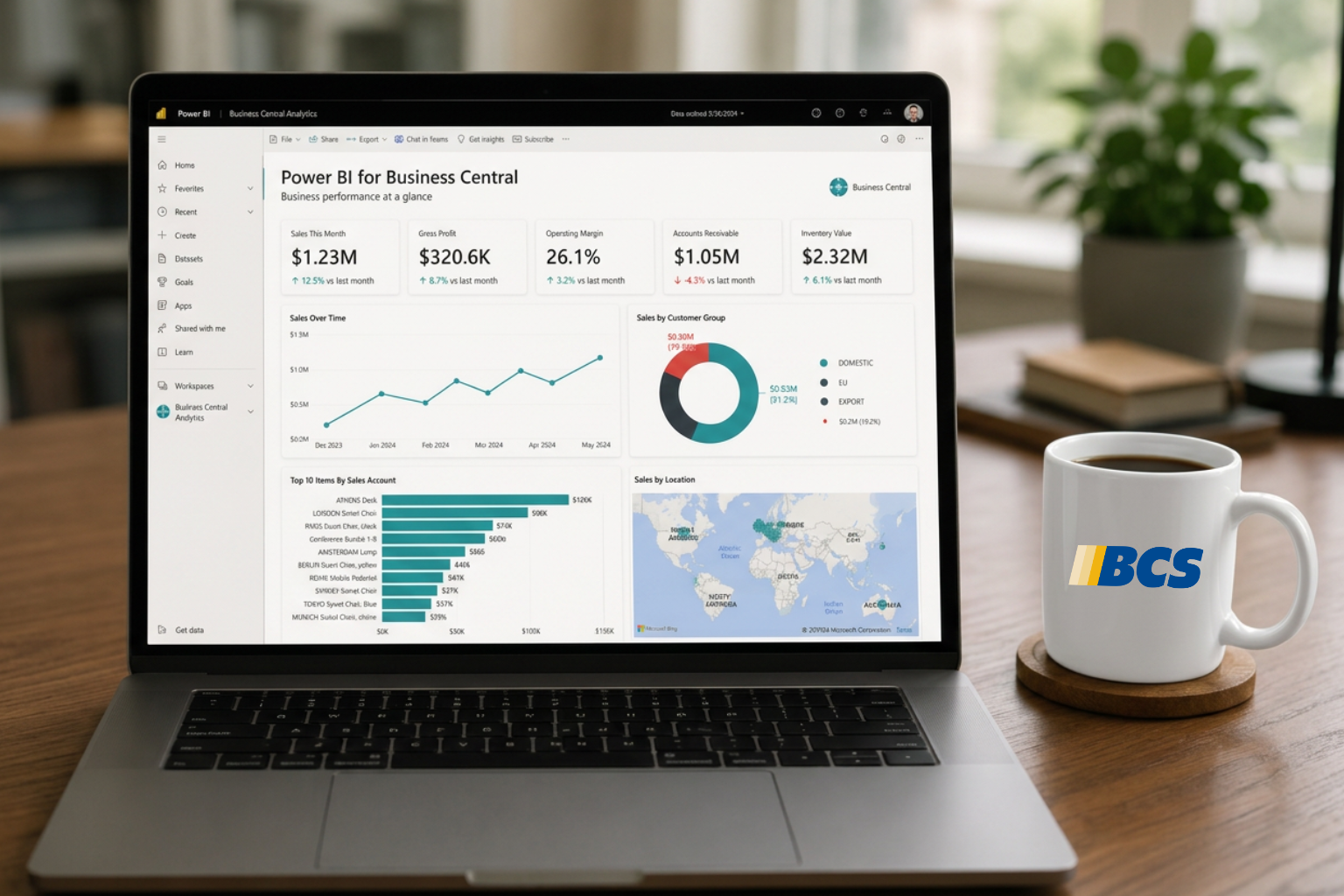
Does Your Dynamics 365 Business Central Need a Power BI Power Up?

Clayton Jones

|

May 20, 2026
Thanks to Dynamics 365 Business Central, your processes have been streamlined, your finances smartly managed, and your sales cycle enhanced. Your business has been running so smoothly that you’ve finally…

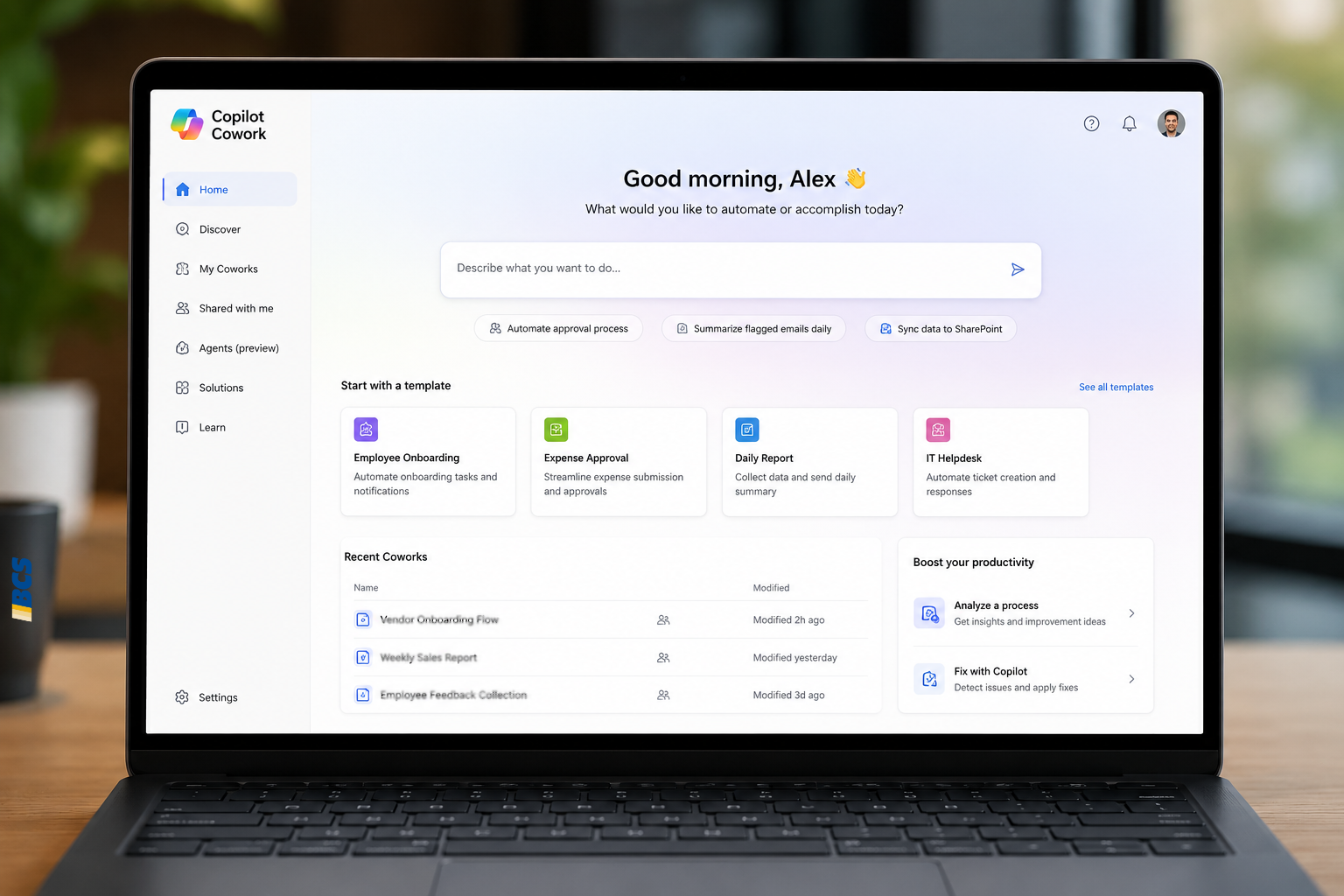
From Power Automate to Microsoft Copilot: Where Workflow Automation Ends and AI Assistance Begins

Zoltan Orban

|

May 19, 2026
Webinar: AI or Automation? How to Know What Your Manufacturing Business Actually NeedsJune 16 @ 11:00 AM PT/2:00 PM ETRegister Now!Most operational problems are not as simple as “add AI.”…

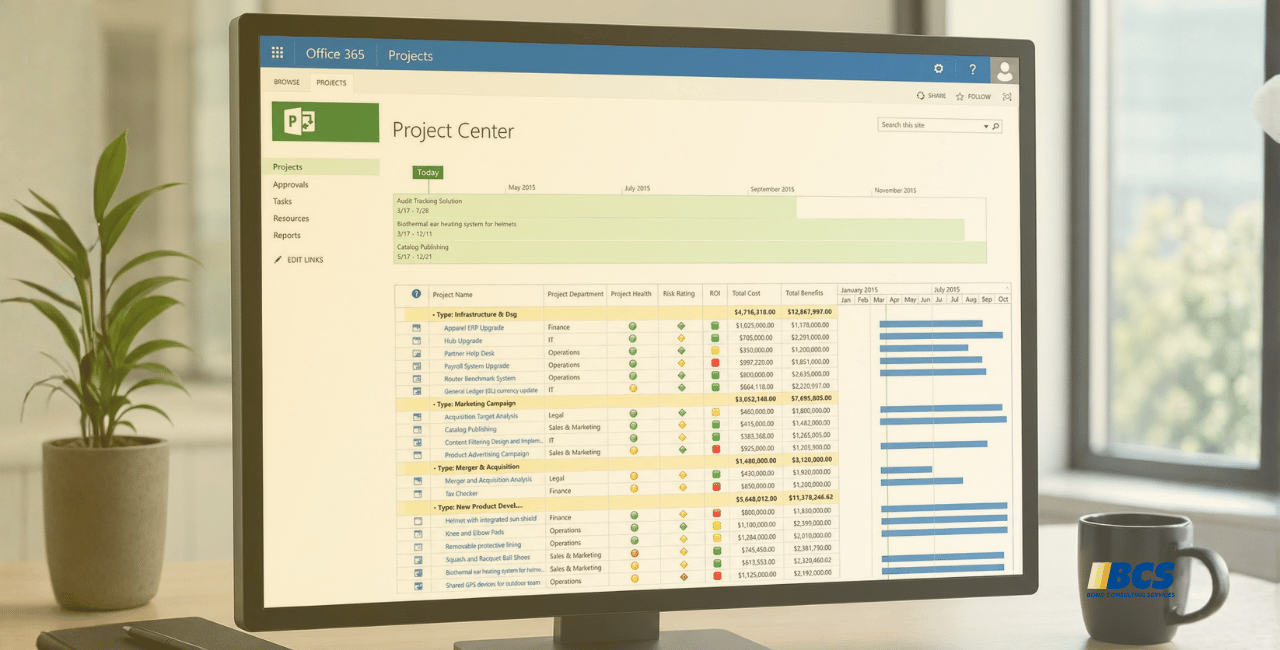
Project Online Retirement: What Businesses Need to Do Before September 2026

Daniel Dix

|

May 7, 2026
For years, Project Online, Microsoft’s cloud-hosted project and portfolio management (PPM) solution, built on SharePoint Online has played a central role in enterprise environments, supporting everything from detailed scheduling to…

Microsoft Dynamics 365 Business Central Implementation Packages

Clayton Jones

|

April 29, 2026
If you’re like 99% of our clients, you’re trying to rein in the soaring costs of technology. It’s a delicate balancing act. On the one hand, you understand that you…

Doing More With the Team You Have: What BCS is Changing with AI

Jackie Gant

|

April 29, 2026
AI is everywhere right now, but what feels different is the pace. For the first time in a long time, small and mid-sized businesses are adopting new technology just as quickly…

Why AI Sometimes Feels Off (Even When You Have the Data)

Zoltan Orban

|

April 23, 2026
Webinar: Doing More With the Team You Have | What BCS is Changing About AIApril 28 @ 12:00 PM PT/3:00 PM ETRegister Now!Most small and mid-sized businesses aren't behind on…