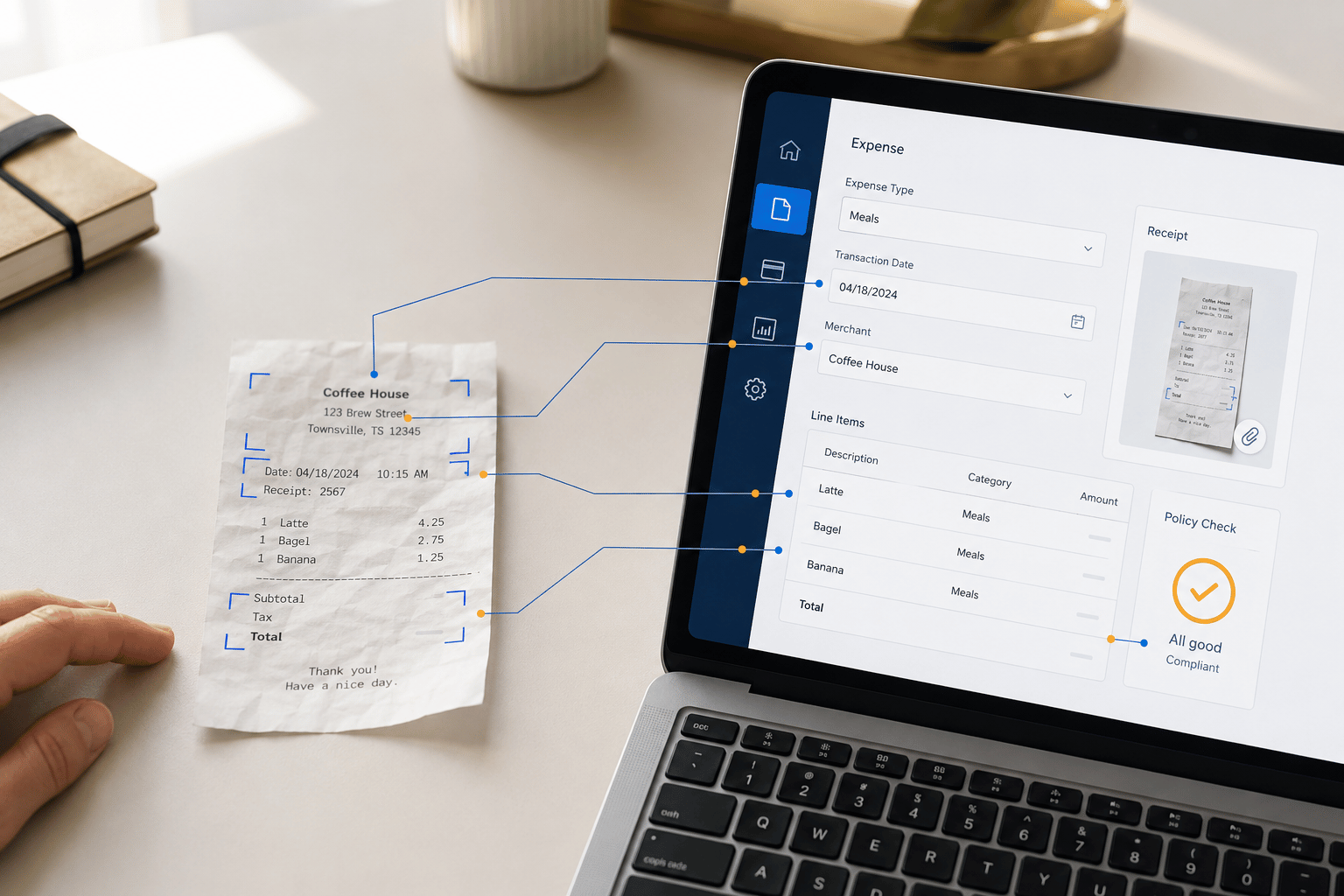
We recently developed a custom expense tracking module for a client’s Dynamics 365 Field Service implementation. This module enhances the platform’s capabilities by enabling field technicians to directly record and track expenses within work orders.
By capturing detailed information such as expense type, quantity, unit price, and chargeability, the module empowers organizations to improve financial accuracy, streamline reimbursement processes, and gain valuable insights into field service costs. This customization significantly improves the overall efficiency and effectiveness of Dynamics 365 Field Service.
When a technician is on site, they might need to purchase parts that they don’t have on hand. Technicians would then go to a hardware store and get supplies with their personal credit card and need to be reimbursed. Another example is lodging, if an employee has to pay for a hotel the employer would be able to track that expense to a work order.

Within the Work Order, you can navigate to the Expense record to see the purpose of the expense and when it was incurred. The Expense record tracks expense type, whether the charge is for lodging, equipment, or another category, and the chargeability of an expense. Technicians are able to create and submit their expenses for managerial approval. A manager has the ability to review the details before approving the record. Approved Expense records can then be pushed to an accounting system for processing in addition to providing complete and thorough documentation of the project for further analysis and appropriate cost allocation.

Key Features:
- Intuitive Expense Tracking: Easily record and track expenses directly within Dynamics 365 Field Service work orders.
- Flexible Expense Categories: Categorize expenses by type, such as lodging, equipment, or supplies, for better analysis and reporting.
- Chargeable vs. Non-Chargeable Expenses: Differentiate between expenses that can be billed to customers and those that should be absorbed by the company.
- Real-Time Visibility: Monitor expense status, track reimbursements, and gain insights into your field service costs.
Benefits of Our Customization:
- Improved Financial Accuracy: Maintain accurate records of field service expenses for better financial reporting.
- Enhanced Cost Management: Gain visibility into expense trends and identify opportunities for cost savings.
- Streamlined Reimbursement Processes: Simplify the reimbursement process for technicians, reducing administrative overhead.
- Enhanced Customer Billing: Accurately bill customers for chargeable expenses, improving revenue capture.
Want to learn more about expense tracking? Contact us or email us at Support@BondConsultingServices.com.