Dynamics 365 Supply Chain Management is Microsoft’s enterprise-tier application for running complex manufacturing, warehousing, and distribution operations. It sits in the Finance & Operations family — the product line that grew out of Dynamics AX — and it is built for organizations whose supply chain is genuinely complicated: multiple sites, multiple legal entities, high SKU counts, regulated traceability, real warehouse automation.
That is the short answer. But most people searching this question are not really asking for a feature list. They are trying to work out which Microsoft ERP their company actually needs — and for a large share of them, the honest answer turns out to be Business Central rather than Supply Chain Management. This article covers both: what Supply Chain Management does, and how to tell which side of the line you are on.
What Dynamics 365 Supply Chain Management actually is
Microsoft splits its ERP portfolio into two tiers. Dynamics 365 Finance and Dynamics 365 Supply Chain Management — often referred to together as F&SCM — make up the enterprise tier. Dynamics 365 Business Central is the small and midsized tier. They are separate products with separate codebases, not editions of the same thing.
Supply Chain Management is the operations half of that enterprise pair. It handles production, planning, warehousing, and logistics, and it is designed for depth rather than breadth. Its core capabilities include:
- Advanced warehouse management — wave and batch picking, RF scanning workflows, directed work, and configurable picking strategies.
- Transportation management — load building, route planning, carrier consolidation, and freight cost allocation.
- Process and lean manufacturing — formula and recipe-based production, yield handling, co-products and by-products, alongside discrete manufacturing.
- Engineering change management — formal approvals, effectivity dates, and version governance on product designs.
- Multi-site demand and supply planning — planning across sites and legal entities at high SKU volumes, with more forecasting sophistication than the SMB tier offers.
- Traceability and quality management — the lot, batch, and quality controls that regulated industries are audited against.
- Product configuration models — constraint-based configuration that generates bills of material and routes automatically for make-to-order, configure-to-order, and engineer-to-order scenarios.
If you read that list and recognized your own operation in most of it, Supply Chain Management is probably the right product family for you. If you read it and thought “we don’t do half of this,” keep reading.
Where Business Central fits instead
The useful way to frame the difference is ERP coverage versus execution depth.
Dynamics 365 Business Central covers the same functional ground — finance, purchasing, sales, inventory, warehousing, manufacturing, projects, service — but at less operational depth in each area. It runs warehouses; it does not run automated high-volume distribution centers. It runs manufacturing; it does not run regulated process manufacturing with formula scaling and engineering change control.
For most small and midsized organizations, that trade is not a compromise. It is the point. Business Central goes live in months rather than years, it costs a fraction of an enterprise implementation, and it does not require a dedicated internal team to keep running. Buying enterprise depth you will not use is one of the more expensive mistakes available in ERP selection.
Supply Chain Management vs Business Central: the practical comparison
| Business Central | Supply Chain Management | |
|---|---|---|
| Built for | Small and midsized organizations | Large and enterprise organizations |
| Warehousing | Bins, zones, directed put-away and pick | Wave/batch picking, RF workflows, directed work, advanced strategies |
| Manufacturing | Discrete, assembly, light production | Discrete, process, lean; formula and yield handling |
| Transportation | Basic shipping; ISV add-ons for more | Native load building, routing, freight allocation |
| Multi-entity | Supported; simpler structures | Built for many entities, currencies, countries |
| Change control | Standard version handling | Formal engineering change management |
| Typical implementation | Months | Quarters to years |
| Ongoing ownership | Manageable without dedicated ERP staff | Usually requires internal ERP capability |
How to tell which one you actually need
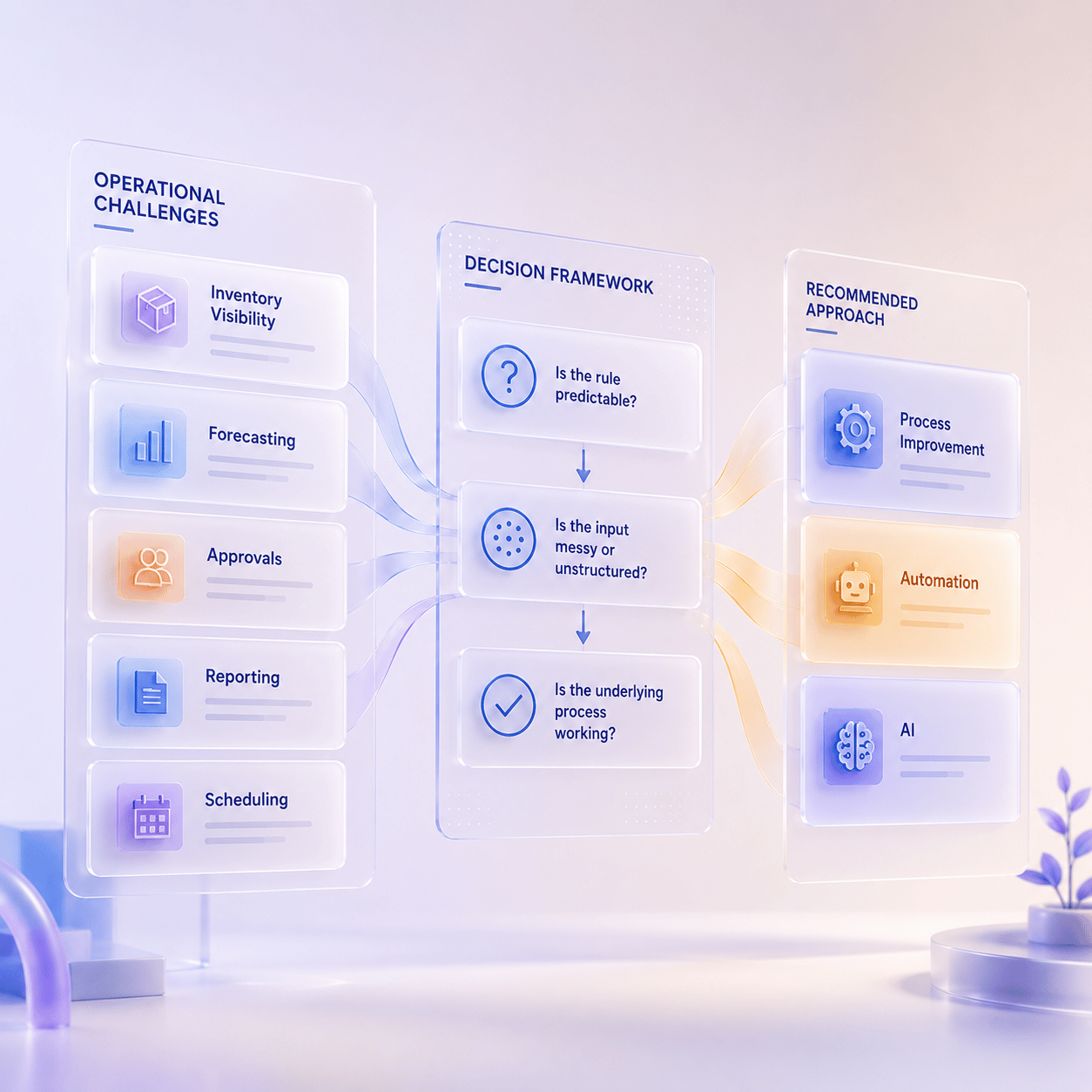
Ignore headcount and revenue for a moment — they are weak predictors. What matters is whether your operational complexity genuinely requires enterprise depth.
Signals you may actually need Supply Chain Management
- You run process or formula-based manufacturing, with yield, co-products, or batch scaling.
- Your warehouse runs directed work with RF scanning and wave picking, and the labor model depends on it.
- You manage inbound and outbound freight as a cost center, with route and load optimization.
- You operate many legal entities across multiple countries with intercompany complexity.
- You are audited on traceability and quality in a regulated industry.
- You need formal engineering change control with approvals and effectivity dating.
Signals Business Central is the right call
- You are on QuickBooks, Sage, or an aging on-premises ERP and need a modern cloud system.
- Your warehousing needs are bins, zones, and accurate counts — not labor-optimized directed work.
- Your manufacturing is discrete or assembly, with bills of material and routings.
- You have one entity, or a handful with straightforward intercompany activity.
- You want to be live this year, not to start a multi-year program.
- You do not have — and do not want to hire — a dedicated internal ERP team.
A common pattern worth naming: teams shortlist Supply Chain Management because a single requirement genuinely sits above Business Central’s depth, then discover that the requirement is better solved by a Business Central ISV add-on than by moving an entire organization up a product tier. That is worth testing before you commit, because the cost difference is not marginal.
If you want that tested properly rather than argued about, a structured Business Central assessment is designed to answer exactly this question — including the answer where Business Central is not the right fit.
Where Bond Consulting Services sits
We should be direct about this, because it affects how you read everything above. Bond Consulting Services works with Dynamics 365 Business Central. We do not implement the enterprise Finance & Supply Chain Management applications.
That means two things. If your operation genuinely needs Supply Chain Management, we will tell you so rather than sell you something that will not hold — and we would rather say it during a first conversation than eighteen months into an implementation. And if Business Central is the right fit, you are working with a team that does this specific product every day, including the industry-shaped versions of it: Business Central for distributors and Business Central for manufacturers.
If you have reached the point of wanting scoping rather than orientation, our Business Central consultants handle fit assessment, configuration, data migration, and go-live.
Frequently asked questions
Is Supply Chain Management part of Business Central?
No. They are separate Dynamics 365 applications. Business Central includes its own supply chain functionality — inventory, purchasing, warehousing, and manufacturing — but Dynamics 365 Supply Chain Management is a distinct enterprise product in the Finance & Operations family.
Can Business Central handle warehouse management?
Yes, for most small and midsized operations. It supports locations, zones, bins, directed put-away and pick, and cycle counting. What it does not offer natively is the labor-optimized directed work, wave picking, and advanced picking strategies that high-volume distribution centers depend on. There are practical ways to get more out of Business Central’s supply chain features before concluding you have outgrown it.
What was Dynamics 365 Supply Chain Management called before?
It was part of Dynamics 365 for Finance and Operations, which Microsoft later split into Dynamics 365 Finance and Dynamics 365 Supply Chain Management. Before that, the product line was Microsoft Dynamics AX. Confusingly, “Finance and Operations, Business edition” was an early name for what became Business Central — a different product entirely.
Does Business Central do manufacturing?
Yes — production orders, bills of material, routings, capacity planning, and subcontracting. It is well suited to discrete and assembly manufacturing. Process manufacturing with formula scaling, yield, and co-products is where Supply Chain Management pulls ahead.
Can we start on Business Central and move up later?
Organizations do, though it is a re-implementation rather than an upgrade — different product, different data model. The more useful question is usually whether the complexity driving the move is real and permanent, or a single requirement that could be solved within Business Central. That is worth answering deliberately rather than by default.