When I first started thinking about our AI budget at BCS, I assumed the biggest question would be pretty straightforward: how much are we going to spend on tools like Microsoft Copilot?
That turned out to be only part of it. The bigger investment showed up in places like training, experimentation, process changes, data cleanup, and figuring out where AI actually made sense in the business. We also learned pretty quickly that simply giving people access to AI does not mean they will use it well or even use it at all.
So if you are planning your 2027 budget, I would not treat AI as one software line item. I would think about the full investment required to make it useful.
What should be included in an AI budget for 2027?
At a minimum, I would plan for more than licenses. Your AI budget may include software and consumption costs, employee training, time for experimentation, process redesign, data cleanup, governance, and ongoing monitoring. Some of those costs are easy to put a number against. Others show up as employee time, opportunity cost, or work that has to happen before the technology can deliver anything useful.
That was one of the biggest takeaways from our own experience at BCS. We invested in Copilot, but we also invested in getting our team trained, giving people room to learn, and figuring out how AI should actually fit into the way we work.
Start with the business problem, not the AI tool
One of the easiest mistakes to make is starting with the technology. You hear about an agent, a new Copilot feature, or some new AI capability and immediately start thinking about where you could use it. I understand that instinct because we have done the same thing internally.
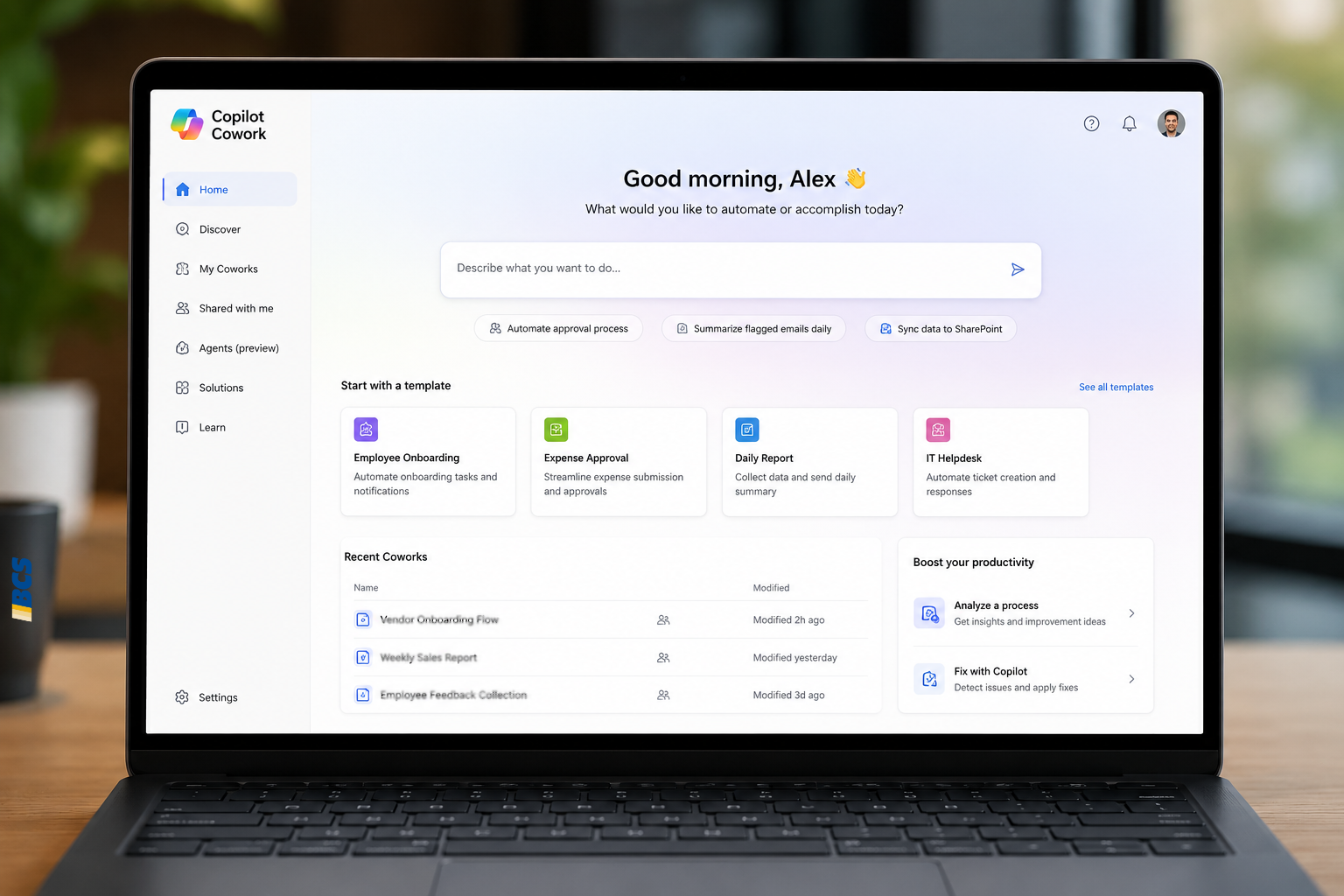
But the better starting point is much simpler: what business problem are we trying to solve? If employees are spending an hour on an expense report every time they travel, for example, you can start putting a real cost around that problem. You can look at the people involved, the time they are spending, and what they could be doing instead. Then you have something meaningful to compare against the cost of an agent, a workflow, or another solution.
And sometimes AI is not the answer. Sometimes a basic workflow or automation solves the problem just fine. Sometimes the problem is not expensive enough to justify a new project at all. That is why I would always start with the business impact first and the technology second.
Buying Microsoft Copilot licenses is the easy part
Going into 2026, I thought the adoption piece would be much easier than it was. We gave people Copilot licenses, and I expected usage and productivity to follow pretty naturally. Instead, we had periods where I was looking at our consumption and wondering why people were not using it more. The answer was not that the technology did not work. We had not done enough around the technology yet.
People needed help understanding where Copilot was useful in their actual jobs. We needed to work through process changes, data organization, guardrails, training, and change management. As adoption grew, we then had to start paying closer attention to consumption and spending limits.
So yes, licensing matters. But buying licenses is probably the easiest part of your AI strategy. Getting people to use the tools in the right places is where more of the work shows up.
A technically successful AI project can still be the wrong investment
We learned this one firsthand. As part of our internal AI experimentation, our team built an experience for the BCS website that could gather information from a visitor and work toward generating a quote. Technically, it worked. The team built what we asked them to build.
People just did not really use it. The project forced us to look more closely at how our customers actually buy from us. They buy from our people. They want to talk to the consultants, sellers, and experts they may eventually work with. Removing that human interaction was not the place where AI was going to create the most value.
That changed how I thought about the problem. Instead of asking how AI could replace parts of the sales process, we started looking harder at how AI could give our sellers more time to do the human parts of their jobs.
That means things like meeting preparation, CRM activity, follow-up, meeting notes, and other administrative work. Those may sound less exciting than building an AI seller, but they can create a much more useful return.
Before you buy another AI tool, look at what you already have
Another place I would start is with the technology you are already paying for. If you are using Microsoft 365, Business Central, Dynamics 365, or other Microsoft applications, there may already be Copilot capabilities or AI features available in your environment. If you’re still sorting out the different Copilot options and where each one fits, our Microsoft Copilot, Explained guide is a good place to start.
Some functionality may be included with what you already own, while other features, agents, or more advanced capabilities may have additional licensing or consumption costs. That is why I would take inventory before adding anything new.
What AI functionality is already available? Are employees using it? Where is it creating value today? Where are people still doing repetitive work manually? You may find that there are simpler places to start before you invest in a custom AI project.
Where should a small or midsize business start with AI?
I like to think about this as crawl, walk, run. Starting small also gives you something planning alone can’t: actual experience. If your team is still stuck between talking about AI and trying it, Just Get Started: How Teams Are Actually Beginning with Microsoft Copilot looks at what that first step can realistically look like.
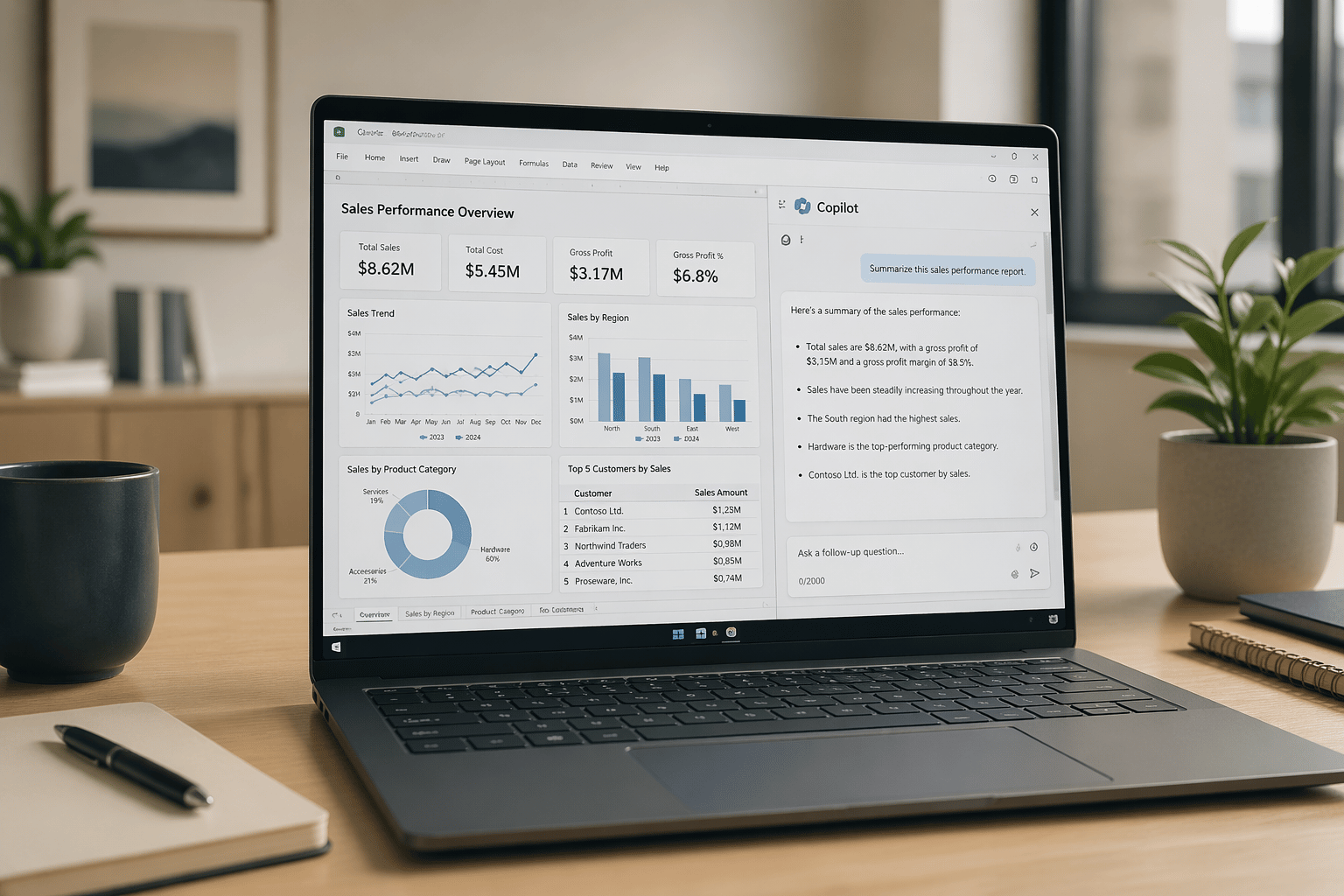
Start with the AI capabilities people can use in everyday work. Email, meetings, meeting summaries, follow-up, and other Microsoft 365 activities are often a good place to begin because employees already understand the underlying work. If you’re still trying to picture what that actually looks like during a normal workday, we’ve outlined several Microsoft Copilot use cases in Outlook, Teams, Word, and Excel.
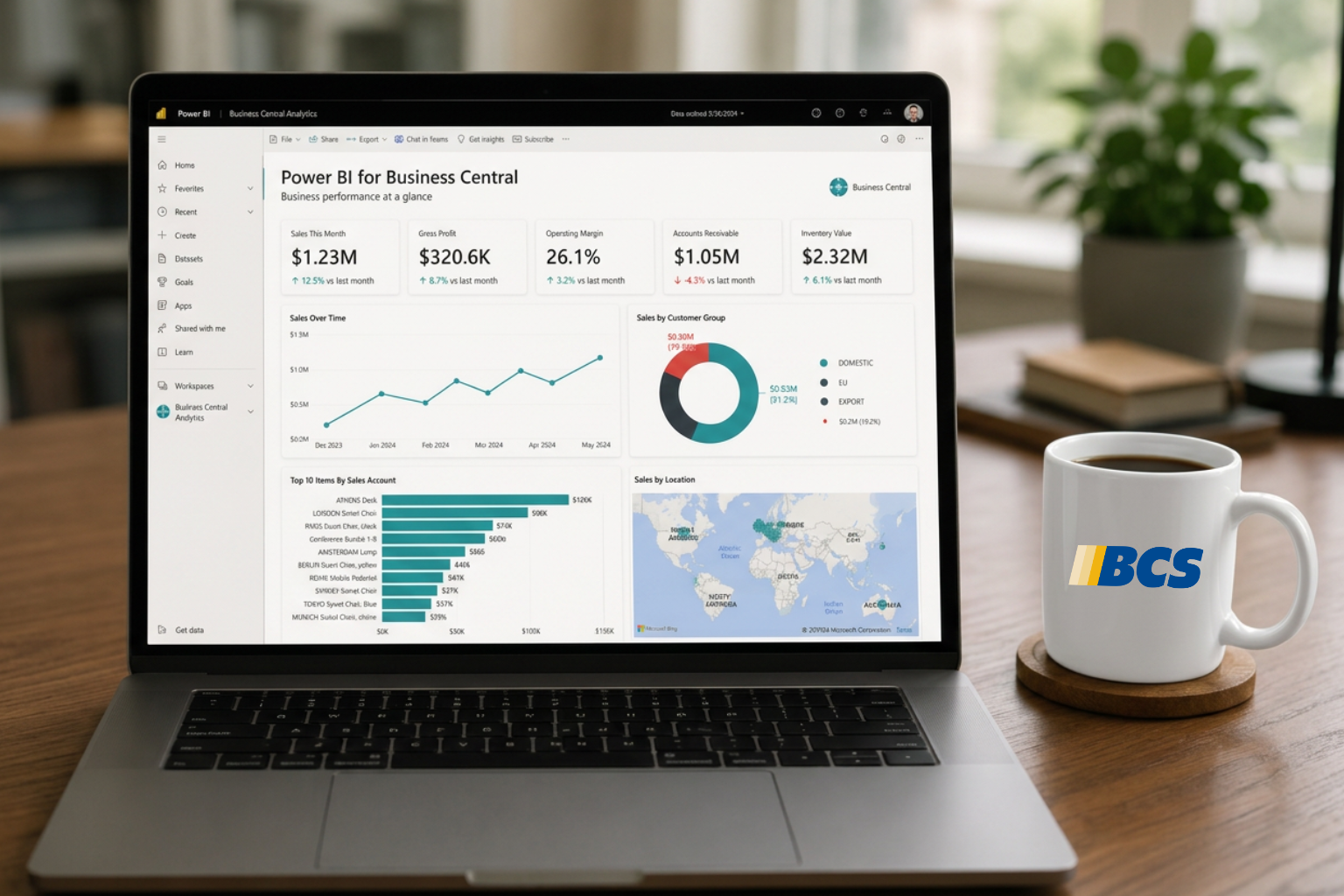
From there, look at the AI that is already showing up inside your business applications. Business Central and other Microsoft products continue to add Copilot and agent capabilities that can help with specific processes.
Then, once you understand the use case, the users, the data, and the likely return, custom agents start to make more sense.
I would not start with a custom agent just because it is the most interesting thing to talk about. There is usually a lot of value to capture in the first two stages before you need to build something custom.
Your AI budget includes people
One of the biggest lessons for me is that our largest AI investment is not just software. It is people. We have spent time getting our team trained and certified. We have given people room to experiment. We have encouraged teams to share where AI is helping, where it is not, and where processes need to change.
That time has a cost, but without it, you can easily end up paying for tools that no one uses or allowing people to use AI in completely different ways without enough structure around it.
The technology is moving fast, but the people using it still need context, training, and some common expectations. That part of the budget is easy to underestimate.
Your data may be part of the AI budget too
The other piece that becomes obvious pretty quickly is data. It is great to say we are going to record meetings, use Copilot to summarize information, or build agents that can answer questions. But where is that information actually stored?
At BCS, like a lot of companies, we have years of data across Teams, SharePoint, OneDrive, email, folders, and other systems. If you want AI to work consistently, you have to think about where that information lives and whether it is organized in a way the tools can actually use. That does not mean every company needs some giant data project before they can start with AI. It does mean data organization, access, and governance may become part of the work sooner than you expect.
That doesn’t mean your data has to be perfect before you start. In fact, experimenting with AI can help expose where the real gaps are. We’ve gone deeper on that in Why Waiting for Perfect Data Means Never Starting with AI.
So, is AI in your 2027 budget?
I think the better question is: what part of AI is in your budget? Are you budgeting for licenses? Usage? Training? Experimentation? Process redesign? Data work? Governance? For us, the answer has become all of the above.
AI is not just a tool you turn on and check off the list. It is becoming part of how we think about business processes, technology investments, and where we want our people spending their time.
If you are planning for 2027, you do not need to know every AI project you are going to build next year. But you should probably know what problems are worth solving, what capabilities you already have, and where you want to start testing what actually works.
Want to talk through where AI may fit into your existing Microsoft environment? Talk to BCS →