AI vs Automation for Manufacturers | June 16

December 14, 2017

December Updates | Finance and Operations, Business edition

Microsoft announces the latest updates to Dynamics 365 for Finance and Operations, Business edition, including personalization of the workspace, improvements of global dimensions and assembly management.

Personalize your workspace

You can now change the User Interface for individual users to achieve a better fit to each user’s tasks and preferences—thereby increasing productivity and user satisfaction. You can customize by moving, hiding, or showing specific fields or columns on a page, by freezing columns to keep them visible as you scroll horizontally, and by moving or hiding cues or parts. All personalization can be cleared from a page easily to get a fresh start.

Change Global Dimensions Improvements

It is now easier to make changes to your Global Dimensions as your reporting and analysis needs change. In the background changes to Global Dimensions now run as a set of smaller transactions rather than as one huge transaction that would typically run overnight and roll back in case there are any errors.

You can make changes to your Global Dimensions in the Suite Experience by going to Setup & Extensions, choosing Manual Setup, then Finance, and then General Ledger, and finally clicking Change Global Dimensions in the ribbon.


Assembly Management

You can now use Assembly Management features for warehouse processes, making it simpler to manage your inventory. Assembly Management is useful when you have business processes that turn products and resources into new finished products.

Go to the Replenishment header any Item Card in the Suite Experience to set up Assembly Management for that item. You can set up the Bill of Materials for an item using the button in the ribbon on the Item Card.


Source: Dynamics Community 
 

Other articles

Microsoft’s New Expense Agent Simplifies Business Central Expense Reports

Clayton Jones

|

May 28, 2026
Most expense management improvements over the years have been incremental. Better OCR. Faster receipt capture. A mobile app instead of a desktop form. The underlying workflow stayed the same: employee…

When Does Dynamics 365 Business Central Need Power BI?

Clayton Jones

|

May 20, 2026
Thanks to Dynamics 365 Business Central, your processes have been streamlined, your finances smartly managed, and your sales cycle enhanced. Your business has been running so smoothly that you’ve finally…

From Power Automate to Microsoft Copilot: Where Workflow Automation Ends and AI Assistance Begins

Zoltan Orban

|

May 19, 2026
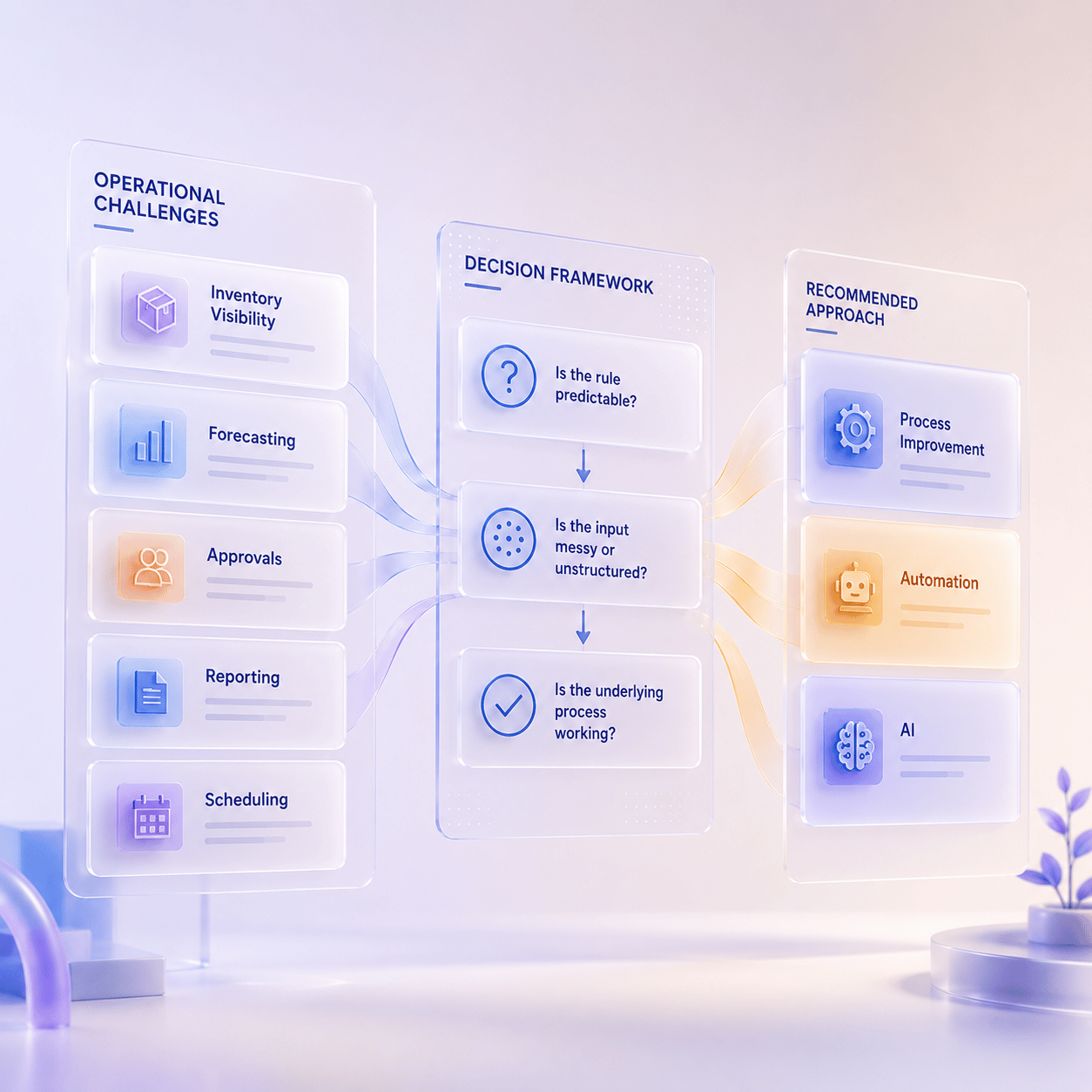
Webinar: AI or Automation? How to Know What Your Manufacturing Business Actually NeedsJune 16 @ 11:00 AM PT/2:00 PM ETRegister Now!Most operational problems are not as simple as “add AI.”…

Project Online Retirement: What Businesses Need to Do Before September 2026

Daniel Dix

|

May 7, 2026
For years, Project Online, Microsoft’s cloud-hosted project and portfolio management (PPM) solution, built on SharePoint Online has played a central role in enterprise environments, supporting everything from detailed scheduling to…

Microsoft Dynamics 365 Business Central Implementation Packages

Clayton Jones

|

April 29, 2026
If you’re like 99% of our clients, you’re trying to rein in the soaring costs of technology. It’s a delicate balancing act. On the one hand, you understand that you…

Doing More With the Team You Have: What BCS is Changing with AI

Jackie Gant

|

April 29, 2026
AI is everywhere right now, but what feels different is the pace. For the first time in a long time, small and mid-sized businesses are adopting new technology just as quickly…