Thanks to Dynamics 365 Business Central, your processes have been streamlined, your finances smartly managed, and your sales cycle enhanced. Your business has been running so smoothly that you’ve finally gotten the chance to rest on your laurels. But wait what if I told you that there’s more you could do? That you could turn your structured data into interactive, real-time insights and turn Business Central from a transactional system into a strategic decision-making platform.
Do I Need Power BI for D365 Business Central?
Many growing businesses already use reporting inside Dynamics 365 Business Central and may not need a separate business intelligence or analytics platform right away. Business Central already includes standard reports, charts, KPIs, and Excel-based reporting tools that work well for many organizations.
However, companies often begin exploring Power BI for Business Central when reporting becomes more manual, departments need different KPI views, or leadership teams want real-time dashboards instead of static month-end reports.
If your team is constantly exporting spreadsheets, reconciling numbers between systems, or struggling to get visibility across operations, finance, sales, and inventory, it may be time to evaluate whether your current reporting process is scaling with the business.
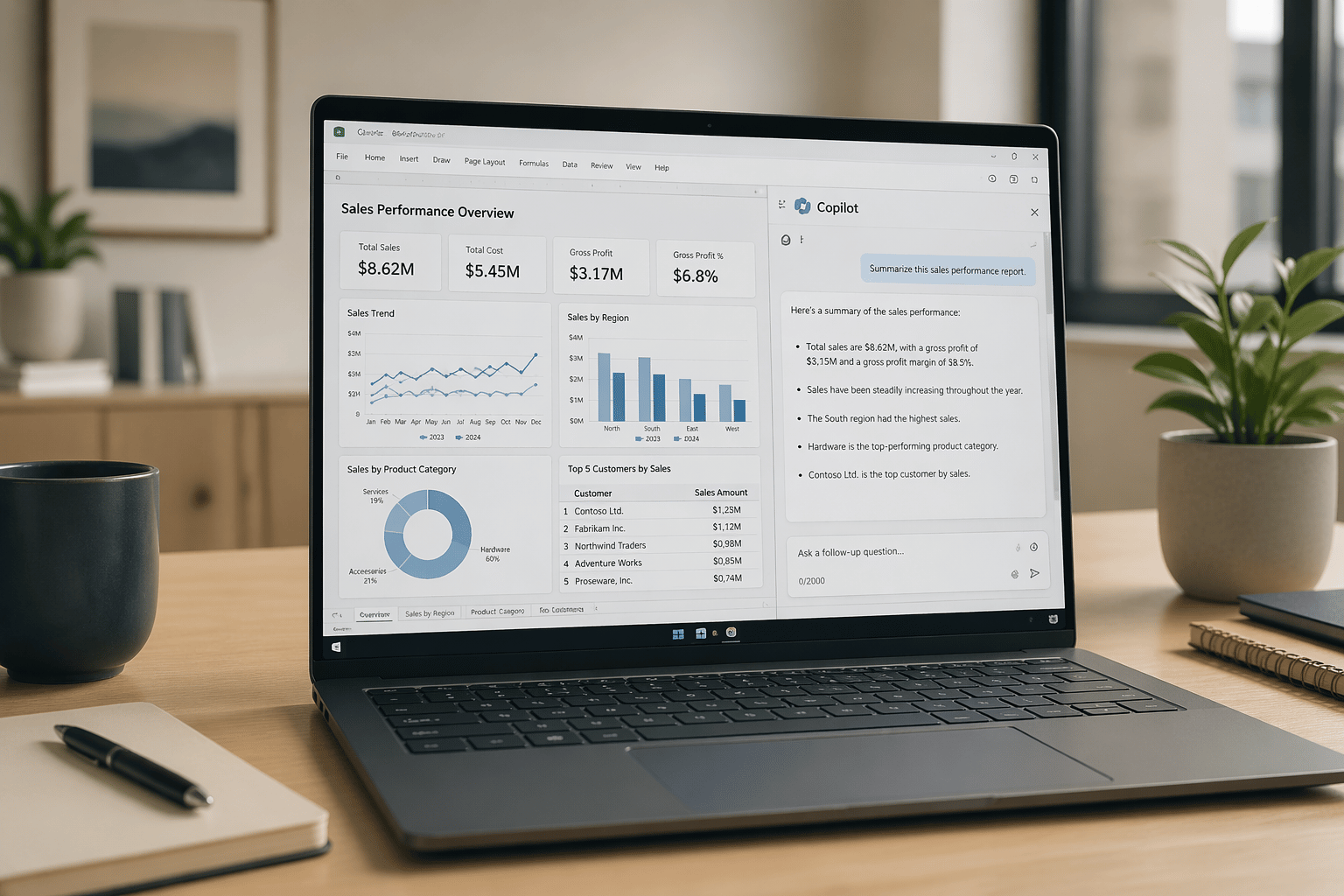
By connecting Microsoft Power BI with Dynamics 365 Business Central, you can create live, up-to-date dashboards for finance, sales, operations, and inventory.
Have A Lot Of Departments?
Power BI can be customized for role-based views, so that finance leaders see revenue and cash flow, operations teams can track purchasing activity and fulfillment, and sales can get insights into their pipeline and margins. Personalized dashboards for the data that matters and none of the noise.
“Not another page or app,” you groan. Who needs one more tab open on their desktop when you’ve already got fifty? Not to worry Power BI reports can be embedded directly into Dynamics 365 Business Central pages. View analytics without having to switch systems (or windows) so you can review metrics and insights without disrupting your workflow.
Real-Time Business Central Dashboards Without Manual Reporting
For example, a distributor may want to track inventory turns, purchasing activity, open sales orders, fulfillment activity, and margin performance in one centralized dashboard instead of pulling reports from multiple areas of Business Central.
Finance teams may want real-time cash flow and profitability reporting, while operations leaders focus on purchasing trends and inventory movement. Power BI dashboards help turn Business Central data into actionable operational insights without relying on disconnected spreadsheets or static reports.
As a cloud-based business intelligence platform, Power BI dashboards can be accessed anywhere, anytime, and from virtually any device.
Want to know more about what Power BI can do for you? Contact us for a free 1-hour Power BI assessment.
During this interactive session, our team will evaluate how Power BI and Dynamics 365 Business Central can help you better manage finances, increase visibility across operations, and streamline reporting throughout your organization.
Together, we will:
- Identify current reporting pain points, needs, and requirements
- Review internal business processes and reporting workflows
- Discuss organizational goals and operational visibility needs
- Deliver a Power BI recommendation for optimized use of Dynamics 365 Business Central
Whether you’re exploring real-time Business Central dashboards, looking to reduce manual reporting, or simply trying to determine if Power BI is the right fit for your business, BCS can help guide the conversation.