
Microsoft 365 Copilot for Business
Get 1 month free when you purchase a 12-month Copilot license
AI without changing systems
Is Microsoft 365 Copilot Right for You?
Microsoft 365 Copilot delivers the most value when it’s layered onto a solid Microsoft 365 foundation.
Copilot for Microsoft 365 is likely a good fit if you:
- Already use Microsoft 365 apps like Outlook, Excel, Word, or Teams
- Want to save time on everyday work like summarizing, drafting, and analysis
- Want AI that works right away, without long projects or custom work
We start with a simple fit check to help you understand whether Copilot makes sense for your team, how you work today, and what you’re hoping to improve..
Business Use Cases for M365 Copilot
Copilot Use Cases Across Outlook, Teams, Excel, Word & PowerPoint
Outlook + Copilot
Summarize long email threads, identify open action items, and generate drafts that match your tone.
Teams + Copilot
Recap meetings instantly, identify decisions, and generate summaries from chats, notes, and transcripts.
PowerPoint + Copilot
Turn ideas into slides, create visuals, generate speaker notes, and re-format content faster than ever.
Excel + Copilot
Analyze data, highlight trends, build charts, and answer questions without touching formulas.
Word + Copilot
Draft proposals, rewrite content, organize documents, and pull in details from Outlook or Excel.
Microsoft 365 Copilot Pricing
What’s the Difference?
Copilot Option
Best For
Price
Copilot Chat
Individuals exploring AI basics
Free
Copilot for M365 Business
Small teams using M365 apps
$18/user/month
through March 31, 2026
Microsoft 365 Copilot
Organizations ready for full Copilot across M365
$30/user/month
Limited-Time Copilot Offer
Microsoft Copilot now $18 + First month free
Organizations purchasing a 12-month Copilot license through BCS receive:
- 1 month of Copilot free
- Guided setup, admin controls, and best practices
- A smooth rollout for end users (and less IT overhead)
*Free month available through June 30. Promotional $18/user pricing is available through June 30, after Copilot returns to $21/user.
See Copilot for Microsoft 365 In Action
The Real ROI of M365 Copilot
Copilot isn’t a chatbot — it’s a digital coworker that works across the Microsoft 365 apps your team already uses.
In this 45-minute session, you’ll see how Copilot:
- Summarizes long email threads and highlights decisions
- Recaps meetings and generates action items instantly
- Crafts professional responses and follow-up messages
- Works across Outlook, Teams, Excel, Word, and PowerPoint as a unified AI assistant
You’ll walk away with a clear understanding of how Copilot saves time, reduces manual work, and improves productivity across your organization — every day.
From the BCS Blog
More on Microsoft 365 Copilot

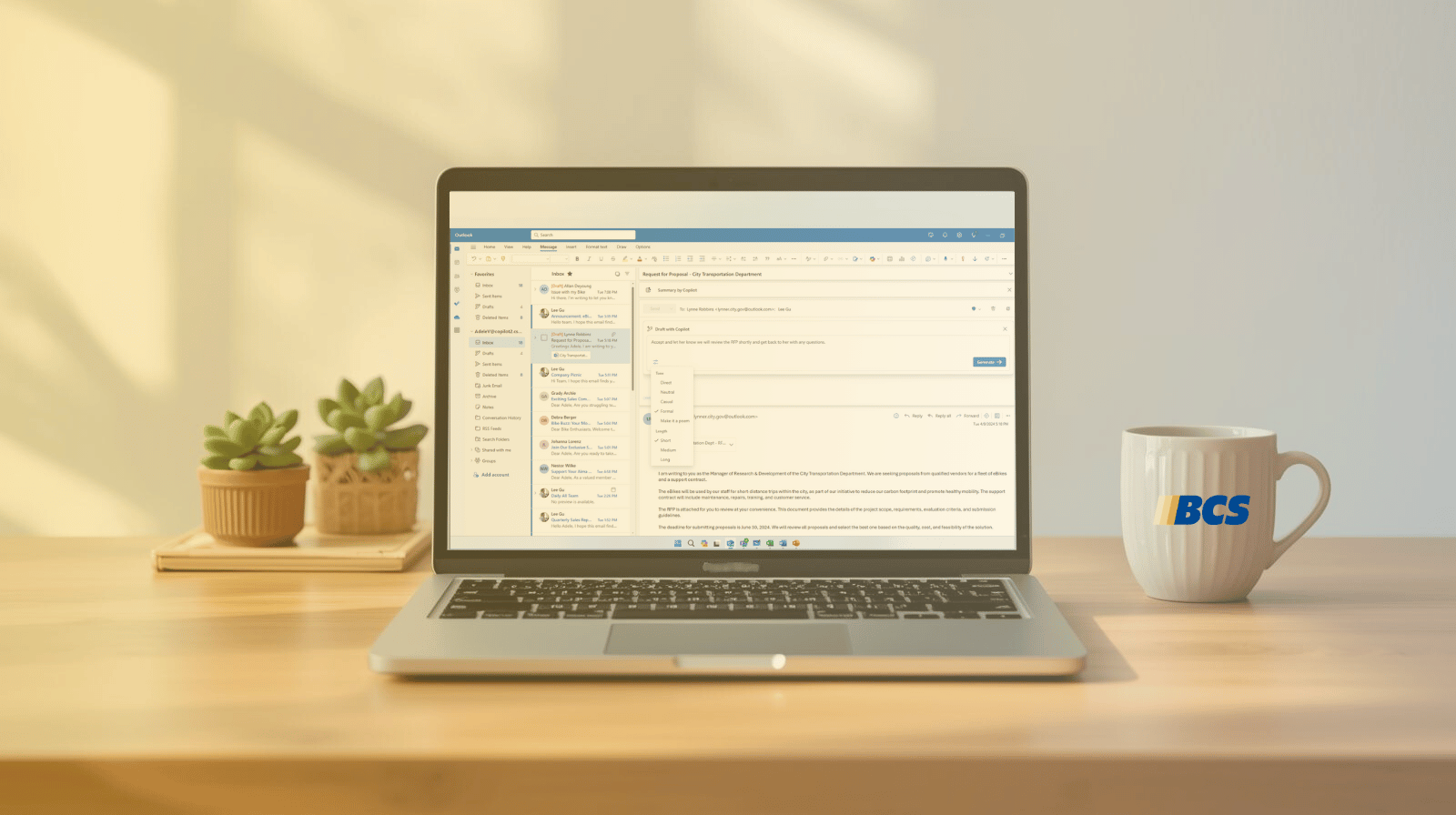
Just Get Started: How Teams Are Actually Beginning with Microsoft Copilot
|
GET THE ANSWERS YOU NEED
Microsoft 365 Copilot - FAQs
What is Microsoft 365 Copilot and how does it work?
Microsoft 365 Copilot is Microsoft’s native AI built directly into apps like Outlook, Teams, Word, PowerPoint, and Excel. It helps you write, summarize, analyze, and create inside the tools you already use — without switching tabs or learning new software.
Do I need Microsoft 365 to use Copilot?
Yes. Copilot is an add-on license that works with Microsoft 365 Business or Enterprise subscriptions. If you’re not sure which licenses your organization has, we can help you check.
Is Microsoft 365 Copilot the same as Copilot for Business Central or Dynamics 365 CRM?
No — they are different Copilot experiences.
Microsoft 365 Copilot works inside Outlook, Teams, Word, Excel, and PowerPoint to help with communication, meetings, content creation, and productivity.
Copilot for Business Central, Sales, Customer Service, and other Dynamics 365 apps is purpose-built for operational workflows — things like:
- generating sales emails in Dynamics 365 Sales
- summarizing cases in Customer Service
- forecasting demand in Business Central
- creating product descriptions from ERP data
They share the same underlying AI technology, but they are separate products with separate licenses. If your team uses both Microsoft 365 and Dynamics 365, Copilot can support productivity and line-of-business processes.
Interested in learning more about Copilot for Dynamics 365 apps? We can help!
Where does Copilot for Microsoft 365 add the most value?
Most teams see the biggest impact in:
- Email management (summaries, replies, prioritization)
- Meeting follow-up (recaps, decisions, action items)
- Document and presentation creation (drafts, slides, proposals)
- Data analysis in Excel
- Finding information across your Microsoft 365 ecosystem
If you’re drowning in communication, meetings, or files — Copilot helps reclaim hours every week.
Is Copilot worth it for small or mid-sized businesses?
Yes. Small and mid-sized businesses often see faster ROI because they have more repetitive communication and fewer people doing more work. Even saving 30–60 minutes per employee per day compounds into measurable productivity gains.
How secure is Microsoft 365 Copilot with business data?
Copilot follows the same enterprise-grade security, compliance, and privacy standards as Microsoft 365. It uses the permissions and access your organization already has, which means it won’t show you anything you don’t already have the rights to see.
Does Microsoft 365 Copilot include agentic AI or agents?
Yes — Microsoft 365 Copilot now includes agentic AI capabilities in several apps, meaning it can take actions, not just answer questions.
Traditionally, Copilot could summarize, draft, or analyze content.
With new agentic features, Copilot can now:
- organize information across files and apps
- complete multi-step tasks (like preparing for a meeting)
- suggest follow-up actions and help execute them
- retrieve, combine, and reason over context from Outlook, Teams, OneDrive, and SharePoint
- support “conversational workflows,” where you describe what you want and Copilot handles the steps
Microsoft is gradually rolling out Copilot Agents inside Microsoft 365, starting with Outlook and PowerPoint — with deeper agentic capabilities coming to Teams, Excel, and the Microsoft 365 app.
Important: This is different from “Copilot Studio” where you build custom automations.
Agentic Copilot in M365 uses built-in reasoning and task orchestration so employees can get more done without additional configuration.
In short: M365 Copilot is evolving from an assistant that suggests… into an AI that does.


