Upcoming Lunch & Learn — See AI in Manufacturing Workflows
Join us for a 30-minute Lunch & Learn on February 26th, where we’ll walk through practical manufacturing scenarios and explore how AI can support real workflows from order intake through operations.
AI is everywhere right now, but inside ERP systems, the conversation is shifting from copilots and chatbots to something more operational: agents. Microsoft has begun referring to this shift as “agentic ERP,” describing systems that don’t just execute predefined logic, but actively assist in planning, validating, and moving work forward.
For manufacturing leaders running on Business Central, this framing matters. The question isn’t whether AI in Business Central exists; it does. The question is how AI fits inside your actual operational workflows, and what that means for your team today versus two years from now.
ERP systems were designed to standardize and automate processes. For manufacturers, that meant structured order intake, production planning, purchasing logic, inventory controls, and financial reconciliation. That foundation remains critical.
What’s changing is the layer of intelligence operating within those workflows. and being clear about what’s available now versus what’s still emerging is exactly the kind of grounded conversation we think manufacturing teams deserve.
Automation vs. AI vs. Agents in ERP
Automation
ERP systems transformed manufacturing operations over the last two decades by standardizing workflows and enabling rule-based automation. If X happens, do Y. Sales orders trigger processes. Purchase orders follow defined logic. Production planning runs on structured inputs.
AI
That foundation hasn’t gone anywhere, and it shouldn’t. It’s the operational backbone that makes everything else possible. AI introduces a layer of interpretation on top of that backbone.
AI Assistants
In Business Central, Copilot capabilities support drafting, analyzing, and surfacing insights across workflows — responding to prompts, summarizing data, and assisting users contextually. It’s the difference between a system that executes and a system that helps you think. Microsoft Dynamics AI manufacturing capabilities in this space are real and growing, with Copilot features embedded across several core modules.
AI Agents
Agents represent the next layer. Rather than waiting for a prompt, an agent operates toward an objective.
In a Business Central automation vs. AI context, here’s the simplest way to frame it:
- Automation executes predefined steps (example: Business Central or Microsoft Power Automate)
- AI assists users (example: M365 Copilot)
- Agents operate within workflows — with humans still in control
Examples of Business Central Agents – Available Now
Business Central includes early ERP AI agent examples: the Sales Order Agent and the Accounts Payable Agent. It’s still early for a dedicated manufacturing agent, and it’s important to say that clearly. But the OOB agents do demonstrate how agent-style workflows are beginning to function inside ERP environments, and they’re a meaningful starting point for thinking about what’s possible.
For a plain-English breakdown of how agents differ from copilots and chatbots, we’ve outlined that in our companion post: What AI Agents in Dynamics 365 Actually Do.
How AI Supports Manufacturing Workflows
For manufacturers running on Business Central, the opportunity in manufacturing workflows ERP AI isn’t theoretical; it’s operational. Even well-implemented ERP systems contain friction points that slow down real work:
- manual monitoring of incoming sales requests
- repeated validation of pricing and terms
- reviewing exceptions in purchasing
- cross-checking inventory before confirming commitments
These aren’t edge cases; they’re the daily grind that pulls planners and ops teams away from higher-value decisions.
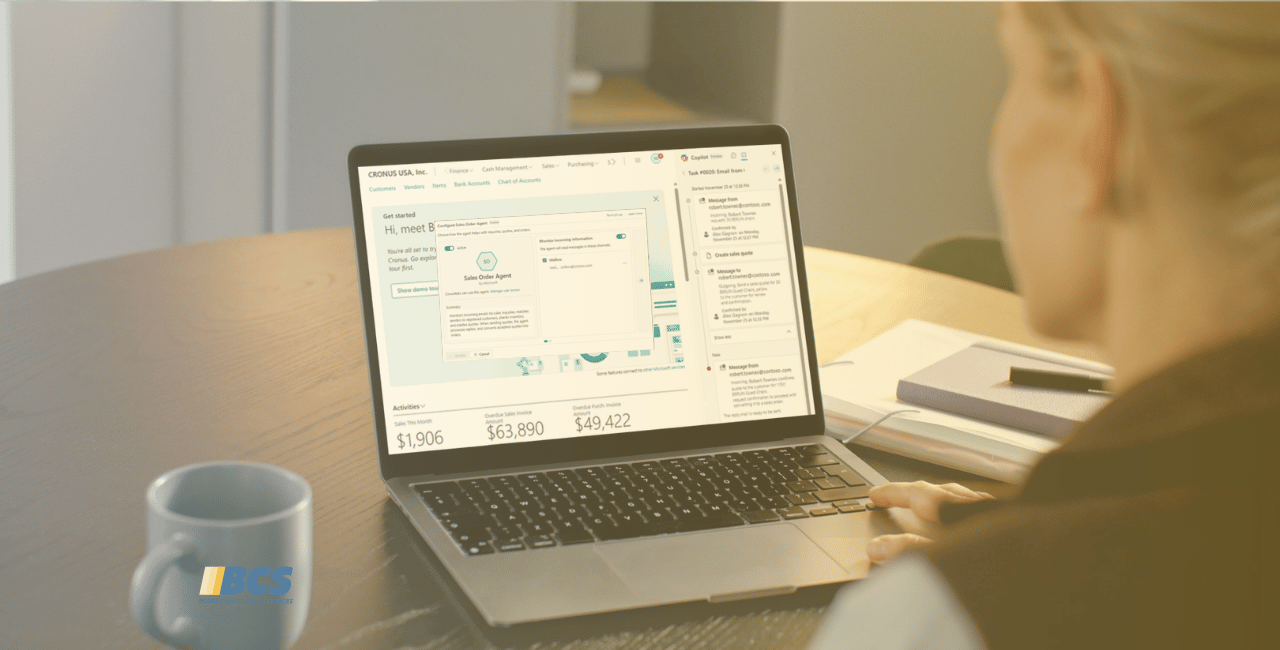
One of the more concrete Business Central AI manufacturing scenarios we’ve been exploring is using the Sales Order Agent to monitor incoming customer emails and draft quotes or sales orders automatically. The agent can:
- check stock
- initiate a quoting sequence
- surface results for review
…all before a human has to touch it. In testing, we found the agent follows a defined workflow sequence and there are still gaps (it currently checks stock availability when sometimes you just need pricing returned), but the pattern is functional and the feedback loop to Microsoft is open.
This kind of monitor → prepare → recommend → sometimes act workflow is exactly where agent-style systems add measurable efficiency.
The manufacturing use cases that get genuinely interesting are what we’re calling “probable use cases” — areas where custom agents could be developed to support repeatable manufacturing patterns. Think
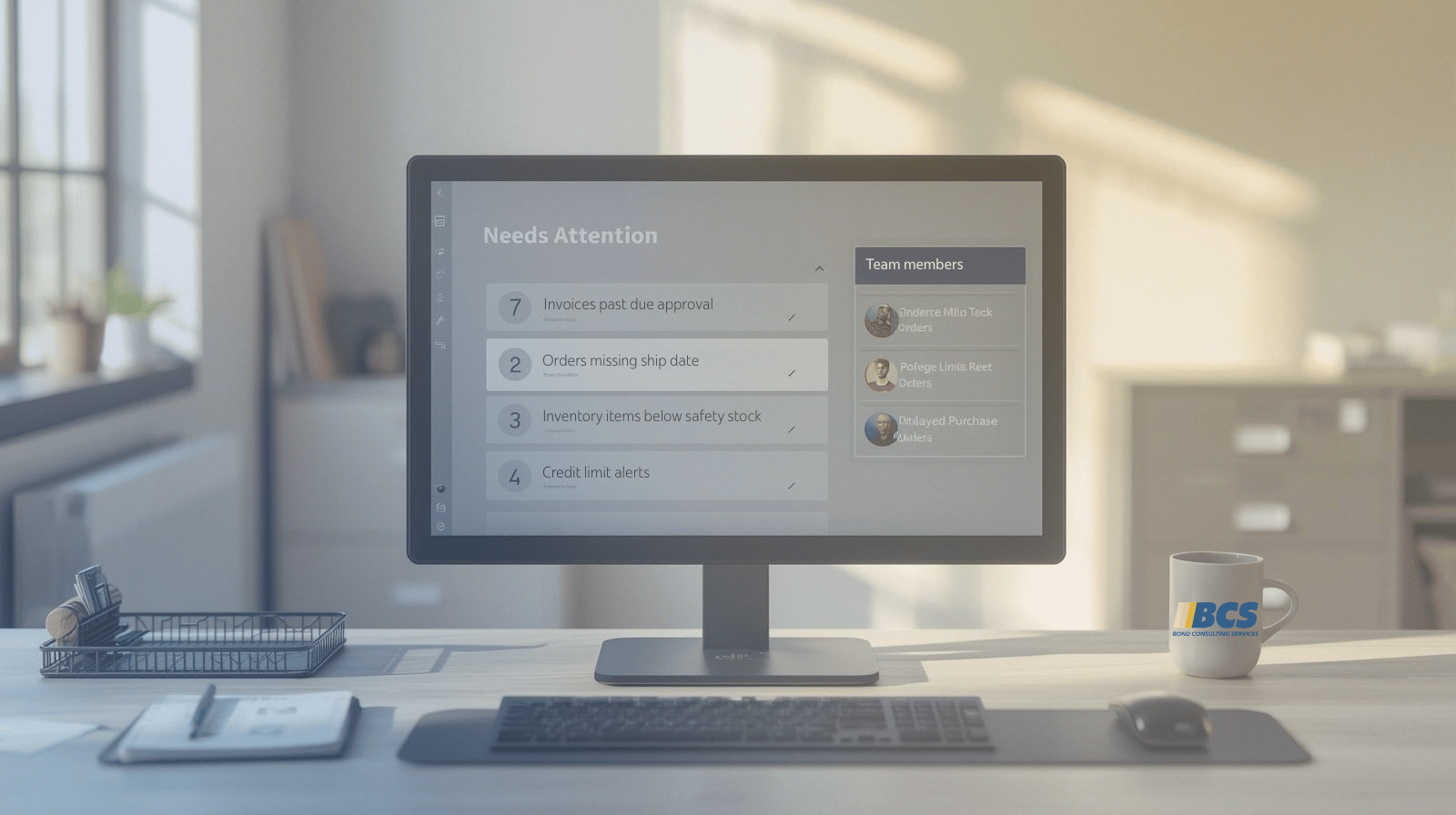
- production monitoring that surfaces shop floor exceptions before a planner pulls a report
- an agent that sees new sales demand, checks inventory, and flags production or purchasing implications upstream
- an accounts payable agents that reduce manual invoice review steps in finance
These aren’t out-of-the-box today, but they’re not science fiction either. They’re where the pattern is headed, and they’re the kind of templatable, cross-customer solutions worth investing in.
Not every friction point warrants automation, and not every process should be agent-driven. But waiting for perfect data or ideal conditions to start exploring this is a way of falling behind. The organizations building familiarity with these tools now are the ones who will be able to implement them effectively as the capabilities mature.
Where AI Agents in Manufacturing Are Headed
The most important thing to say about Microsoft Dynamics AI manufacturing agents is that much of what’s being discussed is still early on. Some capabilities are available today inside Business Central. Others are probable use cases where custom agents could be developed to support repeatable patterns specific to manufacturing environments. The landscape is moving fast and not everything that looks ready actually is.
Business Central provides the operational backbone. AI, and increasingly ERP AI agents, extend that backbone into proactive assistance. The strategic question for manufacturers isn’t whether AI will exist inside your ERP system. It already does.
The question is whether your organization will take the time to understand how it fits into your operational workflows, identify the friction points worth addressing, and partner with a team that can translate possibilities into governed, practical solutions. Manufacturing teams already rely on structured processes. Agent-style systems represent the next layer — not replacing those processes, but working within them.